





steppi
Members
-
Joined
-
Last visited
Everything posted by steppi
-
Ok thanks .. here are the diagnostics. tower-diagnostics-20221030-1049.zip
-
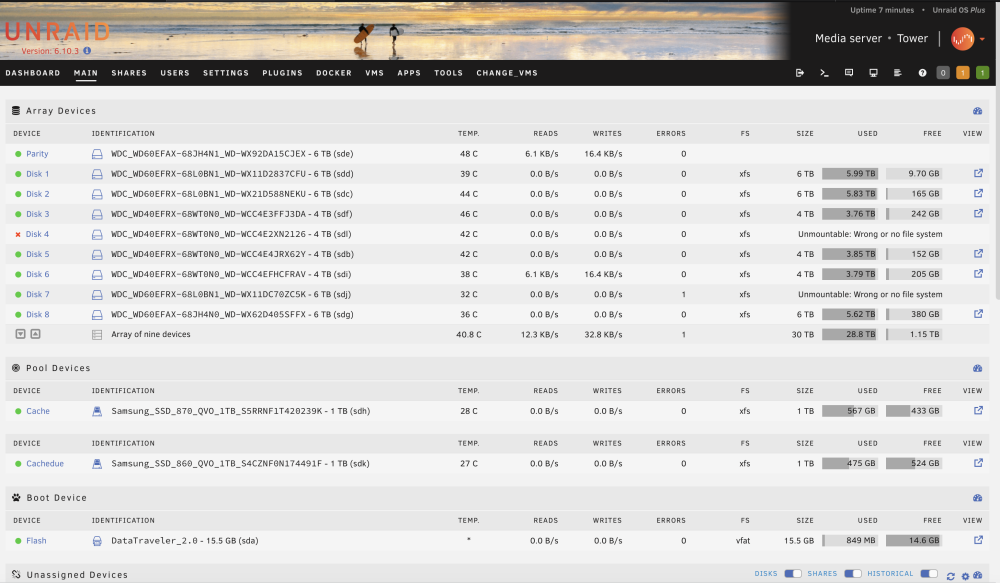
Hi guys .. I'm in trouble with unraid again. I state that I have not yet replaced the controller because I have no more time. But after a reboot I found myself like this .. What can I do? Docker doesn't work for me either ...
-
Ok .. so I was wrong to buy HP H240 Smart? I don't need it for unraid? I saw your link but which one do you recommend to buy that can have the most sata ports? is there a sas controller without raid that is fully compatible? sorry if i ask you but i already got it wrong once and i would like to buy the right controller. a thousand thanks
-
Thank you very much for your reply, I am really convinced that the problems related to my unraid are due to the sata controller. In fact 2 months ago I bought this: HP - 726907-B21 - HP H240 Smart But when I mounted it, my unraid did not detect even one hdd of the ones I had connected. I also tried to run an ssd with a copy of Windows 10, but even that operating system did not identify any hdd .. I believe that this controller must be configured to set which type of raid should be configured. Obviously to run unraid I think you have to set "raid-1". But I don't know where to start for this type of configuration, I tried to press F11 F9 F10 at boot, but nothing happens. Some advice?
-
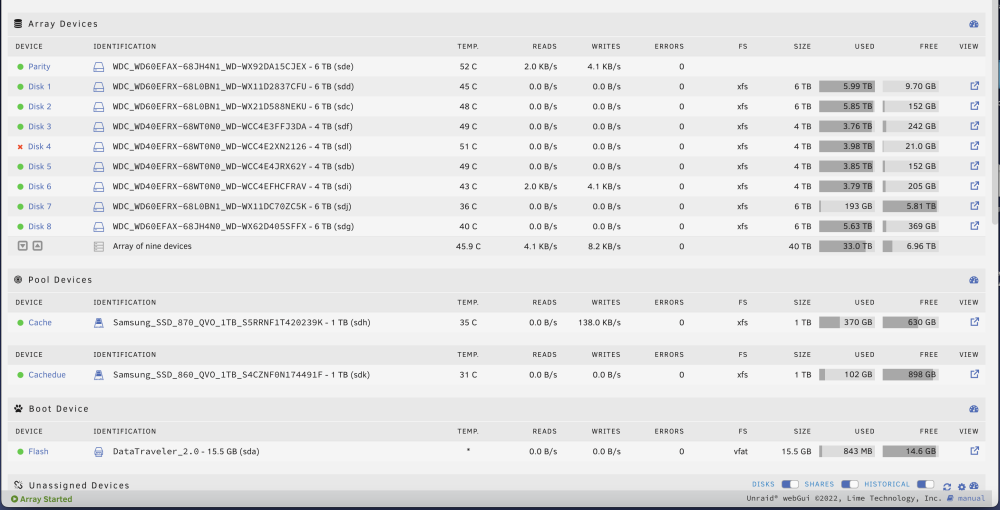
Hi boys! I tried to do "SMART extended self-test", but it freezes at 10% and then after a few minutes it freezes. The disk7 that resulted with the wrong filesystem, I tried to format it, but doing so I lost all the contents, because when I restarted the array, it did not rebuild the volume, but presented it as empty, this was a big problem for me , I lost 6tb! Ok, one restarted everything, I found the only positive side, because the disks were all green .. But this morning I lost disk 4. At this point I would like to understand what is wrong with my UnRaid, before I lose any more data. Do you think it could be a problem in the Sata PCI controller? or the unraid USB Stick? If necessary I could create a new Unraid, I believe that to do this it is only important to put the disks back I attach the diagnostic zip file and attach today's screenshot ... tower-diagnostics-20220907-2301.zip
-
Ok thanks, I'll proceed to do this now!
-
Maybe my problem is that every 7-10 days a disk becomes "missing disk" but it is never the same .. Sometimes it is also the "parity" one .. Who knows what is happening to my server .. I didn't do anything before going to sleep, I just built a disk that had become a "missing disk", I restarted the parity start without that disk, then I rebuilt it then start it again, so the reconstruction started.
-
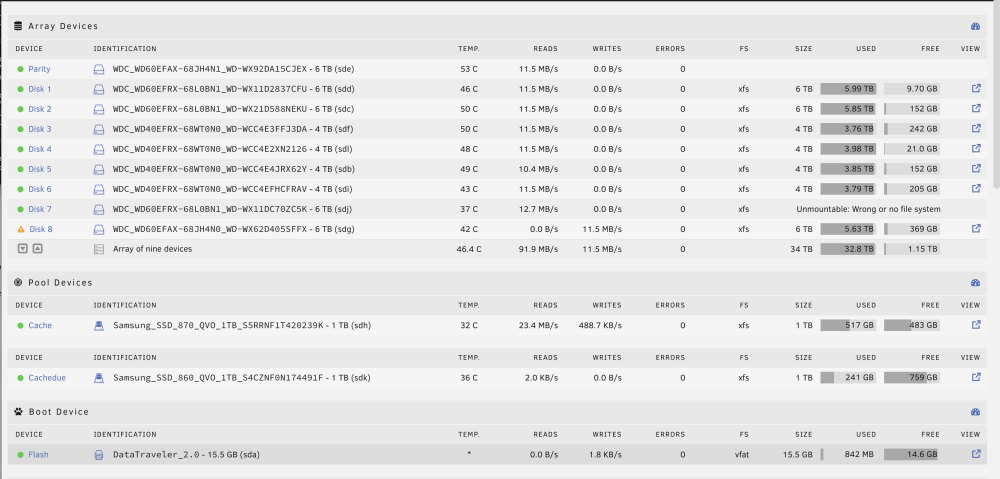
Hello guys! This morning I woke up and found my Unraid as well as the screenshot I am attaching. I also place here the zip file of the diagnoses, I cannot understand what is okay .. Please if someone suggests me what I can do ...? Thanks !! regards! tower-diagnostics-20220905-0047.zip
-
Hi guys! A few days ago I bought this pci sas controller in order to increase the disks connected to my Unraid server that I have owned for 6 years now. HP - 726907-B21 - HP H240 Smart HBA I mounted the PCI card and plugged in all the disks, but when I started Unraid, the system doesn't even see a disk mounted on the HP H240 controller. I believe that there is a way to set the various modes on the board such as enabling or disabling the HBA mode, or raid1-5 etc..but I don't know how to do it. Can you help me for this? Usually I find every answer on the web, without disturbing the forum, but this time I ask for help from all of you. Thank you all!
-
In the video, Gridrunner / Spaceinvaderone says nvidia's web drivers are not yet available. I have an nvidia card and I would like to use high sierra on monitor. Here I saw that two days ago have made web drivers available: Link - forum Web Driver It would take a guide to install them on vm unraid ..
-
Thanks so much! it works fine! works with F2!
-
I’m thank you so much! where can I change the bios resolution?
-
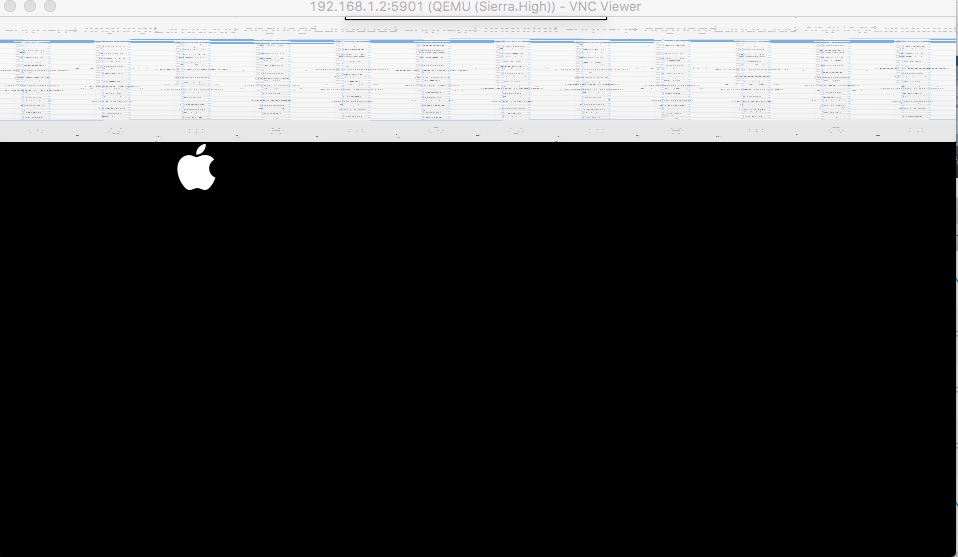
Hi all guys! I followed the Guide by SpaceInvaderOne / @gridrunner on youtube. But when OSX starts, on vnc-remote by web or by "vnc-viewer" the image is disturbed, as the attached photo. How could I fix it? thanks bye bye
-
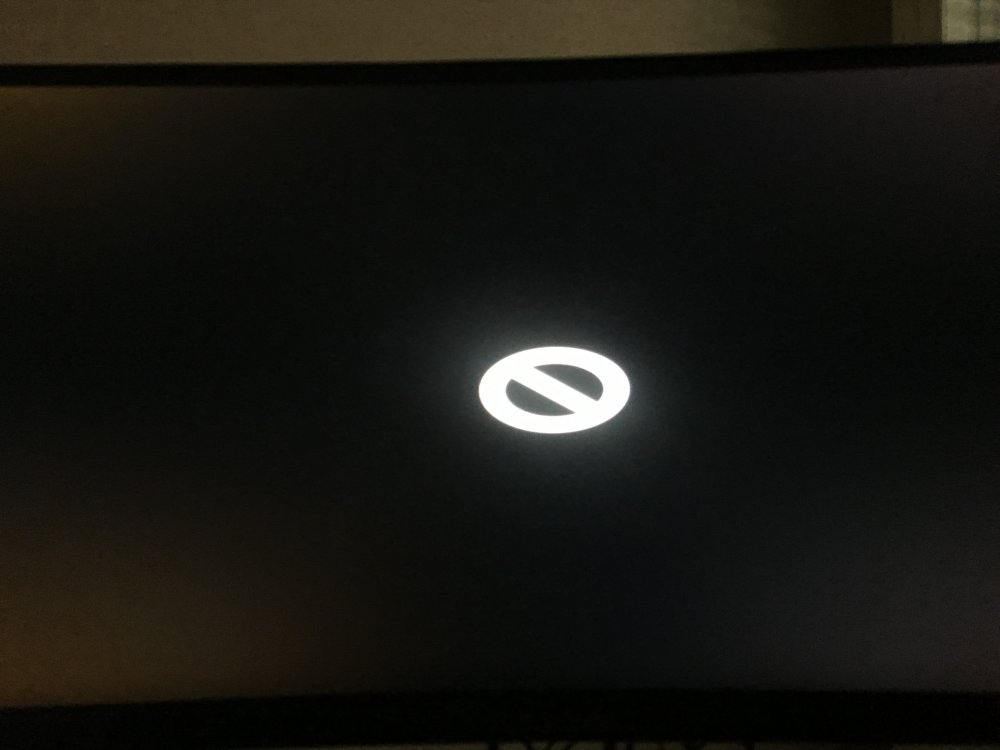
Hello guys I followed the whole guide but when I try to start it comes first the Apple symbol, after a few seconds comes a "forbidden" symbol. Some idea? I upload a video, so you understand it better! thank you regards IMG_8442-divx.avi
-
Ok now it all works, I found the conf dir.! Thank you!
-
Hello everyone! I want to connect to my corporate network Openvpn. I installed the plugin "Openvpn-client", but I do not know where to place the conf file and cert ... If I go to "chose to file" nothing happens. Thanks for your help!


