





yaldex
Members
-
Joined
-
Last visited
-
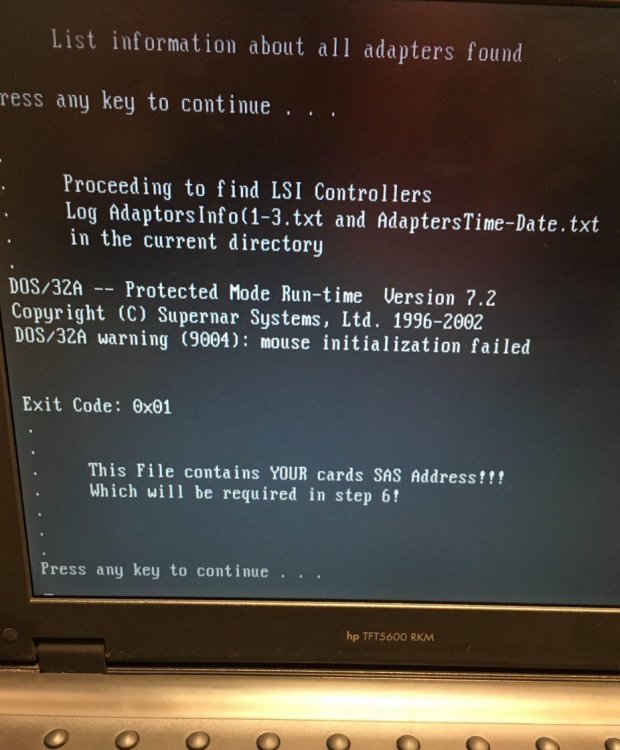
ooops, feelig stupid After downloadig toolset and run 1.bat I cheked ADAPTERS.TXT and just found this: Exit Code: 0x01 I guess this is not my device address so what can I do now? device is acceable from windows and showing disks.
-
yaldex changed their profile photo
-
Hi I have X8DT3-F supermacro server with embeded (LSI1068e on B3 chip) that it seems is not a real hardware raid controller and is just HBA with SAS connector, thaks to SuperMacro and LSI.I tried to upgrade with supermicro firmware and it failed for error both on IR and IT: product id dont match. So (based on this guide ) tried firmware from broadcom and got this error: Product ID and vendor ID do not match. on broadcom search I select Group:Legacy Family:Legay Host Bus Adapter, but for Producy name Im not sure which one is correct name for 1068e? I tried 3081E-R and 3442E-R with same error. What is wrong in my upgrade? which one is correct version?

