silaha
Members
-
Joined
-
Last visited
-
Fixed now on delugesiphon 0.71.4 Thank you everyone.
-
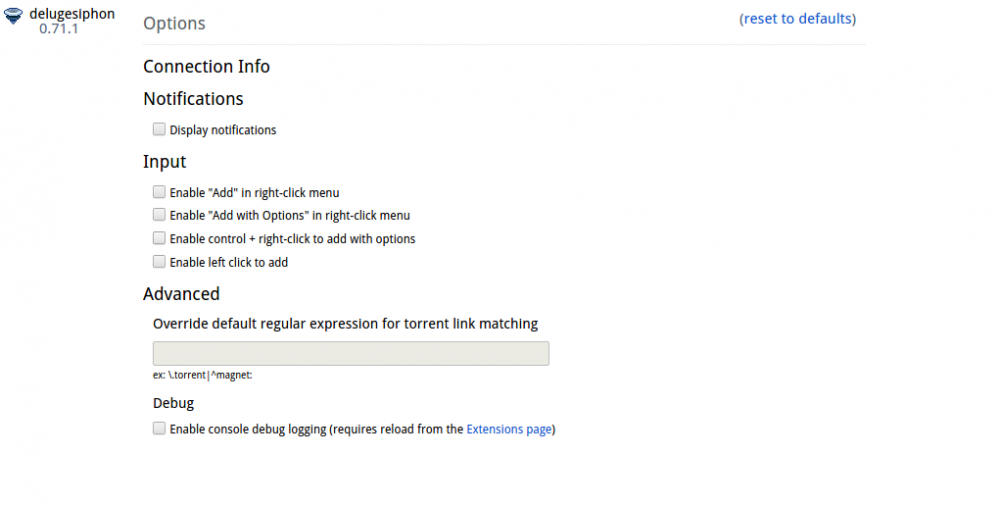
Hi: I successfully installed binhex-delugevpn a few days ago and then used delugesiphon to send the torrent info to the container. Today it stopped working and the Options on delugesiphon does not show ConnectionInfo text boxes (see attached). I removed delugesiphon and loaded another extension for deluge "Darknet" but that too could not communicate with the container which makes me think that there is something on my Linux or UnRAID installation that is causing the breakdown in communication. When I copy and paste a link directly in the binhex-delugevpn WebUI it works successfully. Anyone have any idea what could be going wrong. I have done the obvious (reboot etc) but nothing seems to work. I have searched for this issue but don't see it, please direct me to the thread if I have somehow missed it.