




.png.937a5e4319f03df5a4beec0d8b9255fa.png)
lifeandfate
Members
-
Joined
Everything posted by lifeandfate
-
Freaking Network Statistics App. Uninstalled and rebooted and the server has all of the shares back again. @thefivetheory you are a legend. Just in case anyone else stumbles upon this thread make sure to uninstall the Network Statistics app and then reboot your server to see if this fixes the problem.
-
I've already excluded the GUI from it but I actually can't even access the GUI from the network, only in GUI mode from the server I'm almost 100% sure i just installed the Network Statistics app just before I rebooted and this all started to happen. Hmmm I wonder... I'm going to remove it and see what happens
-
So you didn't change anything or mess with any settings, just reboot? Did you ever get the shares to show up temporarily when you first booted your server or did none of your shares ever show up? This is such an annoying issue, why was the kernal updated in the full 6.6 release if this was a known issue.
-
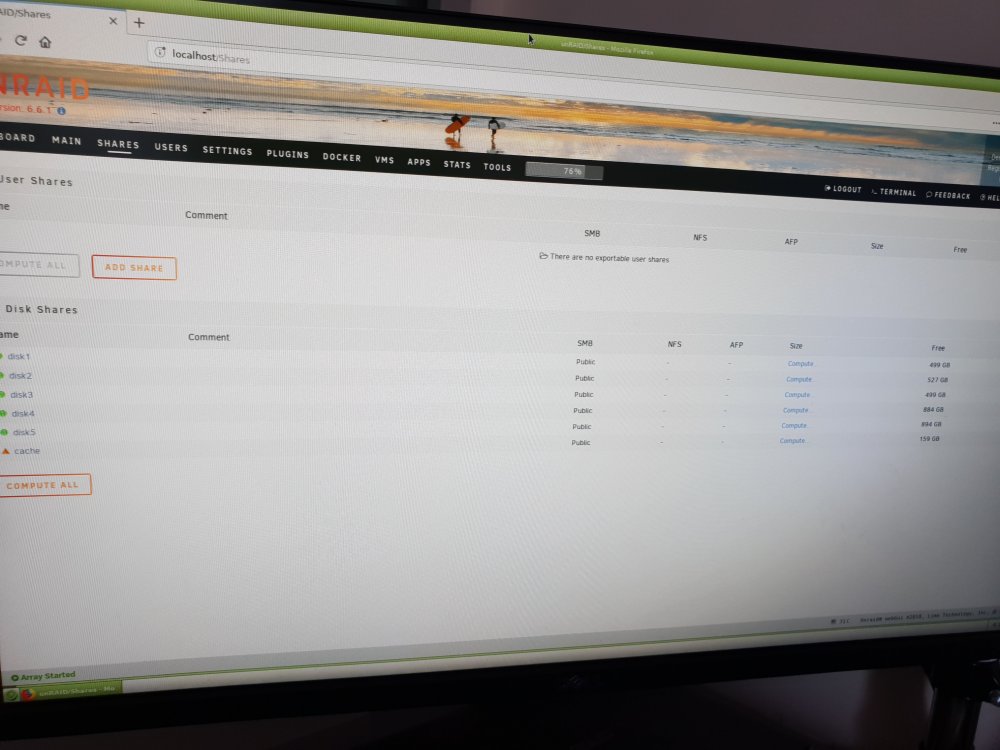
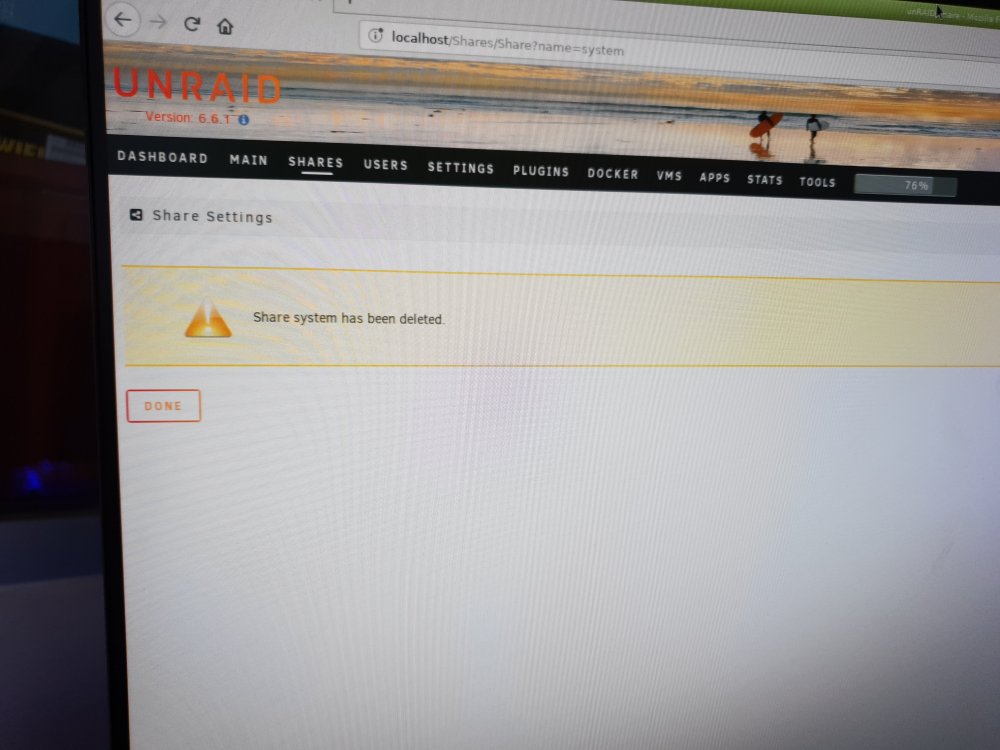
Yes I was referencing the kernel/FUSE bug. Unfortunately there no matter if I boot the server with the array enabled automatically nor if I boot with it disabled and manually start the array the user shares tab is completely empty without any temporary mention of any prior shares that I had. I have attached an image that shows what the shares folder looks like upon server start and the error that occurs when a new share is created.
-
I am at a complete loss here as to what to do here. None of the shares show up in thr unRAID GUI after a reboot even though all the data is physically still visible when I browse the contents of each disk. I am aware of the errors introduced in the 6.6 kernal though this is not being fixed after rebooting the server. I have been unable to create any new shares, I get an error message that says the new share has been deleted the moment the new share is created. If anyone can help here that would be amazing. I have attached the diagnostic file to see if that helps. unraid-diagnostics-20181008-0144.zip
.thumb.png.ed0372c380338d2d6431998de55d80ed.png)


