grout58
Members
-
Joined
-
Last visited
Everything posted by grout58
-
Thank you! All set.
-
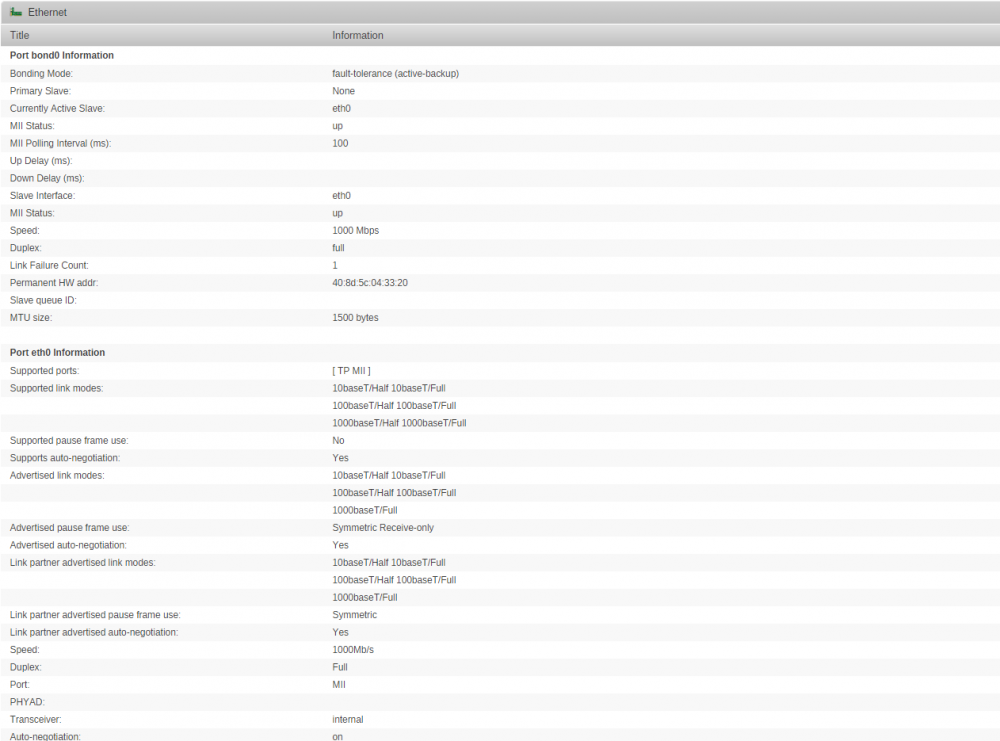
Here is this as well if it helps.
-
[s6-init] making user provided files available at /var/run/s6/etc...exited 0.[s6-init] ensuring user provided files have correct perms...exited 0.[fix-attrs.d] applying ownership & permissions fixes...[fix-attrs.d] done.[cont-init.d] executing container initialization scripts...[cont-init.d] 10-adduser: executing...-------------------------------------_ _ _| |___| (_) ___| / __| | |/ _ \| \__ \ | | (_) ||_|___/ |_|\___/|_|Brought to you by linuxserver.ioWe gratefully accept donations at:https://www.linuxserver.io/donations/-------------------------------------GID/UID-------------------------------------User uid: 99User gid: 100-------------------------------------[cont-init.d] 10-adduser: exited 0.[cont-init.d] 20-time: executing...Current default time zone: 'America/New_York'Local time is now: Sun May 7 15:29:34 EDT 2017.Universal Time is now: Sun May 7 19:29:34 UTC 2017.[cont-init.d] 20-time: exited 0.[cont-init.d] 30-config: executing...[cont-init.d] 30-config: exited 0.[cont-init.d] 40-openvpn-init: executing...[cont-init.d] 40-openvpn-init: exited 0.[cont-init.d] 50-interface: executing...MOD Default {} {}MOD Default {} {}MOD Default {} {}MOD Default {} {}[cont-init.d] 50-interface: exited 0.[cont-init.d] done.[services.d] starting services[services.d] done.
-
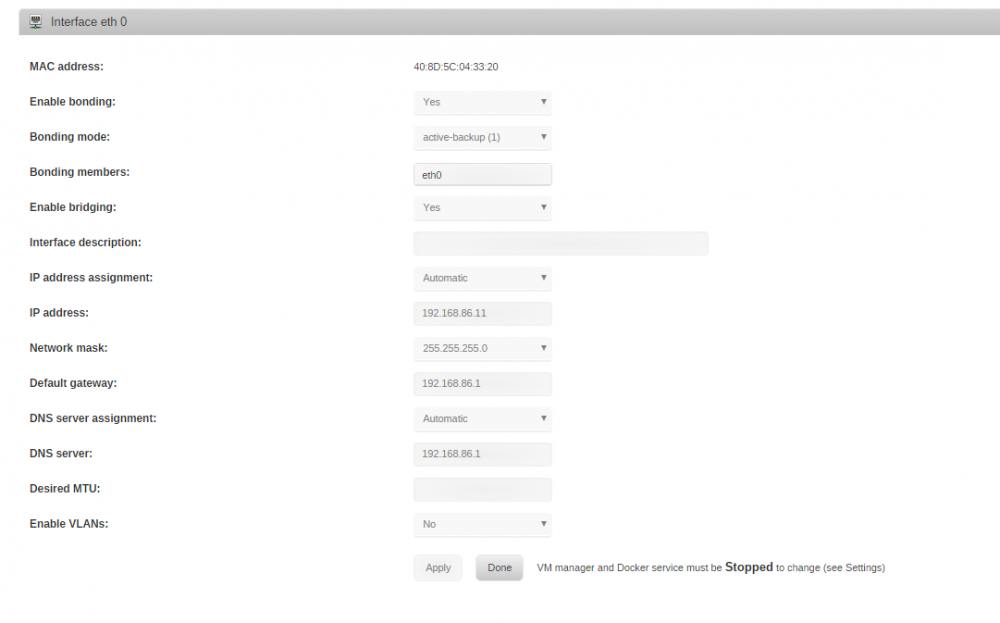
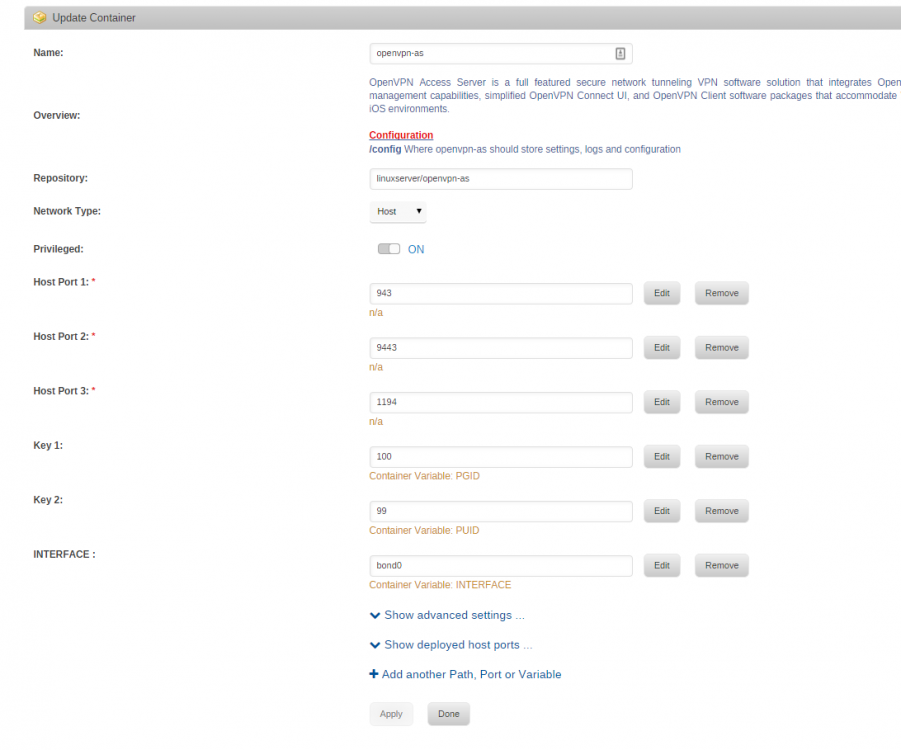
Hey guys, i'm having the same issue thegeneral was having. I've setup a variable named INTERFACE and set it to bond0, I even tried br0. Any help would be super appreciated.