





Dynamiteboy
Members
-
Joined
-
Last visited
Everything posted by Dynamiteboy
-
Yes I am selling the UDM-Pro and moving to the Gateway Max which is controllerless.
-
From UniFi : "It's important to understand that login credentials are not restored during a backup migration. These credentials are specific to the device where they were created." So I did a fresh install -> created local credentials -> Logged in -> Then restored, and still the creds don't work. Is there something unique about the restore process for the docker you built? or unique about the database? All the other dockers have separate databases so I am wondering if that is causing something.
-
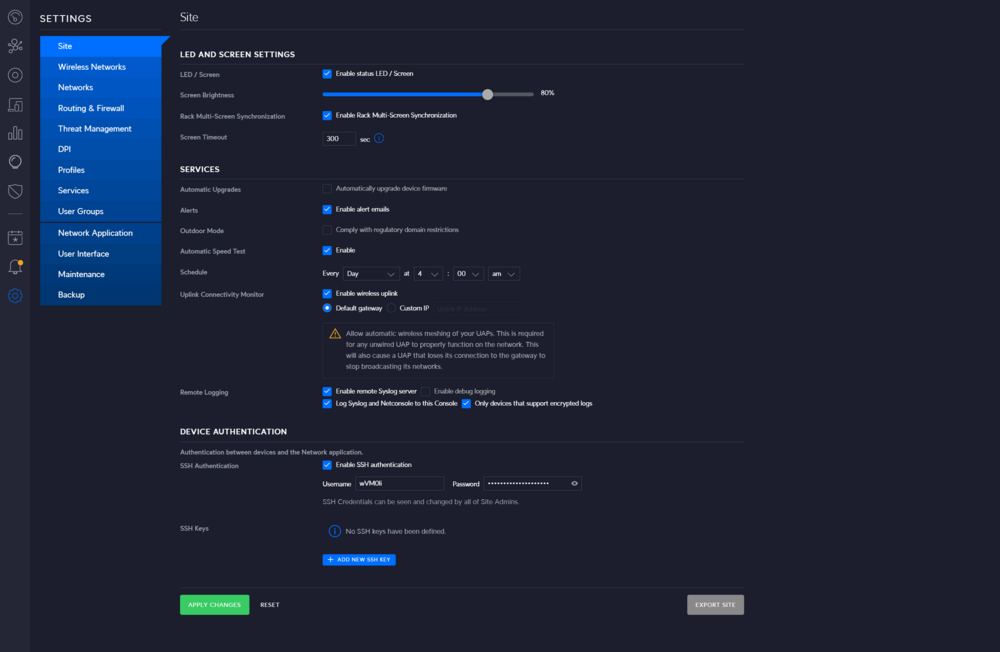
Not seeing it in Legacy Mode either.
-
I opened and actual support ticket since I own the hardware under warranty to hopefully get better support. Its not public but I will report back if I can get it resolved.
-
Got it, okay makes sense. I opened a ticket with Unifi.
-
I will do that, but are you able to replicate on your end? Are you sure restores work fine for you too? Or have you never attempted?
-
What does that mean? I have multiple sites each with their own Dream Machine with their own built-in "Cloud Key" Yes I did, I can login locally with both the local credentials and the SSO credentials. Neither work post site-restore. Any chance you can help me with some Mongo Queries to identify what is happening?
-
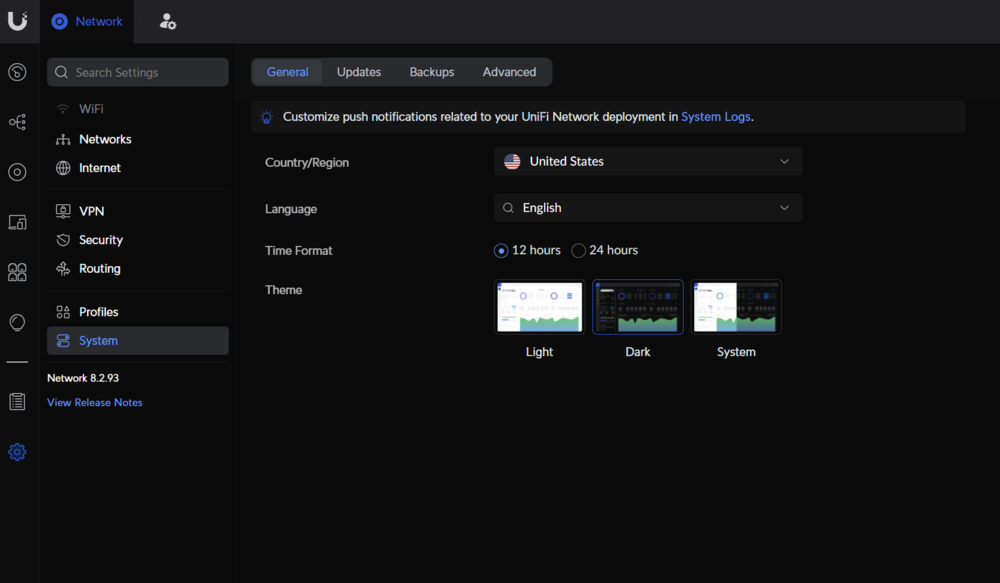
Are you sure its not the docker container? None of my Dream Machine's have Site import/export.
-
I don't think they have a site export anymore. That's a old feature. This entire docker won't work with a restore currently, so it makes it useless for most users.
-
Sure, what do I need to delete from the docker folders in order to restart the setup process from the beginning?
-
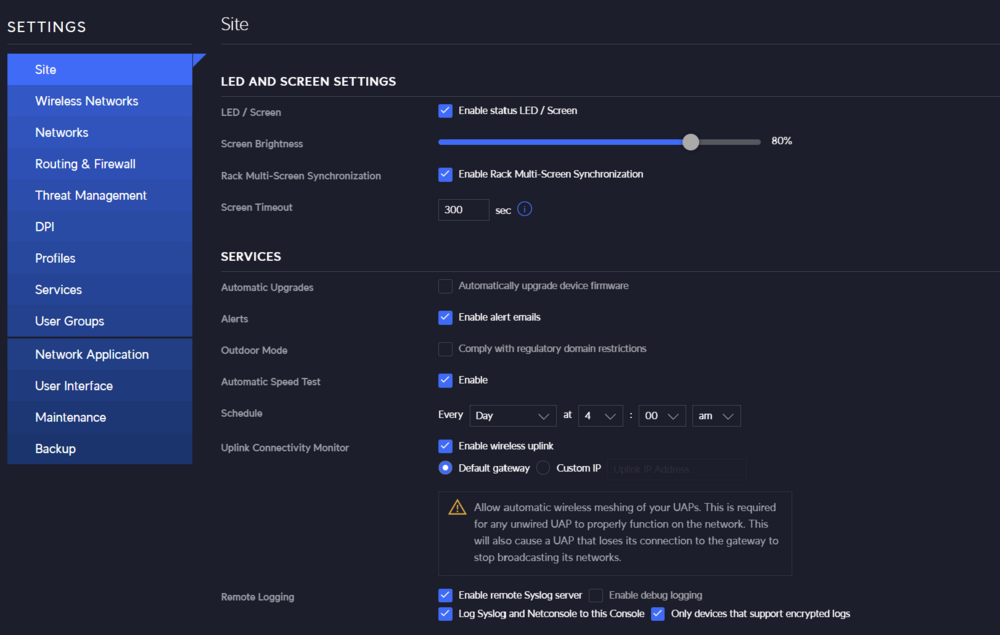
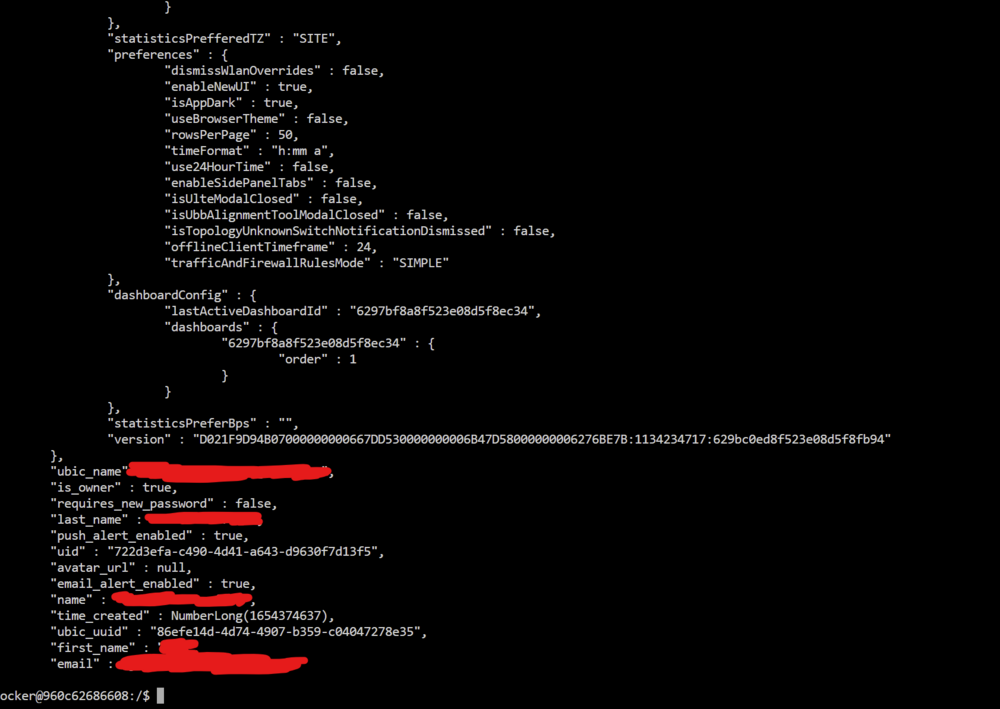
I don't see a settings -> admins in the legacy interface. You sure it still exists in Network 8.1.127? I am running this on a Dream-Machine that has a built-in controller as well. Also not seeing that sso option setting in system -> advanced in the new interface. I already tried creating a separate admin account as you can see as well. Unless my Mongo query is wrong, doesn't look like there a user there at all. I am restoring from 8.1.127 -> 8.1.127 so this is pretty much a non-starter. This is the command I was running mongo --port 27117 ace --eval "db.admin.find().forEach(printjson);" https://community.ui.com/questions/How-to-recover-access-to-a-unifi-controller-when-the-admin-password-has-been-lost-/bea32e54-c8cd-4d08-ba98-b836acebfeb4 All that outputs is like my email and name which shouldn't be the username?

-
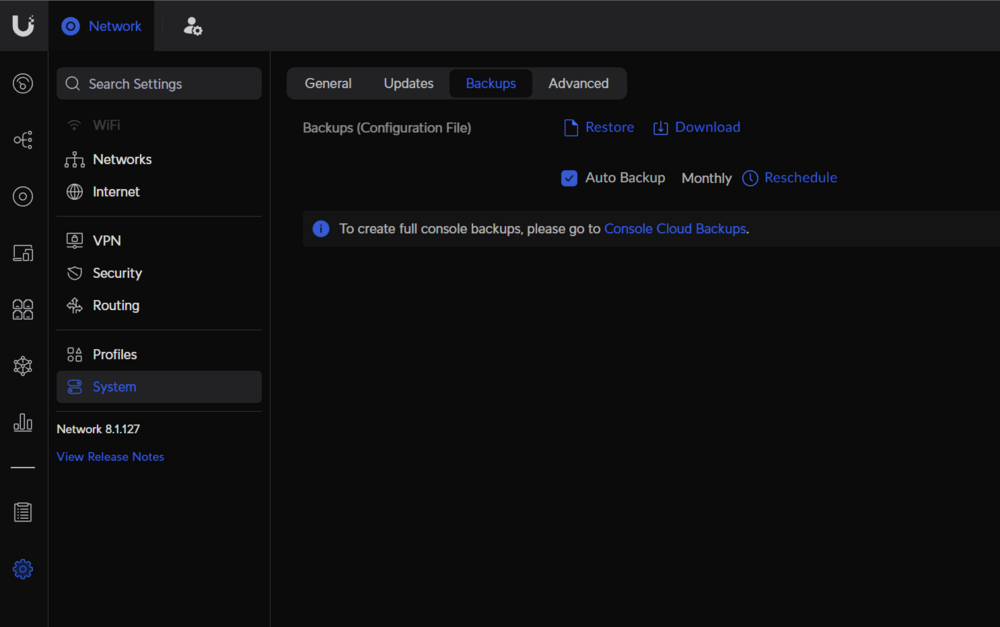
Download from within the Unifi Network App
-
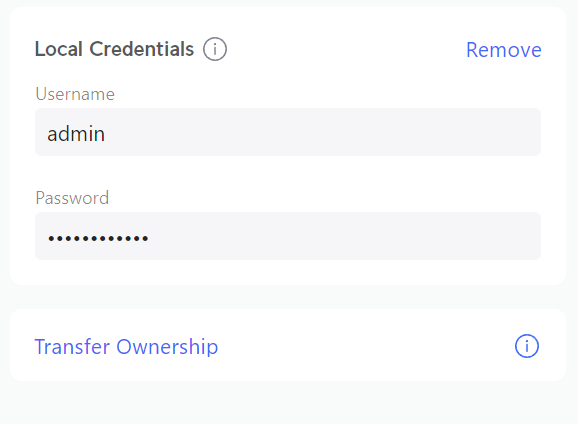
Where is that option? and should it be ticked or unticked? I had a local account setup under the owner account. I even created a separate "unraid" admin account for testing and neither are allowing me to login.
-
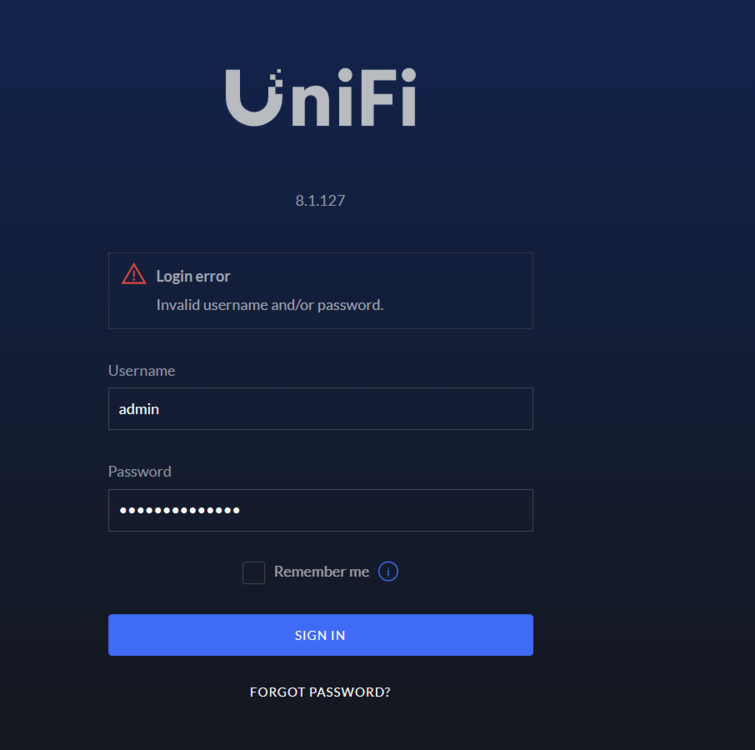
When restoring from backup on unifi:8.1.127-unraid no users seem to migrate which does not allow me to login. mongo --port 27117 ace --eval "db.admin.find().forEach(printjson);" shows no admin users. I remember my password fine for the local login, but nothing seems to work. Ideas?
-
What version of Ombi is your docker container? and do you use the new SQL and Maria Databases for Ombi? I noticed nothing under releases.




