Risha
Members
-
Joined
-
Last visited
Everything posted by Risha
-
i have got it working. i used the username and password that i used with openvpn and i now have access. thanks very much for your help it is greatly apreciated
-
i am using a windows computer i can connect by entering the ip adress but its asking for network credentials
-
i have done that but still no difference
-
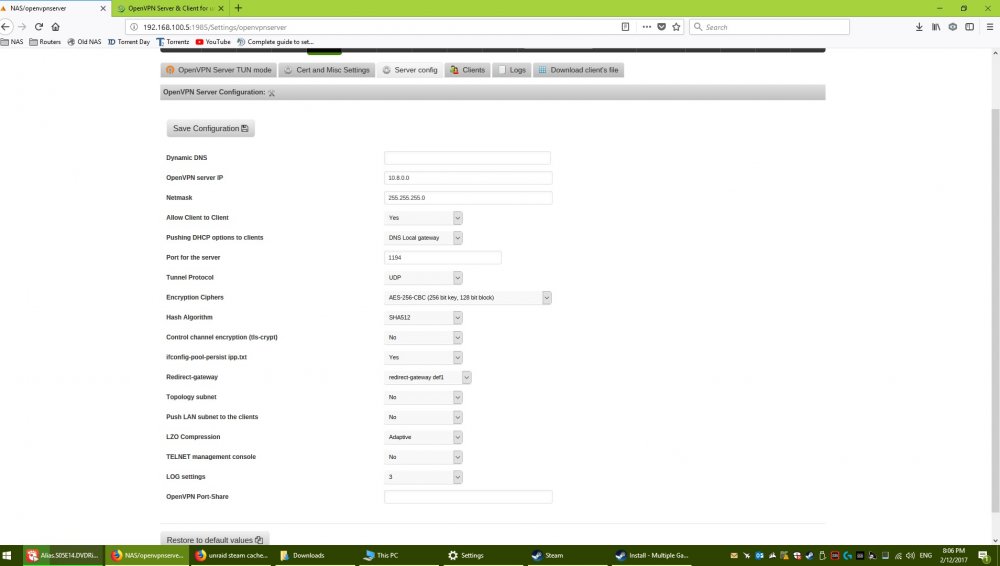
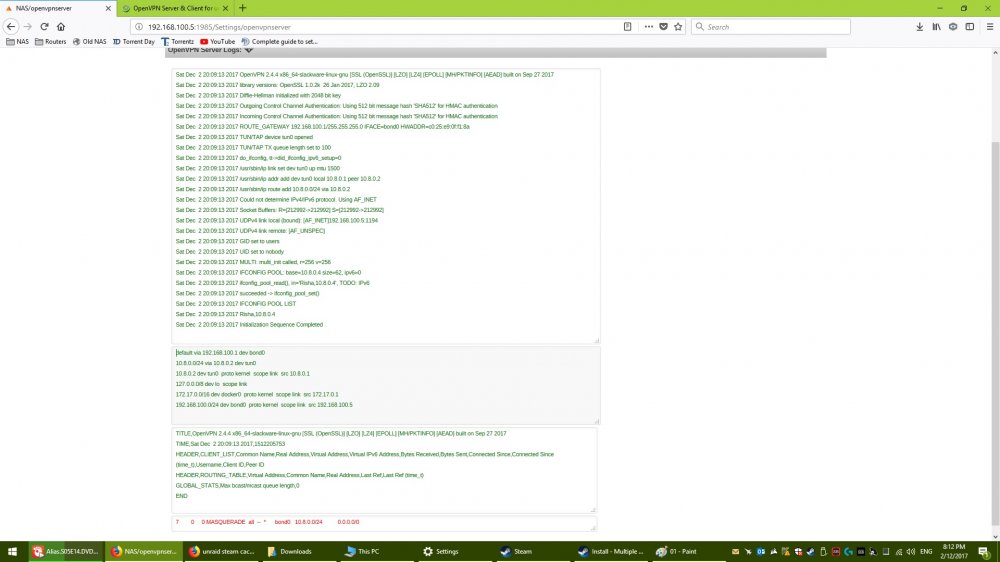
im using defult settings. here is a screen shot of the settings and the logs
-
could someone help me to understand what or if i have done something wrong. i have setup the plugin and installed everything on my remote computer. i can get remote access to the unraid webui but i cant get access to my network shares.
-
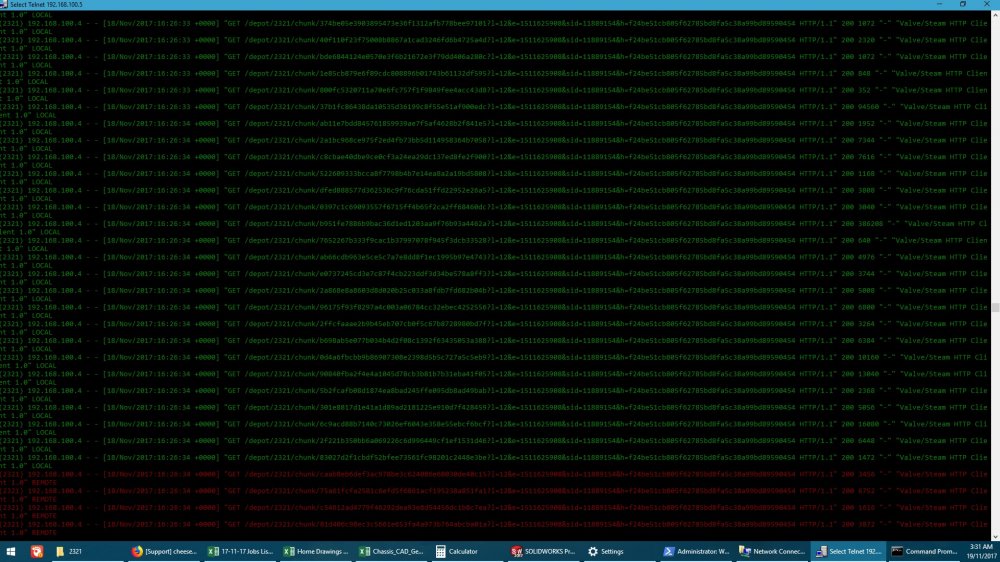
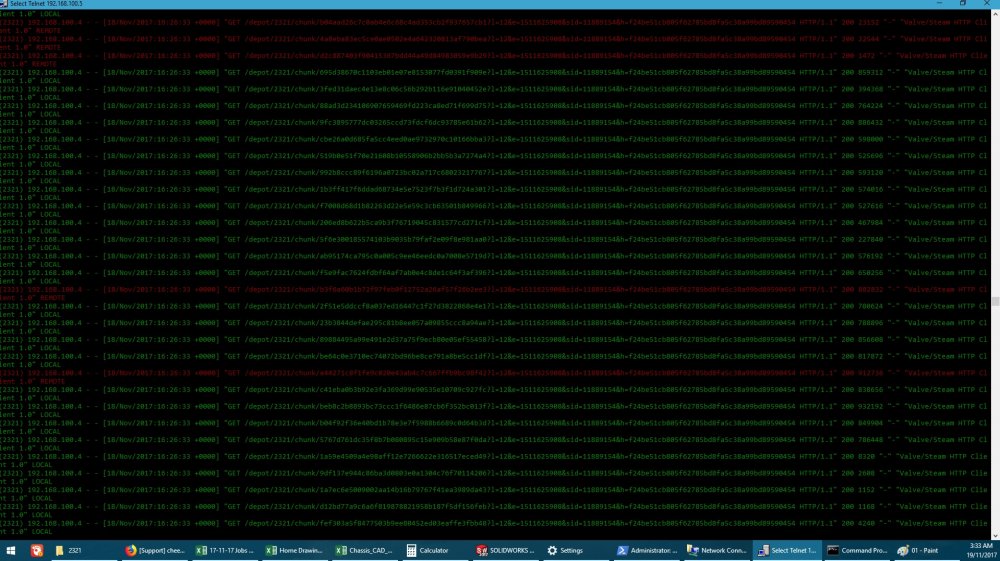
i have done everything you have said and games install really fast like there coming right off the server but i get a few red lines amoung the crap load of green is this normal or am i missing somthing