





AKR
Members
-
Joined
-
Last visited
Everything posted by AKR
-
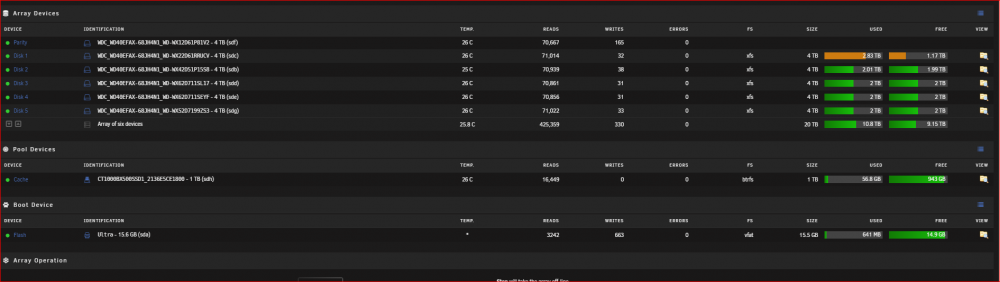
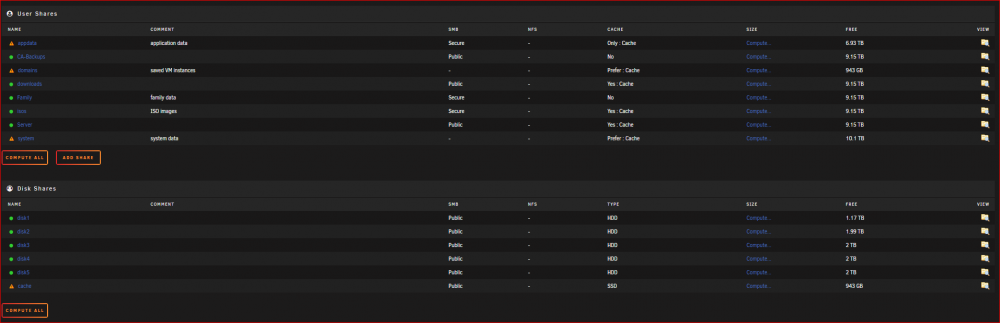
hey everyone so i upgraded my array last month and today i noticed that disk 1 is getting full while all other disks are sitting at 50% and tbh i have no idea how to even troublehoot as my settings or config has not changed in 1 year+ except for the array upgrade, would love some help kana-diagnostics-20220113-1729.zip
-
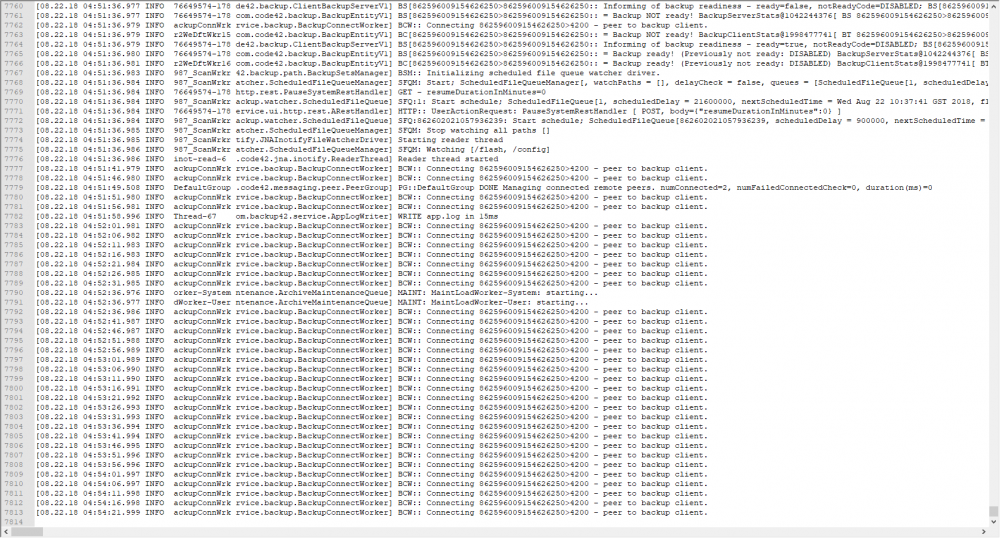
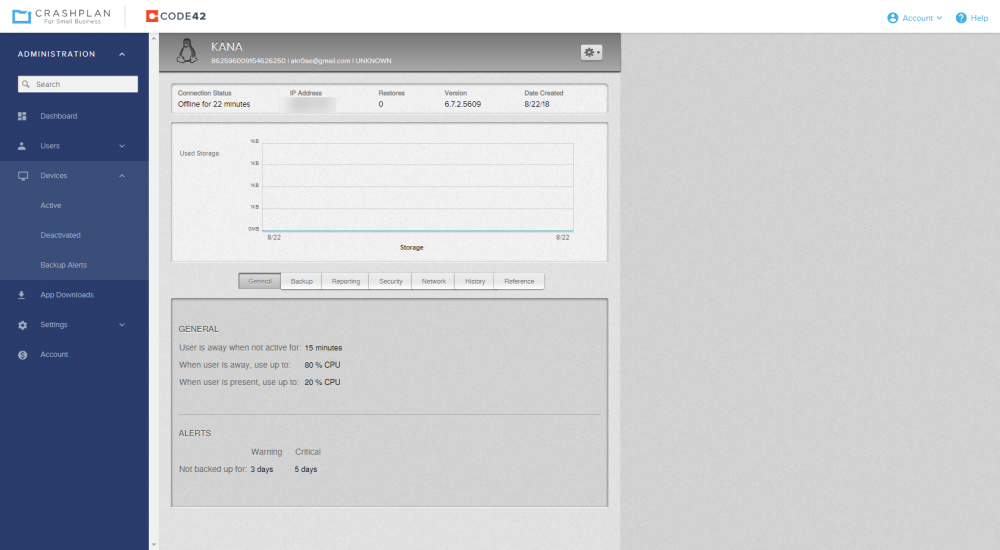
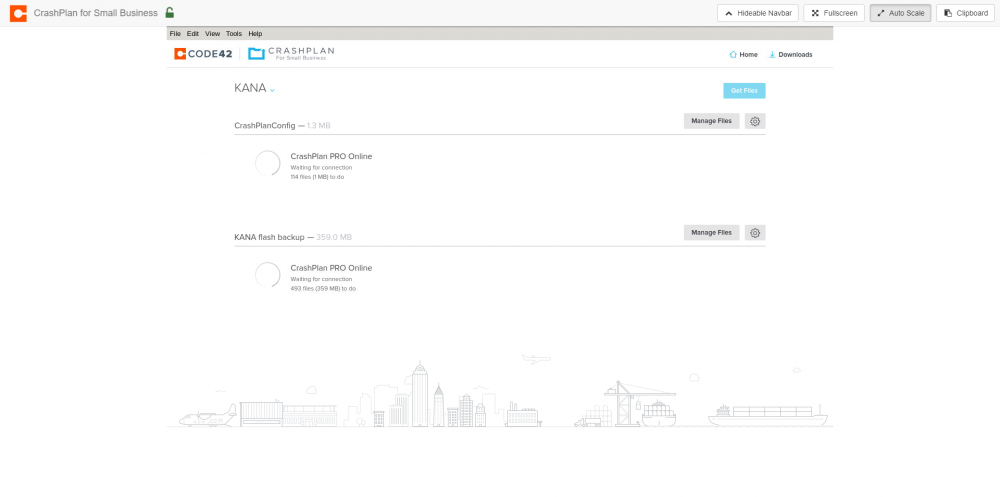
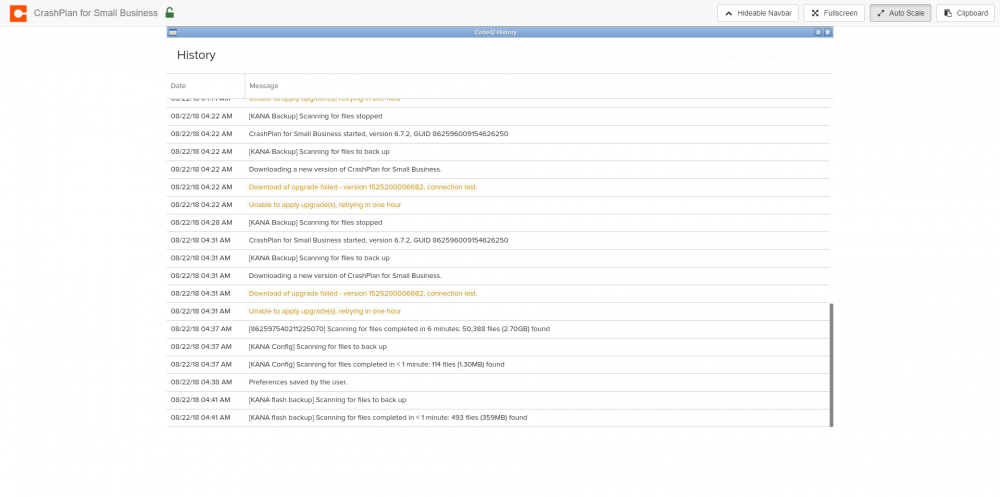
hey i been having an issue with this, backup sets are always waiting for connection. tried the rm cache command but did not work, also tried deleting everything in the cache folder manually that did not work either. service.log.0 says offline for 22 mins tools > history
-
hey guys, woke up this morning to a couple errors in letsencrypt out of no where, haven't changed the setting since i got it working months ago so i really dont know how to fix it Here's the log; Brought to you by linuxserver.io We gratefully accept donations at: https://www.linuxserver.io/donations/ ------------------------------------- GID/UID ------------------------------------- User uid: 99 User gid: 100 ------------------------------------- [cont-init.d] 10-adduser: exited 0. [cont-init.d] 20-config: executing... [cont-init.d] 20-config: exited 0. [cont-init.d] 30-keygen: executing... using keys found in /config/keys [cont-init.d] 30-keygen: exited 0. [cont-init.d] 50-config: executing... 2048 bit DH parameters present SUBDOMAINS entered, processing Sub-domains processed are: -d akrapps.akrapps.duckdns.org E-mail address entered: [email protected] Different sub/domains entered than what was used before. Revoking and deleting existing certificate, and an updated one will be created usage: certbot [SUBCOMMAND] [options] [-d DOMAIN] [-d DOMAIN] ... Certbot can obtain and install HTTPS/TLS/SSL certificates. By default, it will attempt to use a webserver both for obtaining and installing the certificate. certbot: error: argument --cert-path: No such file or directory Generating new certificate Saving debug log to /var/log/letsencrypt/letsencrypt.log Plugins selected: Authenticator standalone, Installer None Obtaining a new certificate Performing the following challenges: Client with the currently selected authenticator does not support any combination of challenges that will satisfy the CA. Client with the currently selected authenticator does not support any combination of challenges that will satisfy the CA. IMPORTANT NOTES: - Your account credentials have been saved in your Certbot configuration directory at /etc/letsencrypt. You should make a secure backup of this folder now. This configuration directory will also contain certificates and private keys obtained by Certbot so making regular backups of this folder is ideal. ERROR: Cert does not exist! Please see the validation error above. The issue may be due to incorrect dns or port forwarding settings. Please fix your settings and recreate the container screenshot of letsencrypt settings i made sure all the duckdnsdns settings are good reinstalled both letsencrypt and ducksdns, and made sure the ports (81, 443) are still forwarded, but no use, its been working great for the past 4+ months so idk honestly.


