wh0_cares
Members
-
Joined
-
Last visited
Everything posted by wh0_cares
-
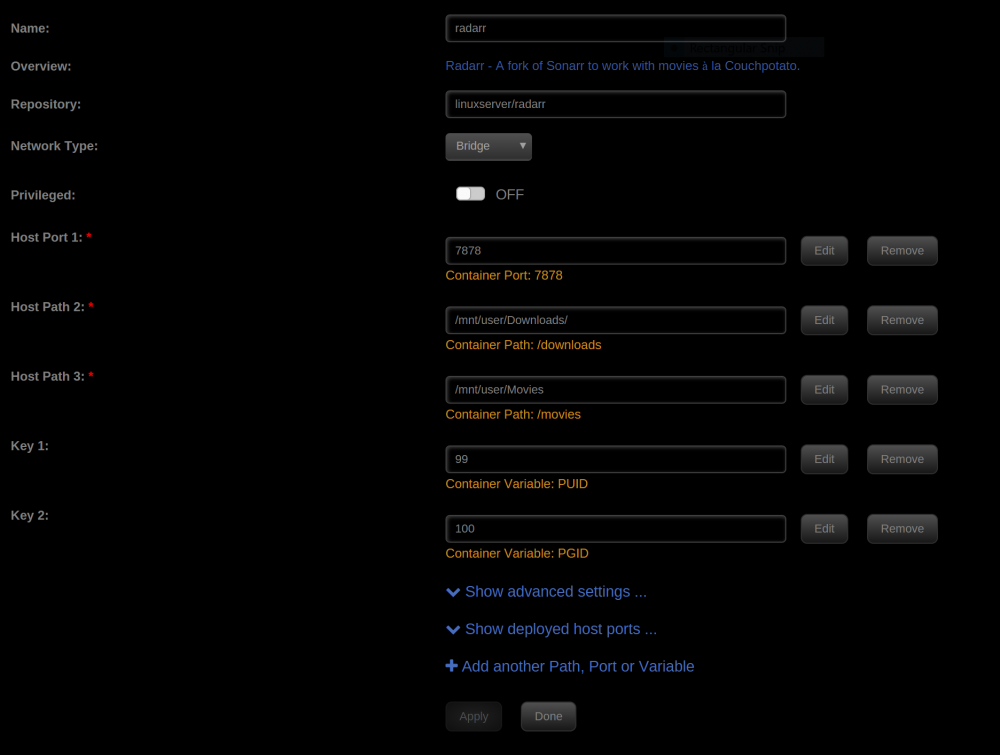
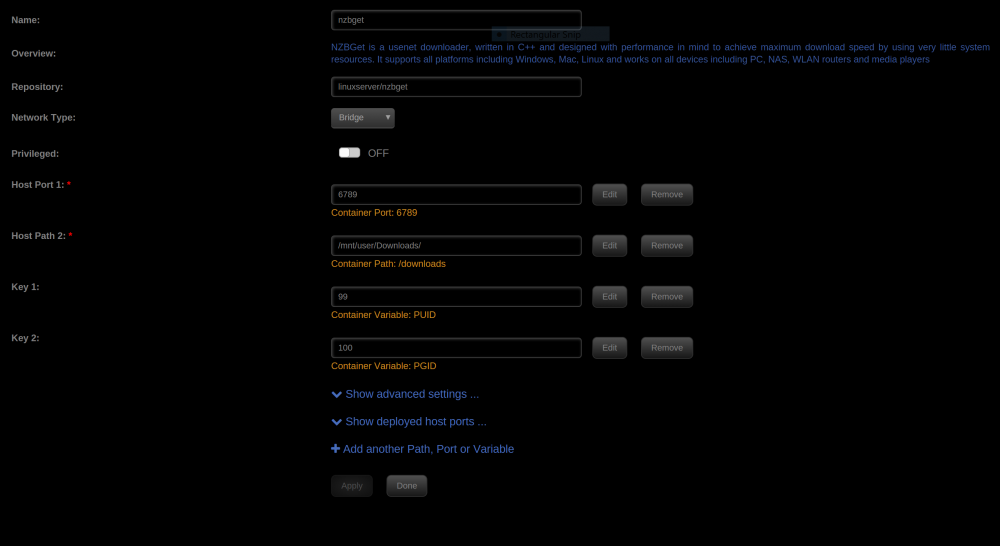
Thank you. I just tested this today and it worked, NZB started a 30.8GB download at 5:25 and at 5:59 it finished then Radarr imported within 5 seconds.I had a feeling it might have been the docker mounts. For NZBGet I changed /downloads (/mnt/user/Downloads) to /data (/mnt/user/) and changed the MainDir path to /data/Downloads. For Radarr I removed /downloads (/mnt/user/Downloads), changed /movies (/mnt/user/Movies) to /data (/mnt/user/) and fixed the movie path to /data/Movies. I also did this for Sonarr and everything is working perfect with cache also
-
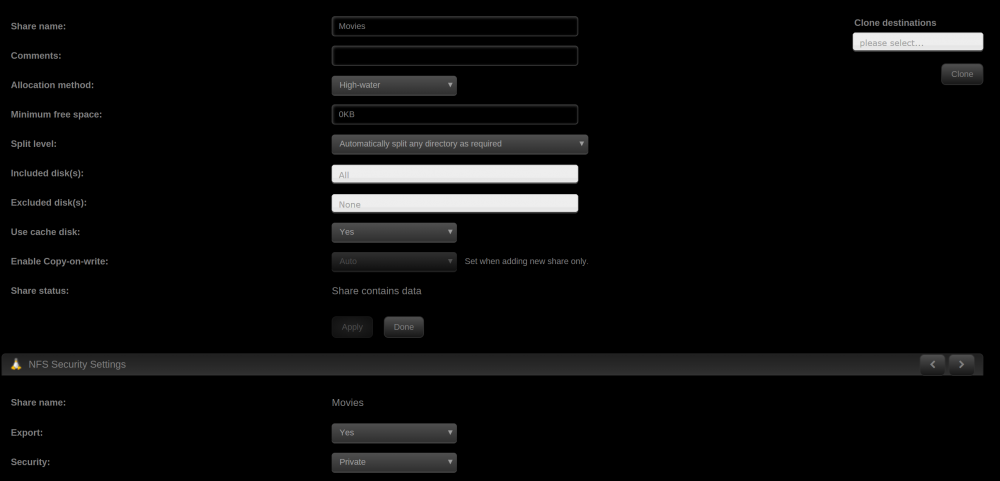
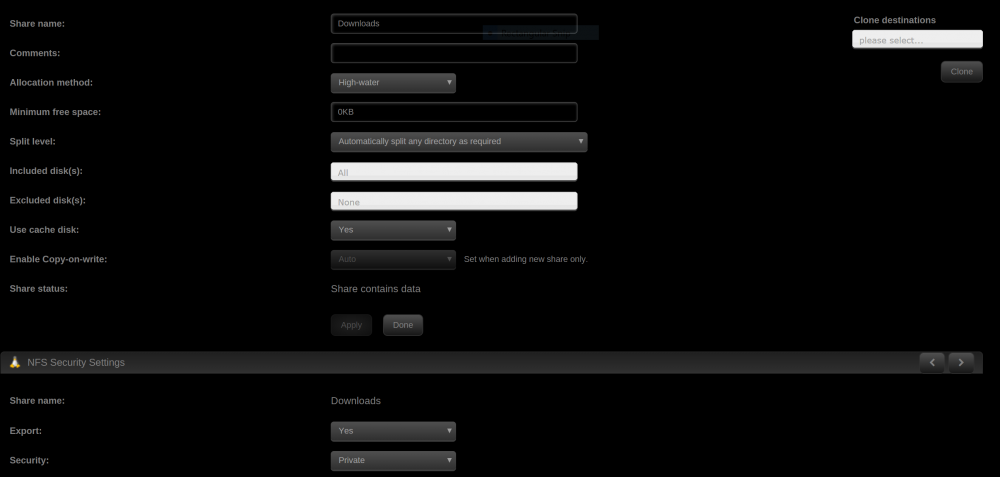
This is probably a easy fix but I've been using Radarr for almost 2 months and its really annoying that after a file downloads Radarr take forever to import it. Yesterday it took 30 minutes for Radarr to import a 42.3GB movie. Radarr tells NZBGet to download NZBGet downloads to Downloads share (/mnt/user/Downloads) NZBGet moves completed download to completed folder /mnt/user/Downloads/completed/Movies Radarr sees download is finished, and imports it to the Movies share (/mnt/user/Movies) and removes it from NZBGet history This has something to do with my share settings or docker settings because if a put a file in /mnt/user/Downloads and do a manual import in it takes a while to import but if I put the same file in /mnt/user/Movies and do a manual import in it takes a few seconds to import. Everything is done on the cache pool (2 120GB SSD). Also I have "Use Hardlinks instead of Copy" enabled but it seems like Radarr is copying instead of hardlinking/moving the movie. Original file /mnt/user/Downloads/completed/Movies/example/example.mkv Hardlinked file when importing /mnt/user/Downloads/completed/Movies/example/example.mkv.backup~ Copied file when importing /mnt/user/Movies/example/example.mkv.partial~ Final file after import /mnt/user/Movies/example/example.mkv