





MRA45
Members
-
Joined
-
Last visited
-
Unfortunately I did not find an answer did you?
-
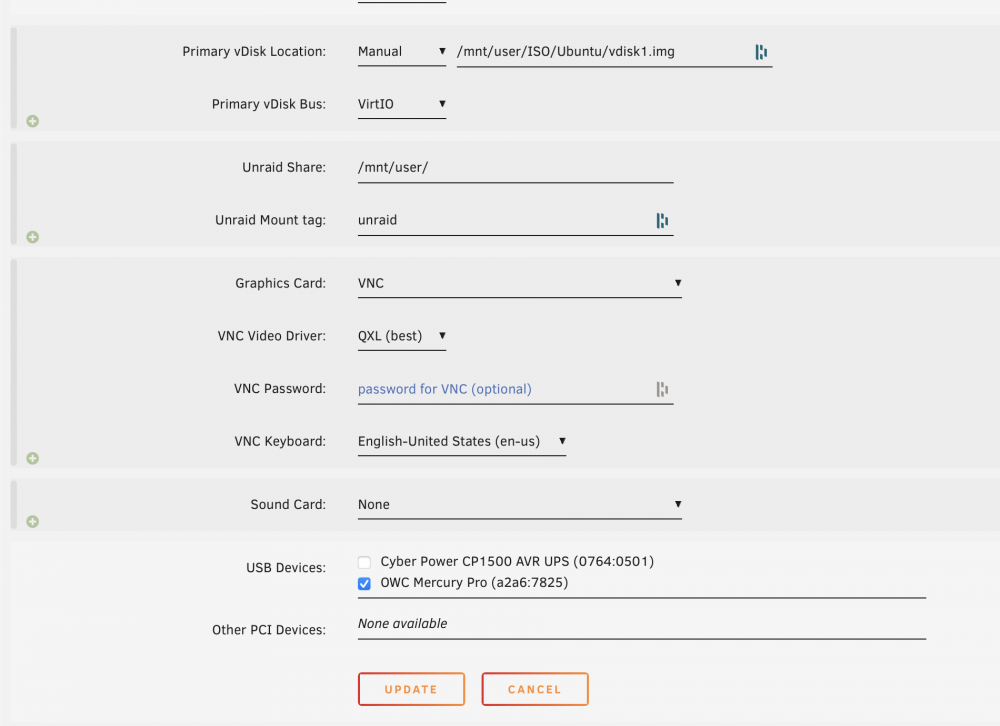
I have a single ubuntu VM setup on my machine for running a variety of tasks where dockers are not the best option. Recently my VM appears to have lost the network bridge configuration from the form view (see the first attachment). Additionally, the XML (see spoiler below) does not appears to contain any reference to the br0 interface. This makes sense as my poking around in ubuntu itself does not seem to show any current network interfaces at all. I have restarted the server, the docker and VM services, and the network bridge without any changes. Can anyone help in getting reconfiguring the VM for network bridge access or an alternative option? Please let me know if any log or other files would help.
-
Hey Everyone I'm in the process of transitioning my drives to XFS. I have copied all of the content of my original drive to the new XFS drive according to step 7. When I ran the "rsync -nrcv /mnt/[source] /mnt[dest]/t >/boot/verify.txt" command as indicated in step 8 the output file appears to contain a list of all of the files on the original disk. I do not believe this is proper as several posts indicate that this file should be empty or contain very little information. I wanted to check and see if I am missing anything before I delete the files on the original drive and reformat it. Is this the proper way to verify the files are the same, is there another process I should use, or does the output indicate that the copy wasn't successful. Any help will be greatly appreciated. Thanks
