





arbelason
Members
-
Joined
-
Last visited
Everything posted by arbelason
-
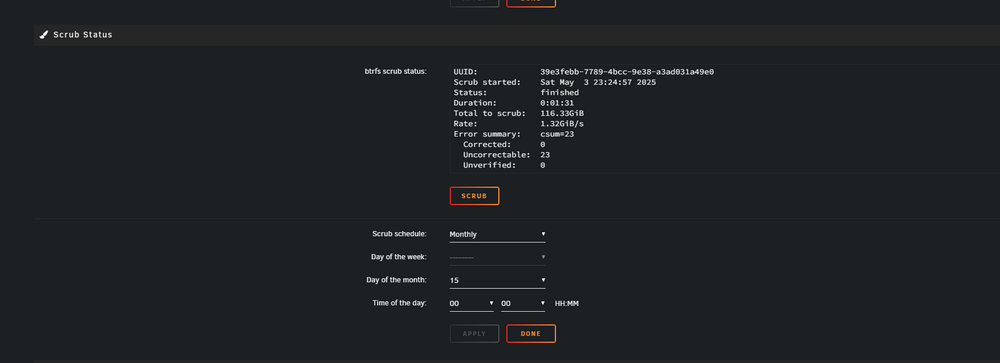
So I erased the docker image in successfully reinstalled dockers. I deleted files in syslog that were showing that they were corrupted. All media files (movies and tv shows). I reset cache stats and ran a scrub again. Here are results. guniv3rs-diagnostics-20250503-2328.zip
-
Perfect thank you so much for your help!
-
I reset the poil stats and I ran a scrub. guniv3rs-diagnostics-20250502-1149.zipAlso do I need to wait for parity check to finish before doing the scrub or I can pause it and do scrub? Thank you.The cache pool?Hi, so I changed ram speed to 1866 and made sure c state is disabled. I ran a scrub on cache pool. But today I was on plex and it crashed. In kernel I had message "Kernel panic - not syncing" I forced a reboot and it started fine. guniv3rs-diagnostics-20250501-1720.zipHi, As per the title l, my docker service fails to start since upgrade. I have to reboot the server for it to work and after a couple of days same thing again. I had a disk 4 problem that I replaced with new one. Issue was there before drive failure and still present after. I had also an issue with the mover not moving files but that I fixed. Thank you in advance. guniv3rs-diagnostics-20250425-1035.zipguniv3rs-diagnostics-20250323-1408.zipI have message that docker service failed to start and that no dockers are installed. After I reboot it works for a day or two and then same issue again.



