1025hunter
Members
-
Joined
-
Last visited
-
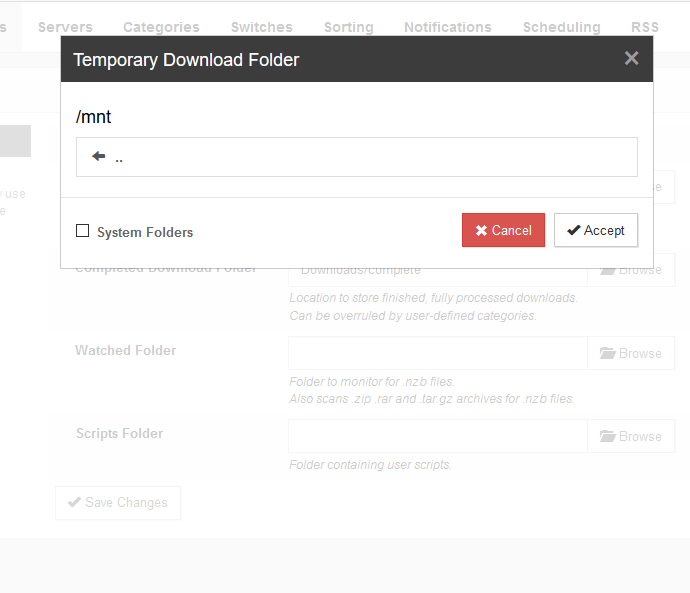
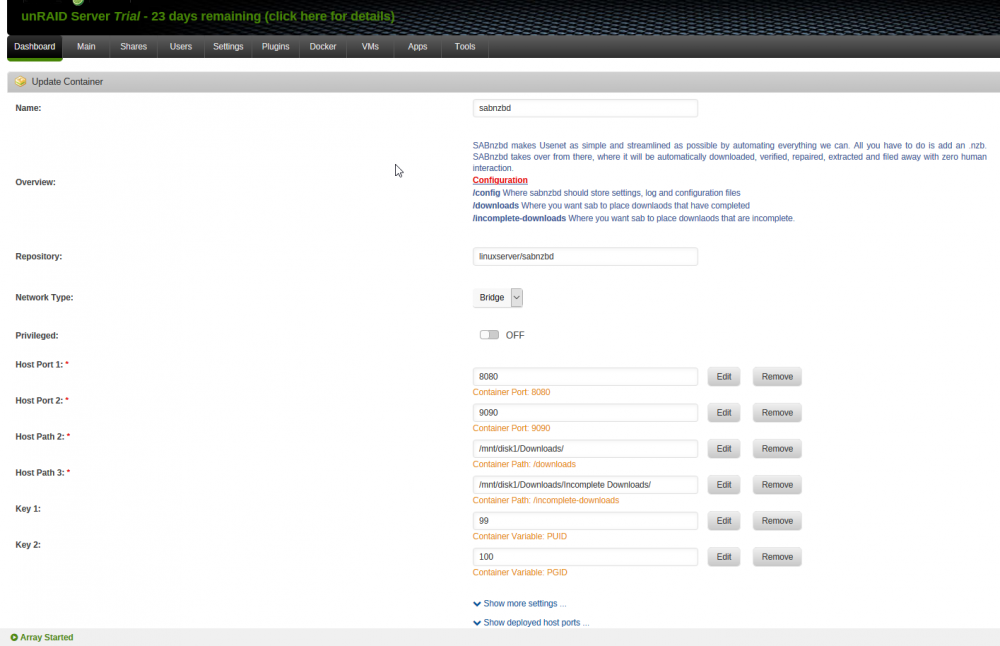
Hello, I am a noob with this so please bear with me if I am missing something simple. I have searched everywhere and cannot find an answer anywhere. I have recently setup an unraid box with a plex server and it is running great so far. I am now trying to add sonarr and am having problems getting Sabnzbd setup. I am Going off of Spaceinvader one's youtube video. I installed it through Unraid's Community applications and had no problems. The problems is that when I try to change the download directory in Sab settings I cannot find my drive or folder. I am trying to change the downloads to /mnt/disk 1/downloads. I also tried mnt/cache/downloads. In Sabnzbd I go to settings, then folders, then try to change the folder paths for downloads. I also already created the folders and changed the locations in the sab template in unraid. When I navigate to where (I think) the folder is the directory is empty. I have looked through all of the directories but cannot seem to find the downloads folder that I created anywhere. Am I missing something stupid? I have done a LITTLE bit with linux but am really not that familiar with it. I tried to add a couple screenshots but could not get them to load. Thanks in advance.