





Watcher56
Members
-
Joined
-
Last visited
-
Amazing. Running those commands and a reboot did the trick. Back up and running and all the drives are happy. Thanks Jorge!
-
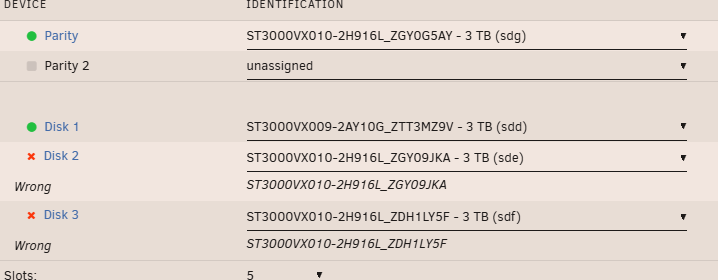
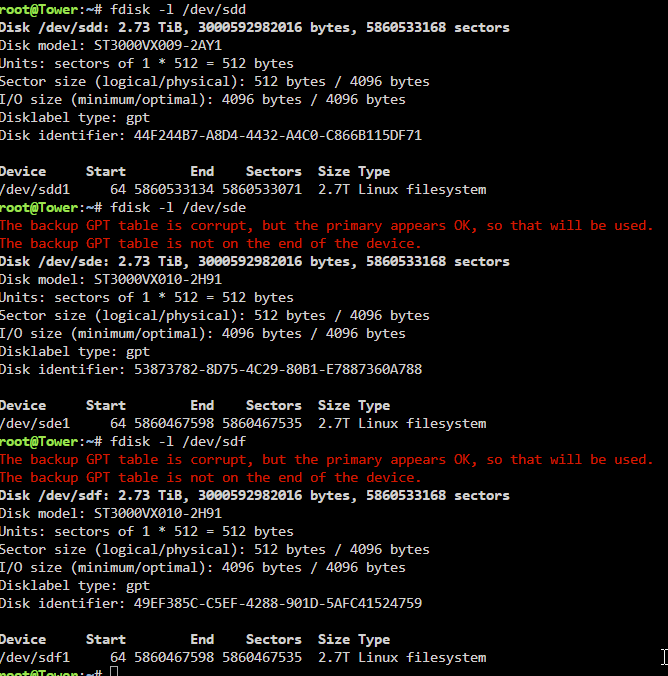
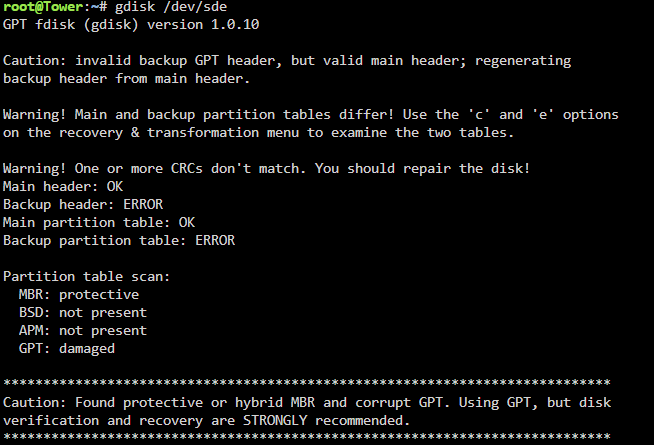
As the title says: ef The drives are in the correct order. Fdisk output: gdisk of one of the failed drives: I've had some brilliant support on here in the past, so hoping there's an easy fix. Diagnostics attached! tower-diagnostics-20250803-1644.zip
-
That does make sense. Very glad at this end
-
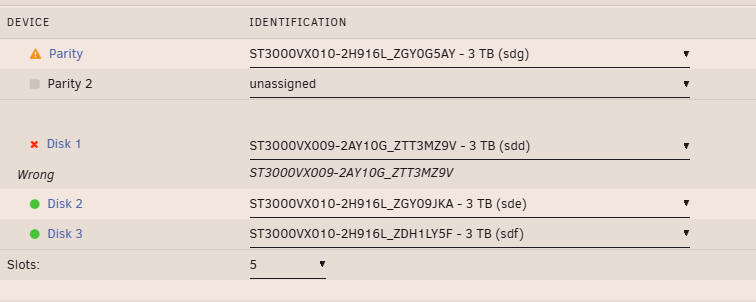
After running the sgdisk, on first starting the array I was still getting the same error "Unmountable - wrong or no file system". However, after the array was stopped I was getting a different error, as I couldn't start the array as it was saying "wrong" device as shown in my screen above, as though something had changed. I then ran the "New config", added the disks and it just worked. The sgdisk command seemed to be key to correcting the disk, though it wasn't picked up by unraid straight away. Hope that makes sense with my steps.
-
New config created, array started and disk is back online!!! Parity is now syncing Thank you so much for your assistance here, I thought I had lost all of the data on that drive. I'll be sure to let parity finish, and keep the full offsite backup running. Thanks again for your support and getting to the bottom of this!
-
Now getting this: Rebooted too to keep everything clean. Best to do a New Config to setup the array?
-
run as below, though still the same error when I start the array: How best to build it from parity?

-
Sure, as below. tower-diagnostics-20250515-1252.zip
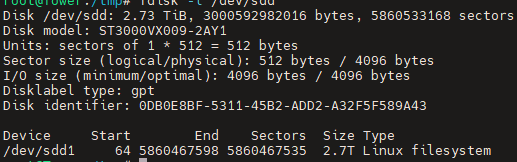
-
Did some Googling, so verified the error, and then wrote to it using gdisk: This looks successful. When starting the array, the disk still gets the same error - "Unmountable - wrong or no file system"
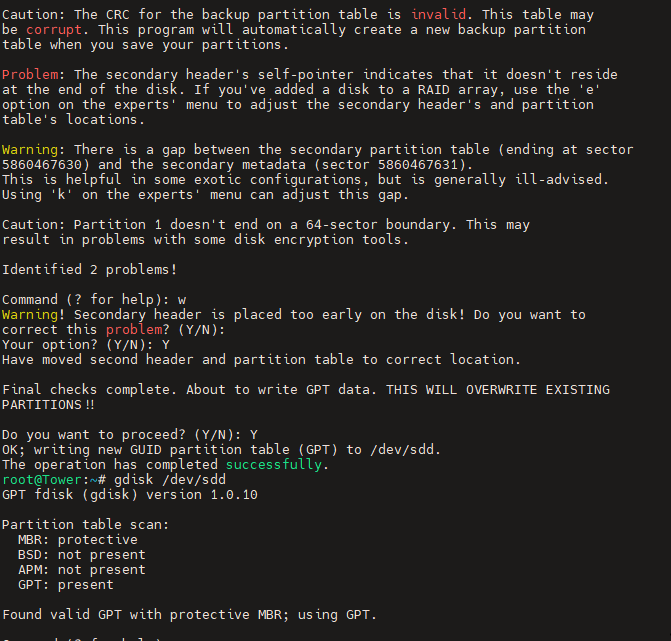
-
Okay, can you please confirm the repair sequence as it isn't obvious from the options available?
-
Sure: Also for sde:
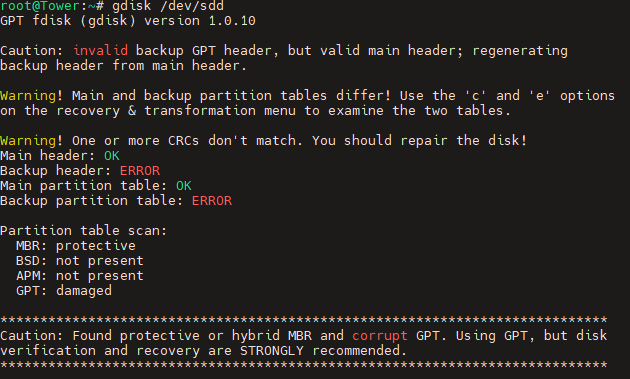
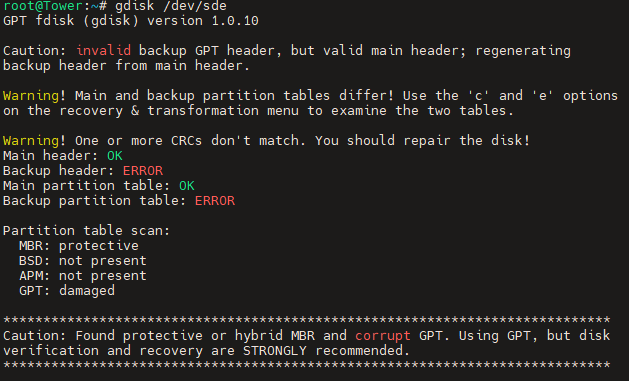
-
It is odd. Same disks as I remember. As requested:
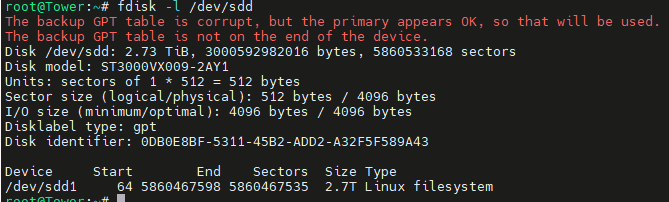
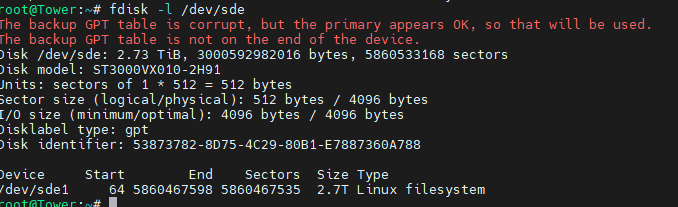
-
Sure. Attached!tower-diagnostics-20250515-0838.zip
-
So I was on Unraid 7.0.1 with it running stable for months, waiting for a stable release, and finally decided to upgrade to 7.1.2 yesterday. Did the upgrade and rebooted, and the array didn't come back online. Saying that disk sdd was too small. I tried another reboot and nothing. All my disks were happy, so I did a new config and added them back in, though now I have the message "unmountable" message as shown below: I tried an xfs_repair on it though no luck: I did start doing a offsite data backup a couple of months back, so I have a partial backup, though ideally want back the rough 2TB data on that disk. Worth noting I have a full unraid backup from Monday if that helps. Anything else I can try before pulling the disk and trying to do data recovery? Thanks in advance!




