





blackrabbit
Members
-
Joined
-
Last visited
-
@ljm42 I checked a wrong box when I was forwarding the port.. smh... all working.
-
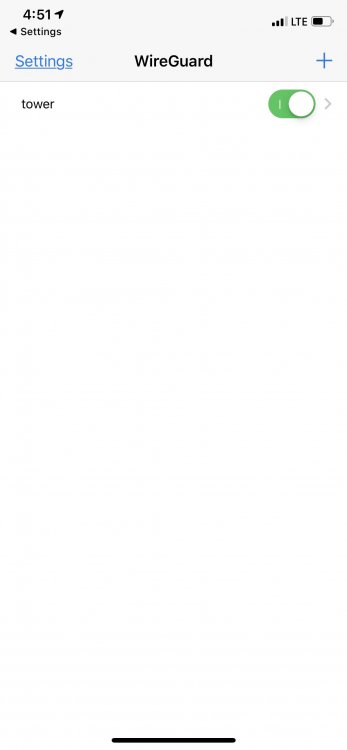
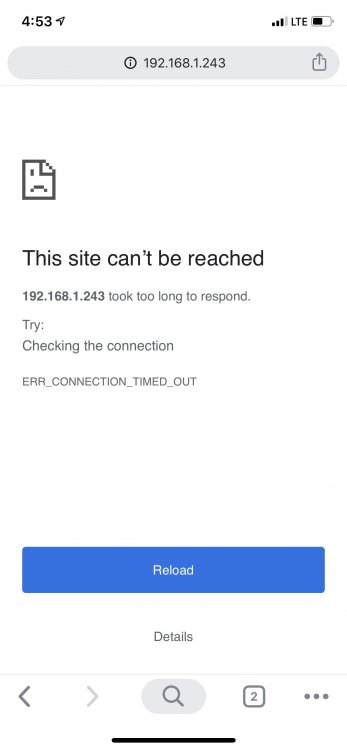
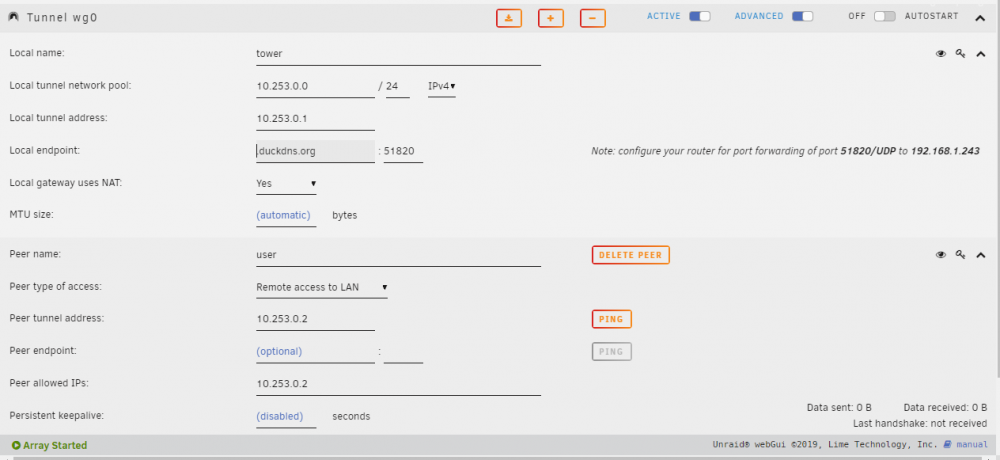
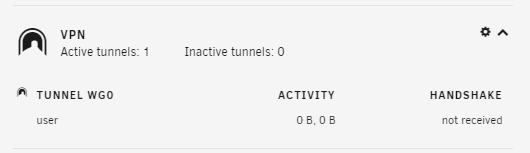
@ljm42 I have attached some screenshots that show what we are talking about. 1. Active Connection on Phone 2. Connection timed out when I tried to reach the unraid server. 3. Settings for WireGuard 4. Dashboard VPN module
-
It says handshake not received on the dashboard, andon my phone it connects and doesn't throw any errors. That has been my go to this far
-
I am setting it up on an iPhone, I scan the QR code, the tunnel, and switch it on. When trying to connect to anything on my network by ip it won't connect. You are completely right, I didn't know that. Now I do. Thanks
-
Hi All, Love the guide, I'n having a little issue getting it setup. I read through all the troubleshooting and all the replies so far. I forwarded the port, and confirmed with ipfingerprints tool ( https://www.ipfingerprints.com/portscan.php ). Duckdns and openvpn are running in a docker container and are both working properly. The tunnel is active. Should I change the local tunnel network pool / address? I tried changing peer allowed ips to 0.0.0.0/0 still no luck. Just checked on the dashboard and it says handshake not received.


