JaRi
Members
-
Joined
-
Last visited
-
Thanks! that did the trick i can now connect and its perfect.!
-
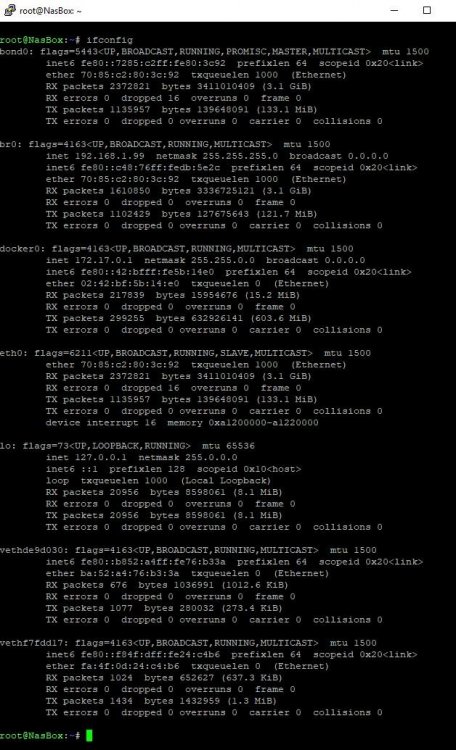
This is what ifconfig looks like on the unraid server - picture attached. i have tried every combination i can think of from that ifconfig and still cant connect from medusa. i have added this screenshot aswell. because i lastly ran against a funny wall.. no matter what adress i specified on install it was alwasy 172.17.0.2 in port mapping.

-
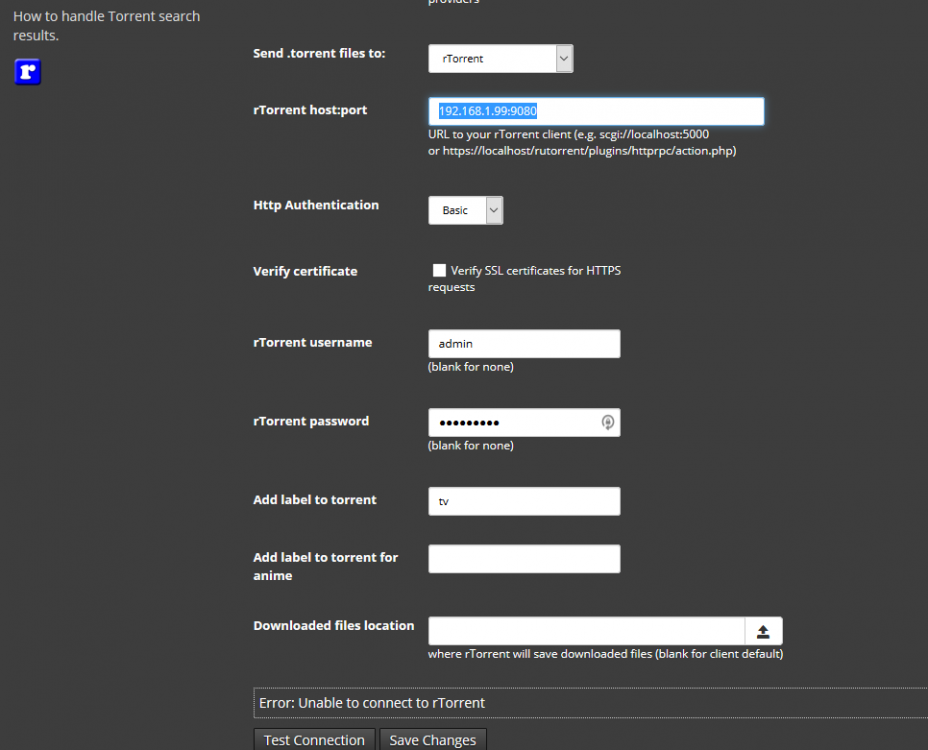
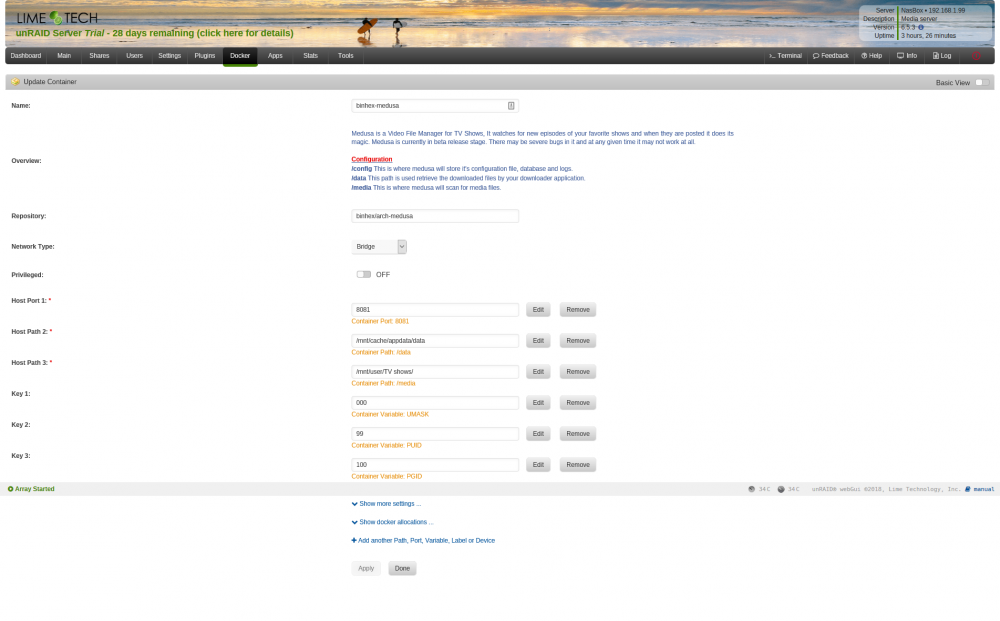
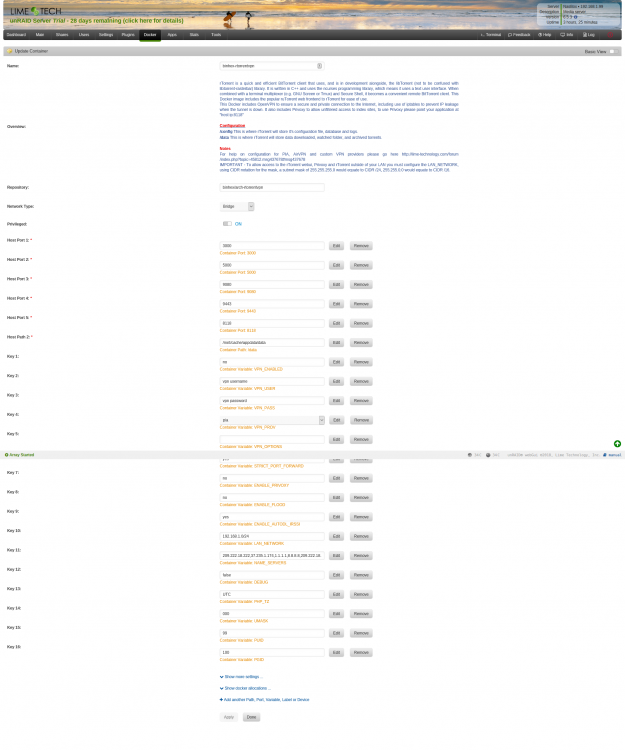
Hello. I've just installed unRaid on a new homebuilt nas on this server i've installed binhex - rTorrentVPN which works flawelessly! i've setup the autodl-irssi and it works like a charm! then i went on in my intall process of a fully functionall nas and installed binhex - Medusa but this is where i ran against the wall.. i cant connect to the rtorrent with the username and password i use to rutorrent(the default for now) my nas is called NasBox as servername, has the static IP 192.168.1.99 im connection trough my browser to 192.168.1.99:9080 to rutorrent i have also tried to use all these in order to connect scgi://localhost:5000 and localhost:9080 https://localhost/rutorrent/plugins/httprpc/action.php all off the above i have tried with basic http authentication AND none. i have also attached som screenshots of the settings i've installed the dockers with. please let me know if need to give any more information.