





e2zippo
Members
-
Joined
-
Last visited
Everything posted by e2zippo
-
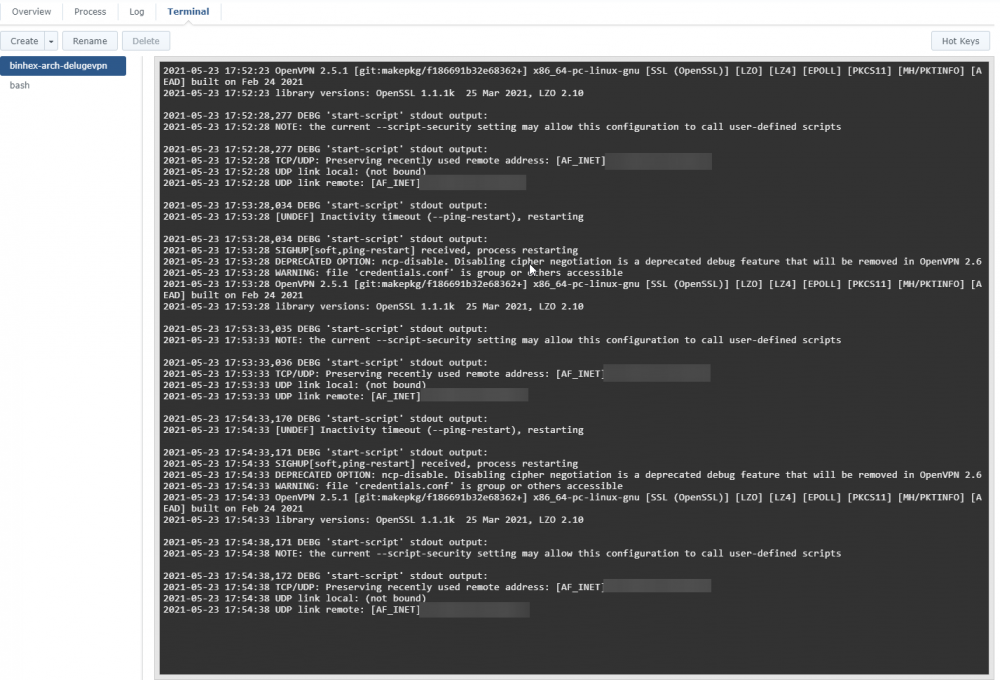
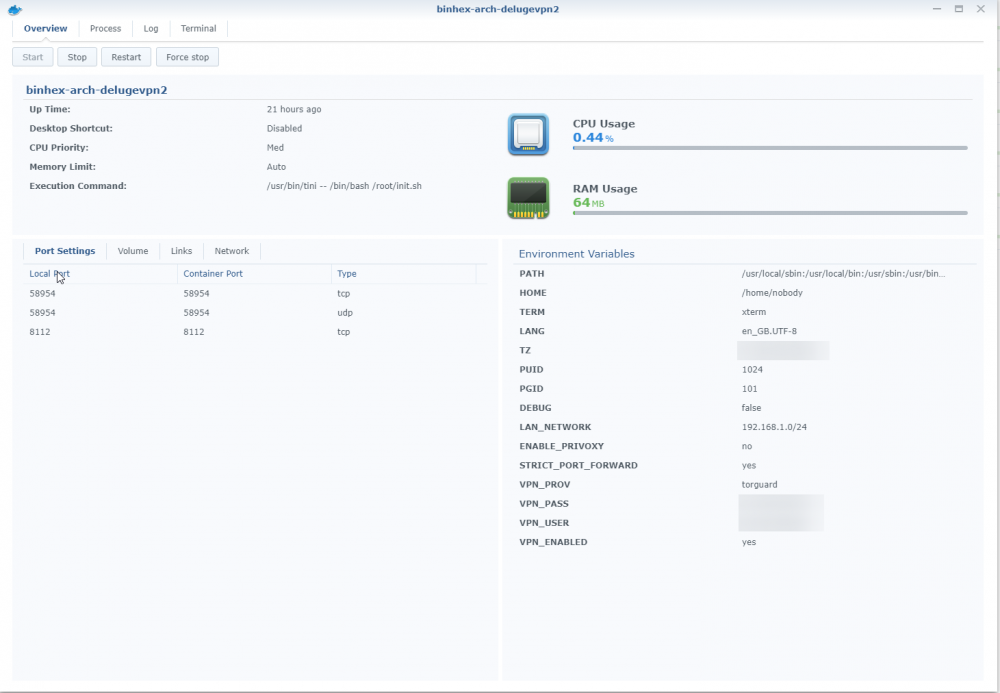
Hey! So recently I just started having issues with my Deluge container running on a Synology DS918+, it just keeps restarting and I cant' access the web gui. I'm using Torguard as VPN-provider. My Enviroment settings look like this. Could be that it started when I updated my Synology, perhaps it changed something? I've tried deleting the container and recreated it, didn't help.
-
Hey! Been using this docker for a while with NordVPN running on my Synology 415+ and it's been working great! However, today I updated Synology DSM to 6.2-23739-2 and now I can't seem to start my Deluge-container. It's complaining once again about not finding TUN/TAP device. I've tried to uninstall and reinstall the VPN Server, but that didn't help. Any ideas? This is the log from the container. Tue Aug 28 13:45:16 2018 ERROR: Cannot open TUN/TAP dev /dev/net/tun: No such device (errno=19) Tue Aug 28 13:45:16 2018 Exiting due to fatal error

