





Mex
Community Developer
-
Joined
-
Last visited
Everything posted by Mex
-
This was the last one for today!
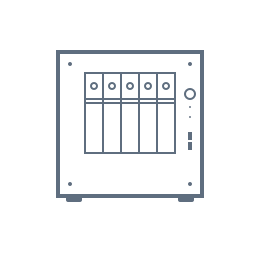
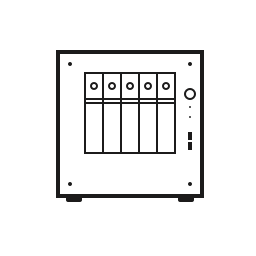
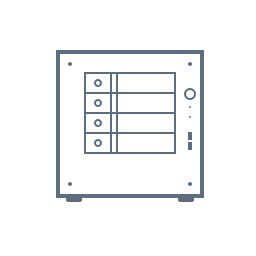
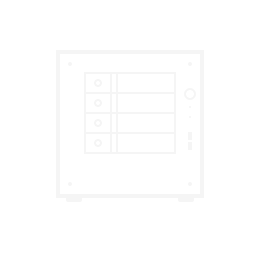
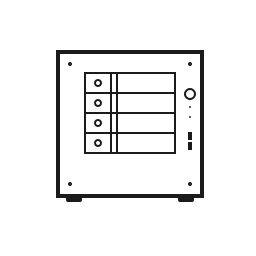
-
Stormtrooper with cages
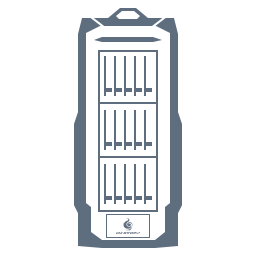
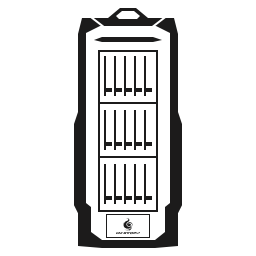 For anyone with the 2106 And your special request
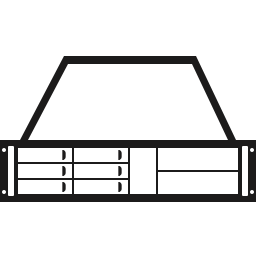


 Back from the dead! A lot has happened since I was last active, including personal stuff I wont go into here. Anyways, I will try to work my way through all the requests, and it might take a while, so please bear with meIt has been a long time hasn't it... I do plan to continue and have been working on some of the oldest requests! But the truth of the matter is that working from home for over a year now has put a bit of a damper on me. Sitting alone in front of the computer all day and then continue in the evening has been a bit of a tough sell for me. The cases are coming, just not very fastThe Define R5 is already available in the GUI, so no need to upload a PNG for itEven though you maybe wanted it with the cover off, I hope something is better than nothing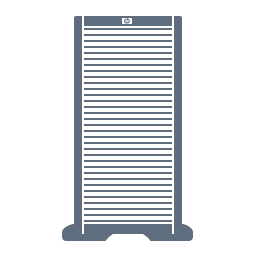
 Not sure if you still would like this, but here's my take;
 Better late than never? Hope this does the trick!
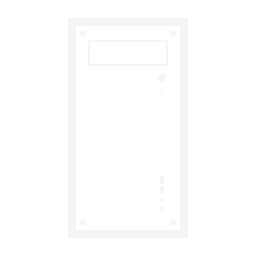
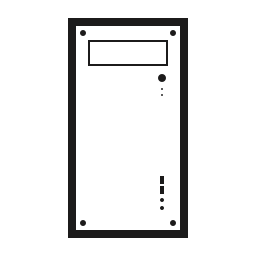 Nice! I’ll add it to my collection and it will probably be added to the OS laterHappy to be of service! I hope this does the trick!

 Yes, if you don't mind the wait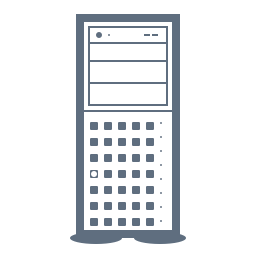
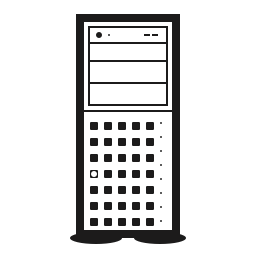 Well, this is fashionably late I suppose, sorry about that. Things have been crazy busy!

 Probaby not a popular case for Unraid given its limited drive bay capacity, but I thought I'd make it anyway since I just ordered one for my gaming machine. Here's the Lian Li O11 Dynamic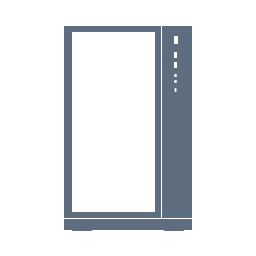
 Last one for now, there's the Luxe!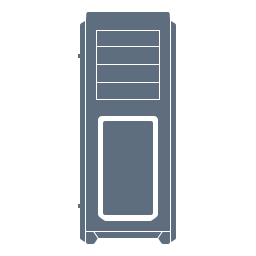








Account
Navigation
Search
Configure browser push notifications
Chrome (Android)
- Tap the lock icon next to the address bar.
- Tap Permissions → Notifications.
- Adjust your preference.
Chrome (Desktop)
- Click the padlock icon in the address bar.
- Select Site settings.
- Find Notifications and adjust your preference.
Safari (iOS 16.4+)
- Ensure the site is installed via Add to Home Screen.
- Open Settings App → Notifications.
- Find your app name and adjust your preference.
Safari (macOS)
- Go to Safari → Preferences.
- Click the Websites tab.
- Select Notifications in the sidebar.
- Find this website and adjust your preference.
Edge (Android)
- Tap the lock icon next to the address bar.
- Tap Permissions.
- Find Notifications and adjust your preference.
Edge (Desktop)
- Click the padlock icon in the address bar.
- Click Permissions for this site.
- Find Notifications and adjust your preference.
Firefox (Android)
- Go to Settings → Site permissions.
- Tap Notifications.
- Find this site in the list and adjust your preference.
Firefox (Desktop)
- Open Firefox Settings.
- Search for Notifications.
- Find this site in the list and adjust your preference.