shellte
Members
-
Joined
-
Last visited
-
I tried that and it worked. Seems UD does not like Chinese Characters. Will remember that. Thanks again for your help. Really appreciate.
-
Can I just totally delete everything of that file in the iso_mount.cfg? Like totally remove the following from the cfg file? I don't really need that iso at all. [蜘蛛夫人超感觉醒.Madame.Web.2024.1080p.Blu-ray.AVC.DTS-HD.MA.5.1-Charming_HDSky.iso] file="/mnt/user/isos/蜘蛛夫人超感觉醒.Madame.Web.2024.1080p.Blu-ray.AVC.DTS-HD.MA.5.1-Charming@HDSky.iso" share="蜘蛛夫人超感觉醒.Madame.Web.2024.1080p.Blu-ray.AVC.DTS-HD.MA.5.1-Charming_HDSky"
-
Hi, Guys. Need your help. I just unplug my USB flash key from Unraid server and then plug it back to the same USB port. Unraid does not recognize it anymore and gave error saying "Cannot access your USB flash boot device". However everything there has not been moved. Is it supposed to automatically mount the USB flash after hot plugs? Thanks.
-
I just checked my flash. I do not see any folder called plugins there. Instead I can see /flash/config/plugins. Is that the folder you are talking about? Thanks.
-
Done. Here you are. Thanks again for your help. ud_diagnostics-20240624-065836.zip
-
Here you are. Thanks for helping. nas3-diagnostics-20240624-1637.zip
-
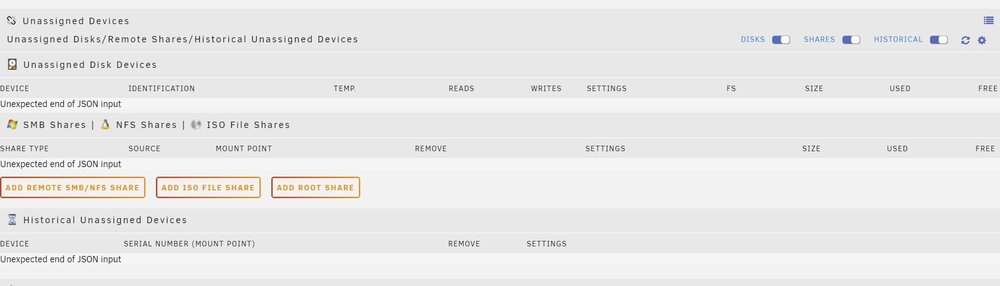
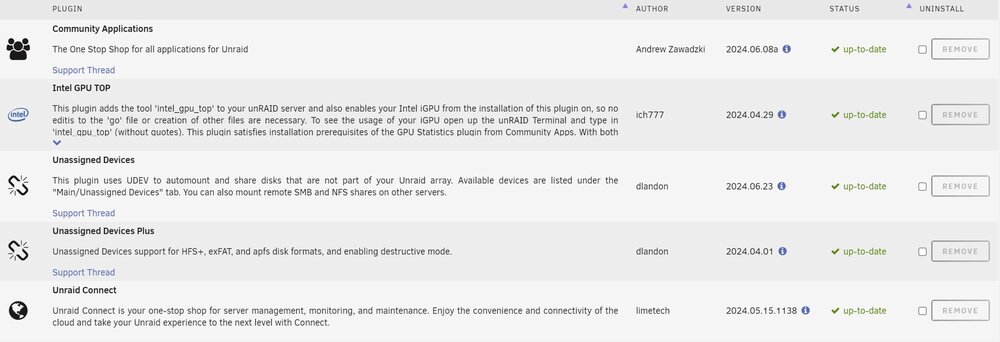
Hi, Just wondering if anyone has seen this issue with unassigned devices? I just updated my unassigned to the latest version and found in my first page of unraid WebGUI, under the unassigned disk devices and shares, there is error message saying "Unexpected end of JSON input". Pls see the screenshot attached. Do I need to remove the unassigned and install it again? Checked again the plugin status, confirmed unassigned is up-to-date. Any idea? Thanks.