





BDLR
Members
-
Joined
-
Last visited
Everything posted by BDLR
-
Is this how to run a "non-correcting check" ... I unchecked this box and then do I run check to see if any error appears...right?

-
So the parity check finished at 9 PM last night Pacific standard Time. Total run time was 21 hours
-
Hey Guys, I woke up to an email that said I have two errors during the parity check but I cant figure or see those error. Can someone take a glance and see if they see any concerning issues on my server? I would rather ask now versus wait when something breaks. Help This is the email I got: Event: Unraid Parity check Subject: Notice [TOWER] - Parity check finished (2 errors) Description: Duration: 21 hours, 29 minutes, 19 seconds. Average speed: 103.4 MB/s Importance: warning tower-diagnostics-20220203-1631.zip
-
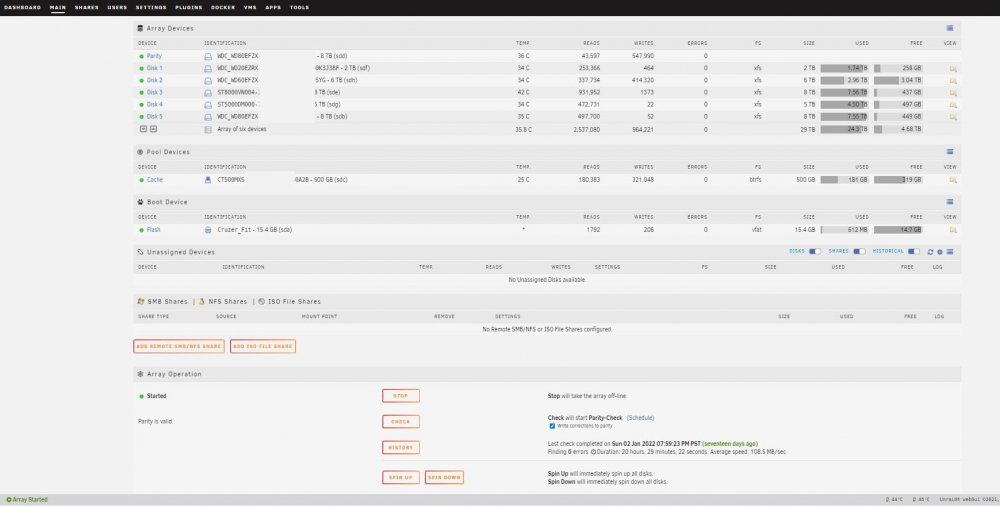
Looks to be back in normal. Thanksssssssss Is there anything else I should do? tower-diagnostics-20220119-0749.zip
-
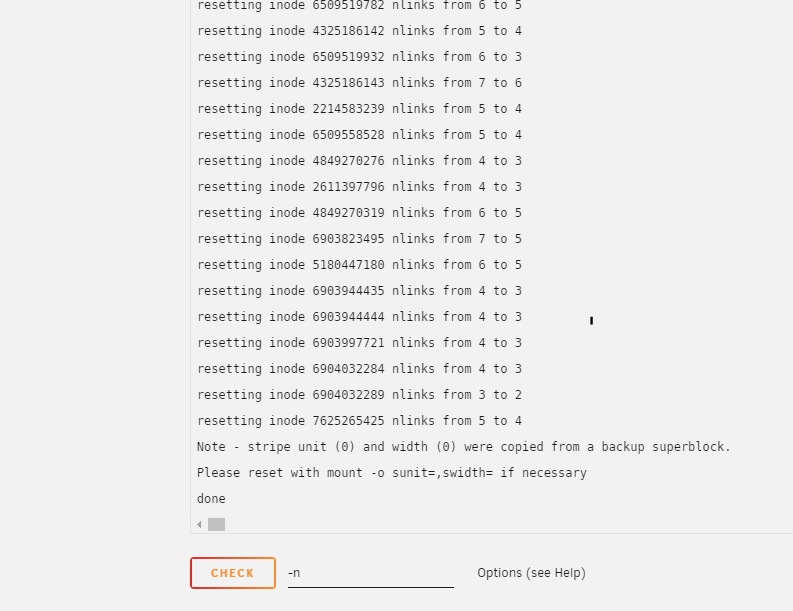
Completed the run check without the -n.... What step do I do next? Sorry if the step is obvious ...I just dont want to mess anything up New Screenshot and diagnostic tower-diagnostics-20220118-1943.zip
-
Will do! I will report back once completed .. thanks
-
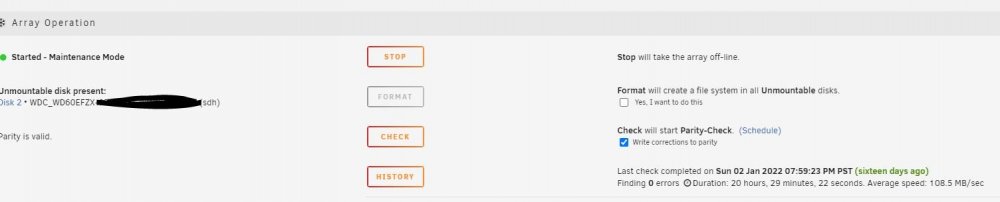
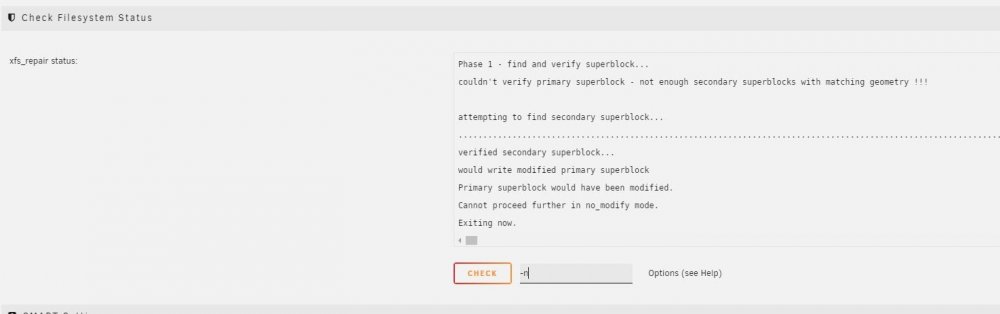
Hi Support Team, Can you help me get my "unmountable: not mounted" issue fixed. See attached diagnostric log and screen shots What would be my next step? tower-diagnostics-20220118-1749.zip

-
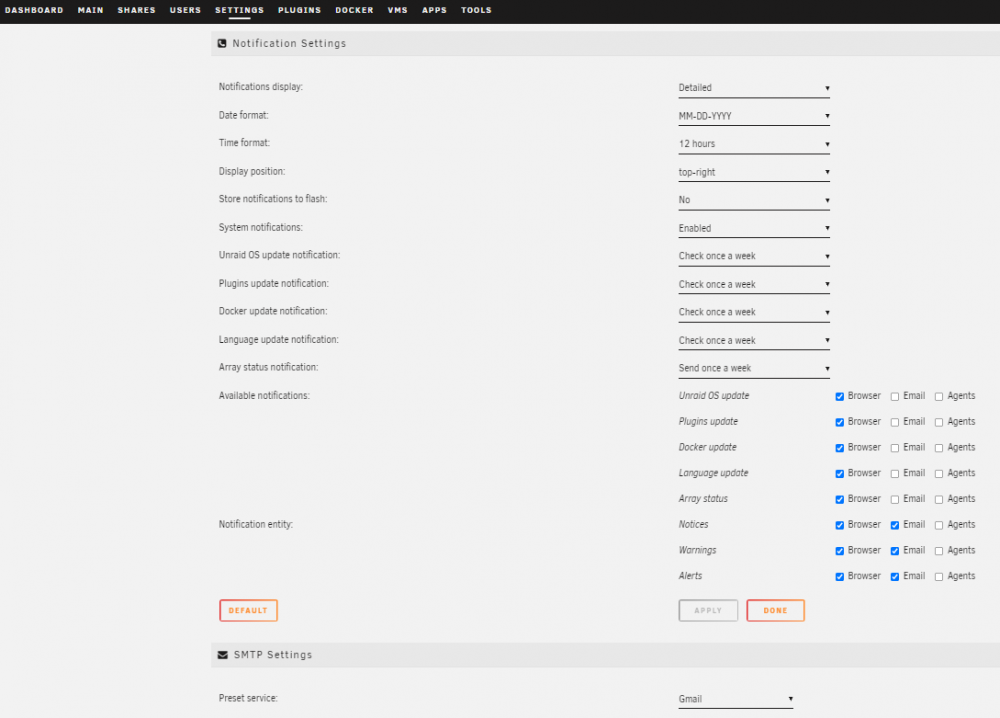
Hey Guys, How do you clear this error "Background notifications not enabled" shown by Fix Common Problems Help tower-diagnostics-20210928-1009.zip
-
I was able to find a workaround and use the "external storage" app and also creating another path in nextcloud docker to point to the folder. So I don't create the folder in nextcloud but the "external storage" app created the folder for me and point it to my folder on the shared. This been working for me so far.
-
Nextcloud and SABNZBD issue: Nextcloud missing files after SABNZBD download Hey Guys, In Nextcloud I created a folder called "Howard Stern" and in SABNZBD I created a path to that folder. I also added a category in SABNZBD to have those downloads moved to that folder. SABnazbd is moving the file correctly and I can see it the files in that path but NEXTCLOUD is not showing those files in the WEBUI. Can any advise on the fix? (I tried to show hidden files option and that didnt work)


