





Maverick0984
Members
-
Joined
-
Last visited
Everything posted by Maverick0984
-
Does anyone else have issues with qBittorrent where torrents just stop seeding? It's gotten much worse over the last few months and basically when I check in, several trackers do not know about a large chunk of torrents that I'm seeding. Rebooting the container fixes it for a while, but it'll come back. I'm only about ~500 torrents and I've seen others using way more than that and the host machine has plenty of resources so not sure what the issue could be exactly. Just curious if others see some, not all, torrents silently stop seeding when they should still be seeding.
-
Thanks for the update!
-
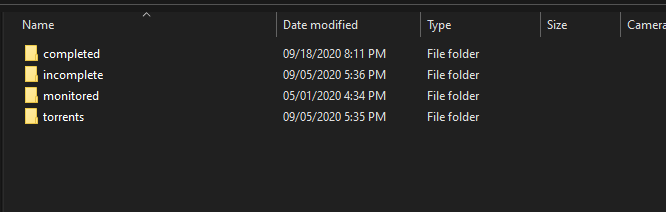
.torrents should be saved in your torrents folder by default.
-
I can confirm this update fixed things for me. Thanks!
-
Same here on Ubuntu 19.04 w/ Docker 19.03.3
-
So, rolling back did nothing, same issue. Going back to my dedicated VM still good. Decided to spin up a new VM, install a fresh Docker-CE and move it over. Ran fine in the new location. This means my Synology DS-1817+ just isn't powerful enough which is unfortunate. It was working previously when it was the only container running and as I loaded up a handful more, performance began to degrade and I just didn't notice as it isn't downloading 24/7. Just wanted to close the loop on this for anyone paying attention.
-
I was working just fine for the the better part of a week when I first set things up in early January and then all of the sudden I can't get past 200KB/s download shortly after I updated to the latest image. I was containerizing my VM stack and still had my old VM powered off. Turned that on and it goes straight to maxing out over PIA. So, both clients on at the same time, Container does 200KB/s max while VM can saturate my line. I've done everything I can possibly think of at this point and no idea why my speed suddenly crashed. I've turned off all other containers on the host, rebooted, I cannot find a correlation. I did try disabling the VPN and still extremely slow speeds. Any ideas? I looked at the last commit, and I get it, real basic change, but I'm going to roll back just to test it out.
-
Is there still a known incompatibility with Synology NAS devices and this image? EDIT: Seems like I have it working but what can I do to confirm the VPN is up?
