ProxFR26
Members
-
Joined
-
Last visited
-
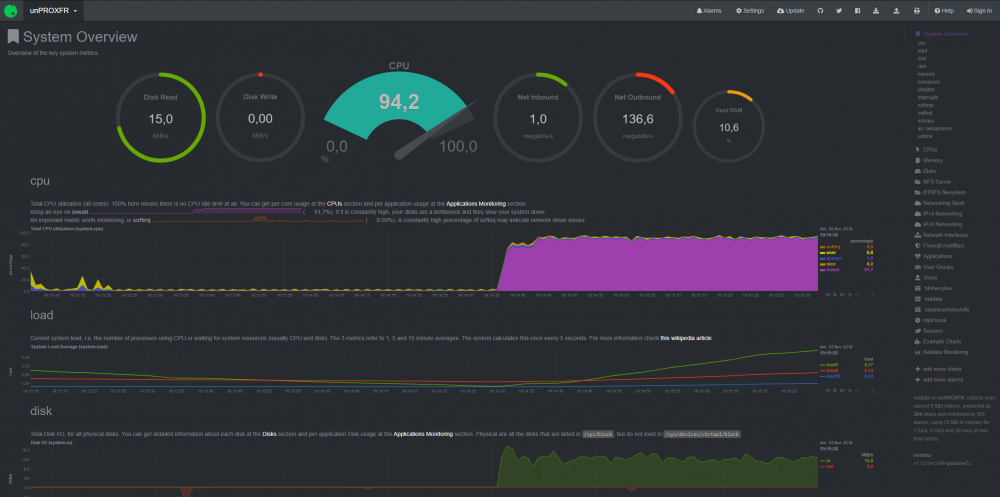
Thank you for your answer, it's a pleasure to speak with people like you! I will study the problems of iowait to find a solution. The only thing that is used at about 100% is the iowait. I can't find anything else in netdata ... Thanks again! 😉
-
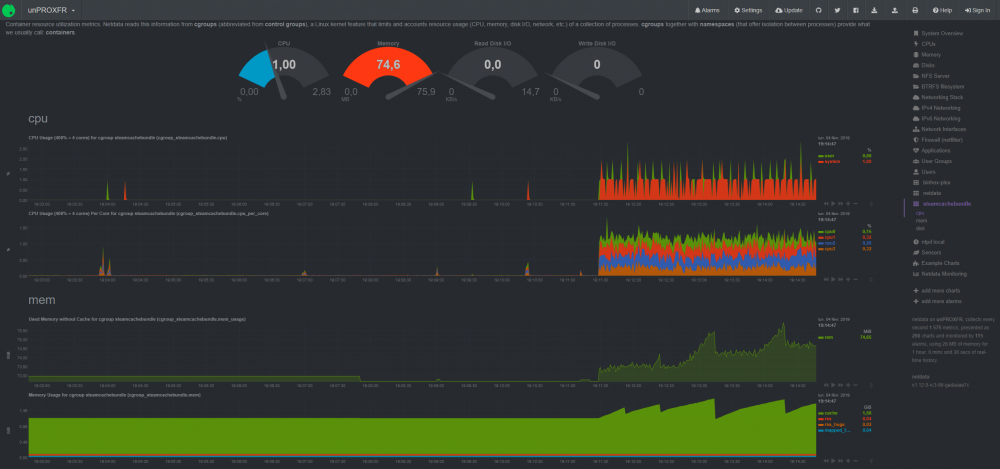
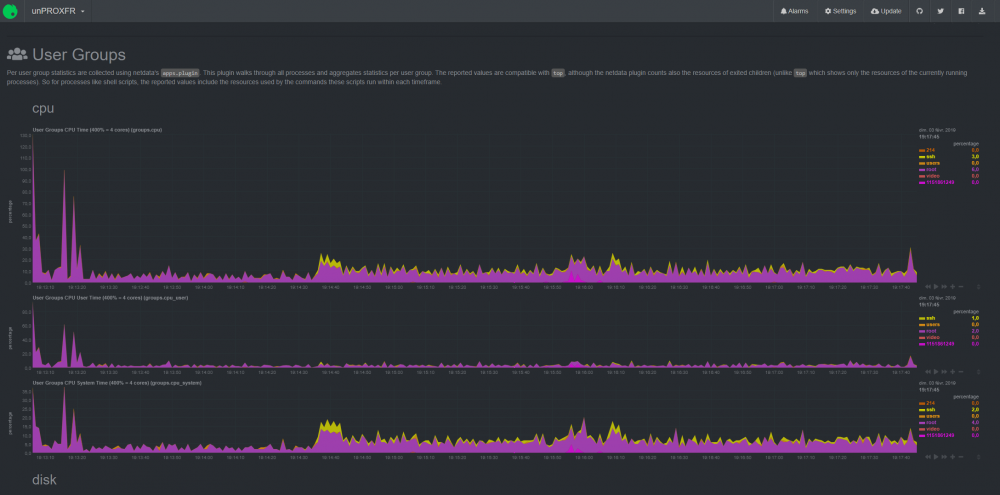
I downloaded netdata and the CPU is 100% ... I don't know where it can come from at all. Maybe you need more accurate screenshots? Thanks for your help!
-
ProxFR26 changed their profile photo
-
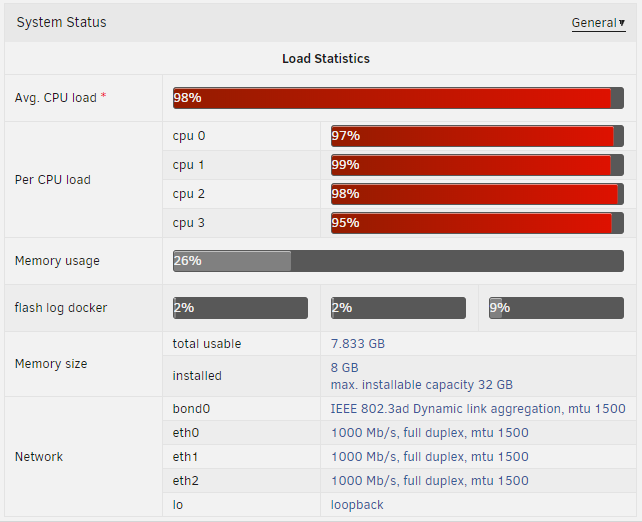
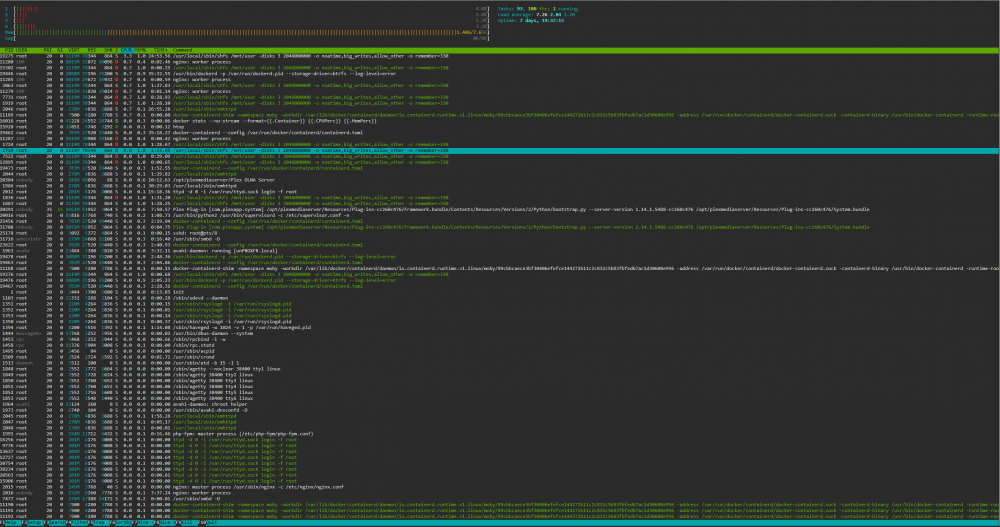
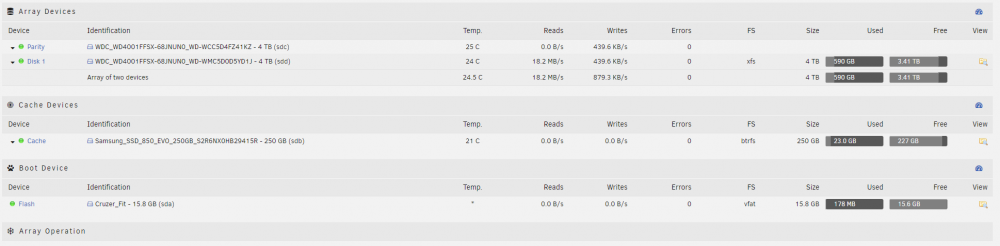
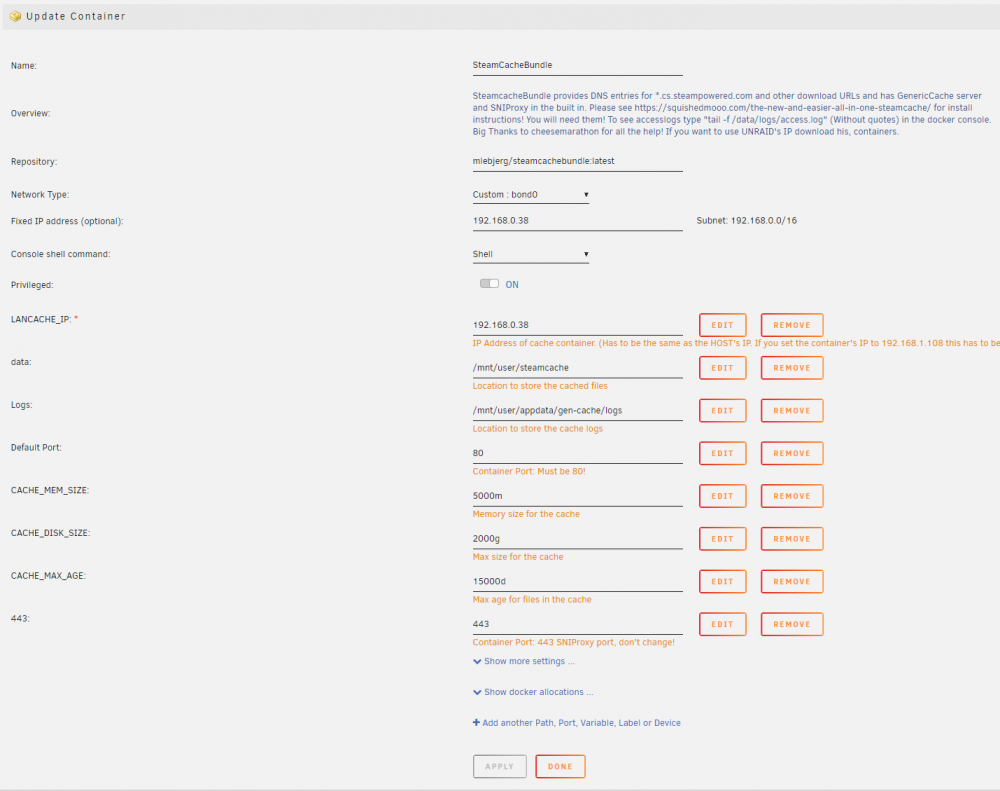
Hello, thank you for your work. I am new to unraid, I managed to make your image work, but when transferring to a client with the files already cached, the CPU usage of my unraid server is close to 100%, but I do not know where it comes from, the CPU usage read by docker is only 3%, and when I connect in SSH and I monitore the use CPU with htop, it is very weak too ... This CPU usage is due to the OS unraid or the docker image? Maybe I'm bottleneck by my CPU configuration? I am attaching you, the screenshots that I was able to read and the diagnostic file. Thank you for your help and sorry for my average english, I am french. 😉 My configuration : - i5 2300 - 8go DDR3 - 2x4TO WD Red Pro - Samsung 850 evo 250go Diagnostic file : unproxfr-diagnostics-20190202-1435.zip