lordmarqui
Members
-
Joined
-
Last visited
-
Thanks Will flip that on and report back.
-
Need some advice. Just got done with a new build using an intel i13900k and gigabyte pro art mobo. New everything and server is seemingly in tip top shape. However it randomly shuts down (crashes?). After a day or so. I have it on its own ups, on its own outlet, which I which is on its own breaker. (This was happening before and I assumed it was a power issue so I had an electrician run dedicated lines to my server closet.) Server is water cooled and stays well with spec temp range. I just need some direction to troubleshoot this. Thoughts on where to go next debugging this? (I plan to post logs once I’m back home and can pull them off the server)
-
As an update it turns out that my Unifi Controller was using 1TB!!! Which makes sense that everytime Mover ran, it would take data off the array and move back to the cache pool because that's how I set it to run (Cache Priority without a min amount of memory free). Deleted, ran trim and the server now hums. Thanks everyone!
-
Woke up this morning and the cache pool is maxed to 511GB, where the Appdata share ballooned to fill it all... Not sure where to go next... I'm sure there's an obvious issue that I'm missing but can't seem to pin it down. Appreciate everyone's help ahead of time.
-
Here are the Share utilizations per drive after clicking Compute: appdata 257GB total: Cache: 236 GB Disk 6: 14.0 GB Disk 7: 2.96 GB From my reading, appdata should at most be 10% of that. Any thoughts? I will post new log files below in case that's helpful. samson-diagnostics-20220106-0029.zip To reiterate, the downloads are going to a separate cache pool (called cache_ssd)... My appdata and system shares go to another cache pool, which are the drives that are getting filled obnoxiously fast at the moment and that I'm seeking advice on how to correct.
-
I misspoke re the appdata share. It successfully moved to the array when I invoked mover prior to rebuilding everything. as far as now, can you clarify your advice? That is correct that I have the downloads share pointed to a separate ssd cache pool just for downloads. The other cache pool is where the system- and appdata are pointed to. does that help?
-
thanks for the reply... so the initially i had a completely full cache drive to the tune of 500gb, where all 500gb were consumed by my docker image and appdata share... i deleted my docker image but the appdata folder was also incredibly large and i couldnt restart the docker service, so i changed the appdata share settings to No and invoked Mover to offload appdata. It appears it went to disk6. i then rebuilt docker and changed the share preference for appdata back to Prefer. Fast forward to now. I've rebuilt Docker and examined every path to ensure the mappings had the correct leading / when needed, etc... Testing out the downloads, which began this whole issue, I see that the problem persists... I just stopped docker services and attempted to run Mover, but nothing happened. Meaning, the cache drive didn't decompress... Sab's Docker Run is below: root@localhost:# /usr/local/emhttp/plugins/dynamix.docker.manager/scripts/docker run -d --name='binhex-sabnzbd' --net='proxynet' -e TZ="America/Los_Angeles" -e HOST_OS="Unraid" -e 'UMASK'='000' -e 'PUID'='99' -e 'PGID'='100' -p '8181:8080/tcp' -p '8090:8090/tcp' -v '/mnt/user/downloads/':'/data':'rw,slave' -v '/mnt/user/appdata/binhex-sabnzbd':'/config':'rw' 'binhex/arch-sabnzbd' f9eca668b41adf5f4cb6dfed537f9150c005bd080334e69df97c40680fb202b3
-
I'm having issues with my cache drive (where my appdata share is mapped to) filling up when I download files via Sabnzbd. I've poured over all the posts and videos I can find, which has helped me narrow the issue down to what I think is a "leaky" or maybe an improperly mapped path inside of the docker instance itself... That said, I new to this and only think that might be the issue and am here asking for some advice. I'm attaching my logs for some guidance. I would appreciate any help the community could offer. Thanks in advance! samson-diagnostics-20220105-2227.zip
-
that worked! ... i am able to pin dockers to specific CPUs using the advanced view of each container but still not via the CPU Pinning feature in Settings... Not sure why but i don't care at this point! thanks a lot for your help in all this!
-
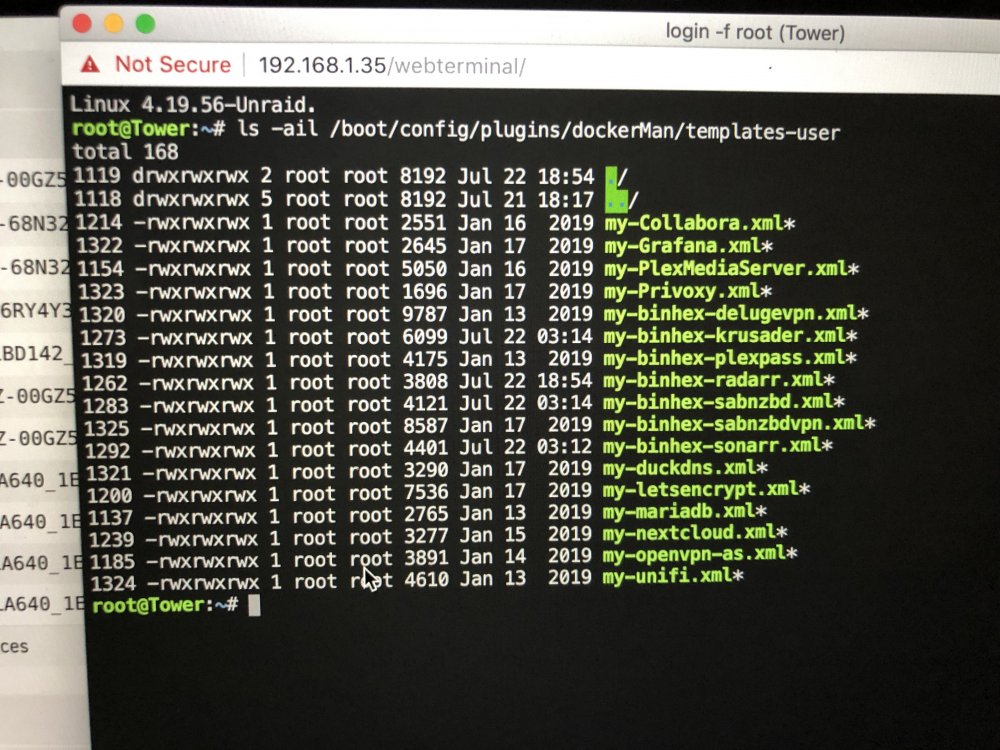
Squid, you still still thinking it might be a docket folder issue? seems to me that they’re all accounted for? do you think this had anything to do with me copying my /config folder over from a flash backup?
-
See the attached
-
Were those logs helpful at all?
-
thanks for the reply! see the attached... (i'm also attaching the syslog in case that helps at all.) i'm using chrome on a mac... i tried cpu allocation in safari without success... i then rebooted and followed the procedure you indicated. thanks again tower-diagnostics-20190723-2242.zip tower-syslog-20190723-2242.zip
-
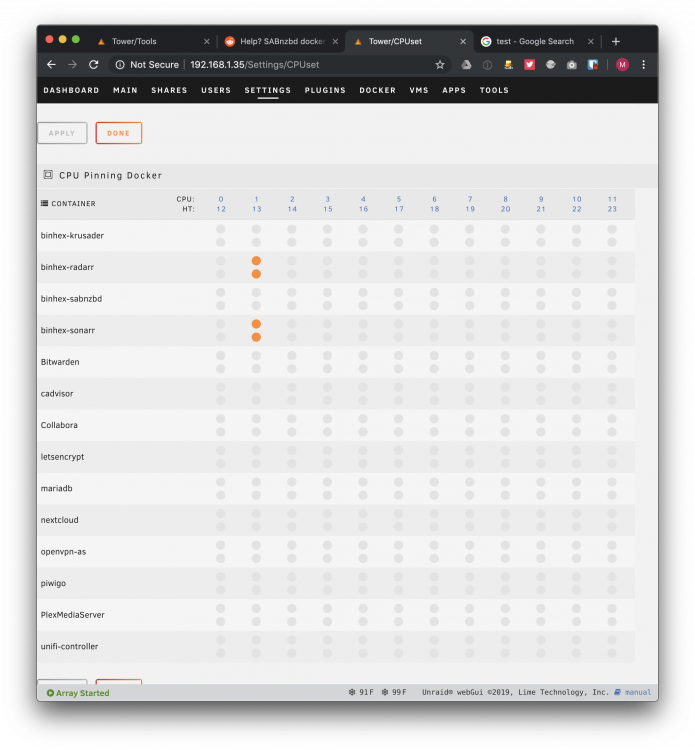
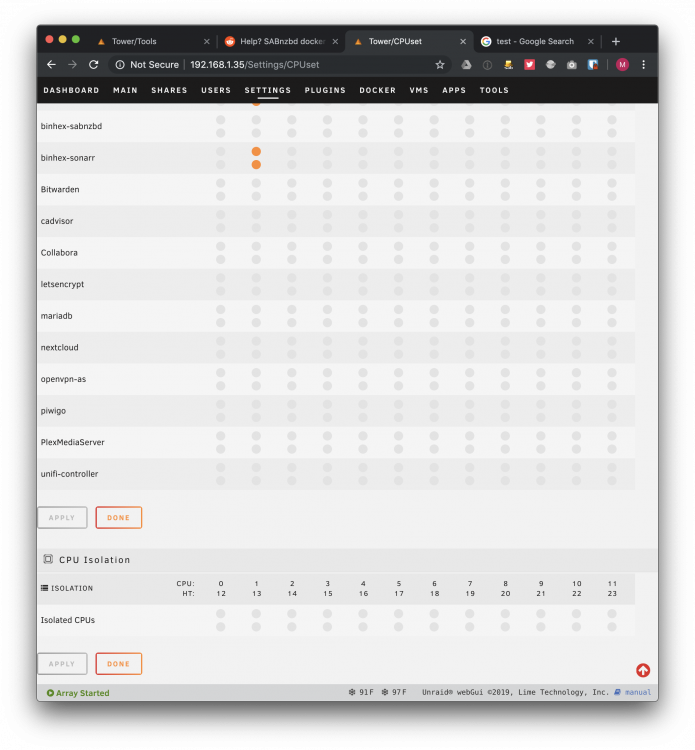
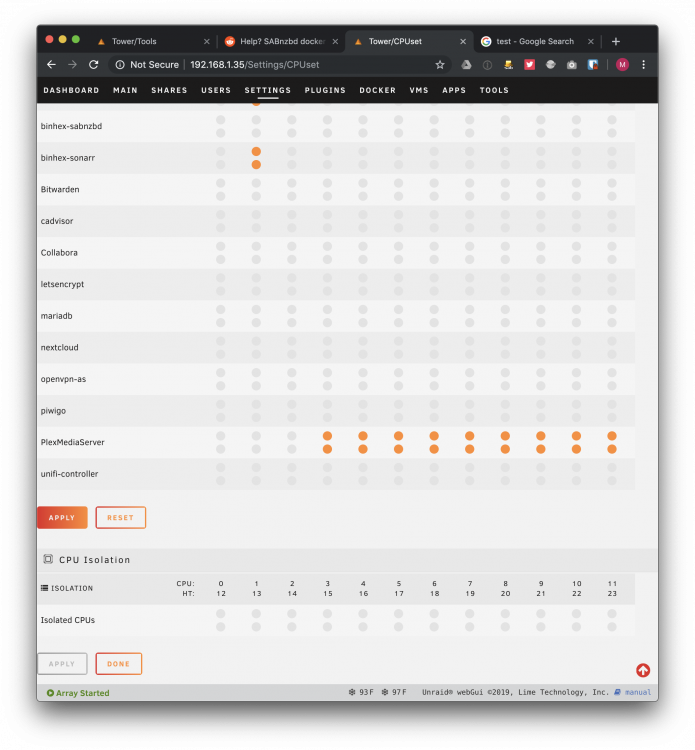
i'm definitely hitting the Apply button after selecting them. Then I hit Done. Then it exits me out of the CPU pinning window and takes me back to the settings window. then i click back into CPU pinning and it's as if i never changed any of the selections
-
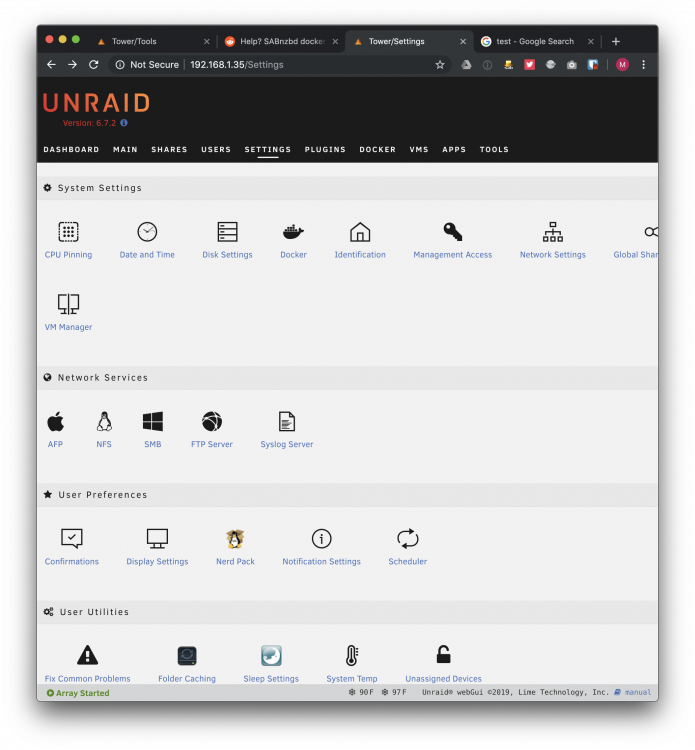
here's my process:Settings > CPU Pinning > CPU Pinning Docker: Plex (I then select all the cores/threads I want) Click Apply, then Done. Reload CPU Pinning, settings aren't saved. FYI: VM pinning does work correctly. (I have NOT messed with the CPU Isolation tick boxes yet.) Thanks again for your time