





Deadeye
Members
-
Joined
-
Last visited
-
@slydog75 Yeah I eventually fixed the problem by resetting everything I had done wrong with my Ethernet setup! Set everything back to standard and went from there. The main problem was, that I am using 2 Ethernet cards one 10gig and one 2.5. seems like the 10gig wouldn’t let the server fully shut down when bridging, bonding! Hope that might fix it for you aswell
-
reindlnas-diagnostics-20230910-2213.zip
-
Well it happened again, tried to turn my server off and it got stuck. This time I had a monitor connected!
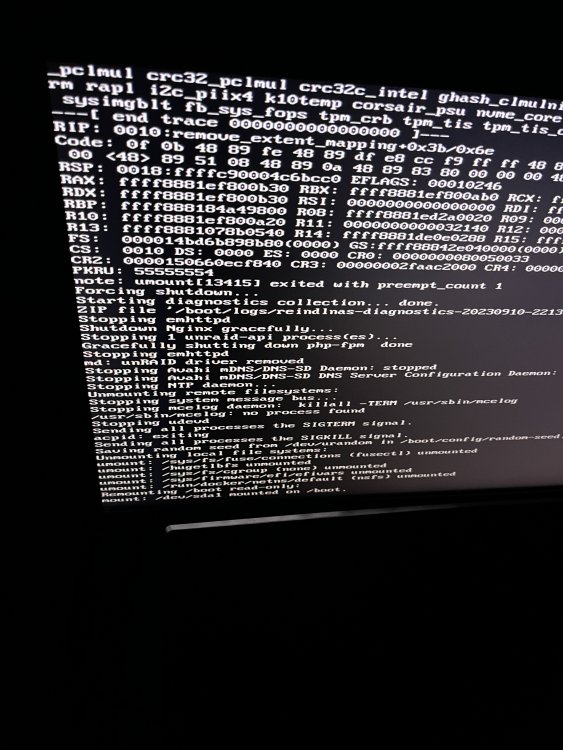
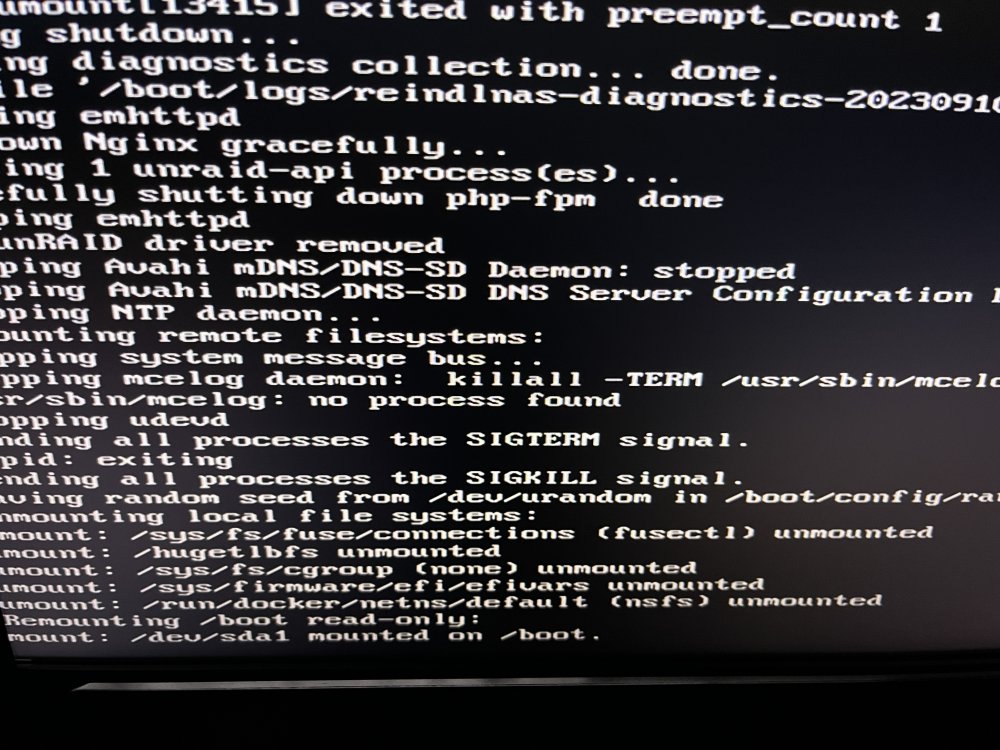
-
Alright! I have disabled both bridges and bonding, maybe it's better now!
-
I am already at version 6.12.4!
-
Hey just tried it and well it just shut down normally 🙂 Here's a log from the boot stick where i had to force shutdown with the power button!reindlnas-diagnostics-20230902-2240.zip
-
Hello, I recently noticed that my server won't fully shut down anymore. When using The GUI or an App on my Iphone to tell the Server to fully shut down, it just stays awake but becomes unreachable, not even with a direct connection with my 10Gb Card i can access the Server to turn it off again. So i basically have to hard shut down it every time which forces a Parity check.... Maybe someone can help me to get this sorted. It seems to be happening after I changed out my Mainboard but I am not entirely sure about that. M/B: ASRock X570M Pro4 s/n M80-C7018800004 BIOS: American Megatrends Inc. Version P3.90 Dated 10/19/2022 CPU: AMD Ryzen 5 5600G with Radeon Graphics @ 3900 MHz HVM:Enabled IOMMU:Enabled Cache:L1 - Cache: 384 KiB, L2 - Cache: 3 MiB, L3 - Cache: 16 MiB Memory: 16 GiB DDR4 (max. installable capacity 128 GiB) Network: bond0: fault-tolerance (active-backup), mtu 1500 Kernel: Linux 6.1.49-Unraid x86_64 OpenSSL:1.1.1v reindlnas-diagnostics-20230906-1910.zip

