




Skip to content
View in the app

A better way to browse. Learn more.

Unraid

A full-screen app on your home screen with push notifications, badges and more.

To install this app on iOS and iPadOS
  1. Tap the Share icon in Safari
  2. Scroll the menu and tap Add to Home Screen.
  3. Tap Add in the top-right corner.
To install this app on Android
  1. Tap the 3-dot menu (⋮) in the top-right corner of the browser.
  2. Tap Add to Home screen or Install app.
  3. Confirm by tapping Install.

lextar

Members
  • Joined

  • Last visited

Everything posted by lextar

  1. Thank you, it worked!!
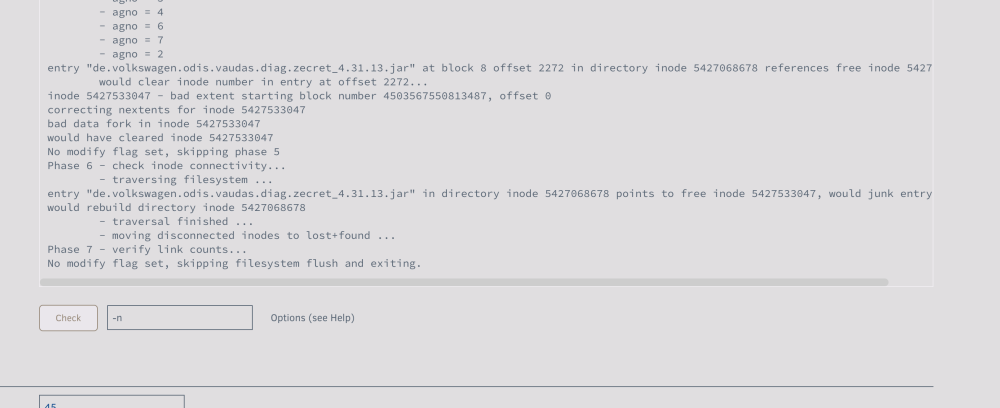
  2. Ok, tried that here's the log but the drive is still unmountable
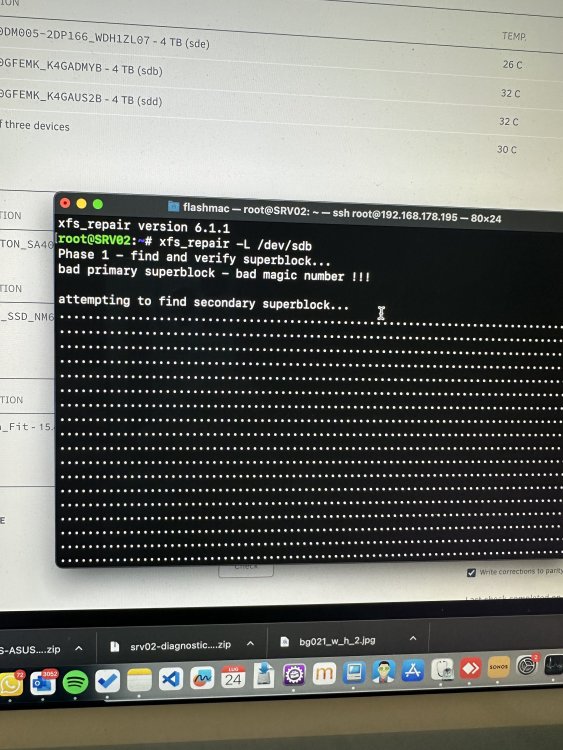
  3. I solved the spam issue by adding pcie_aspm=off but I still have an unmountable disk IMG_3241.HEIC
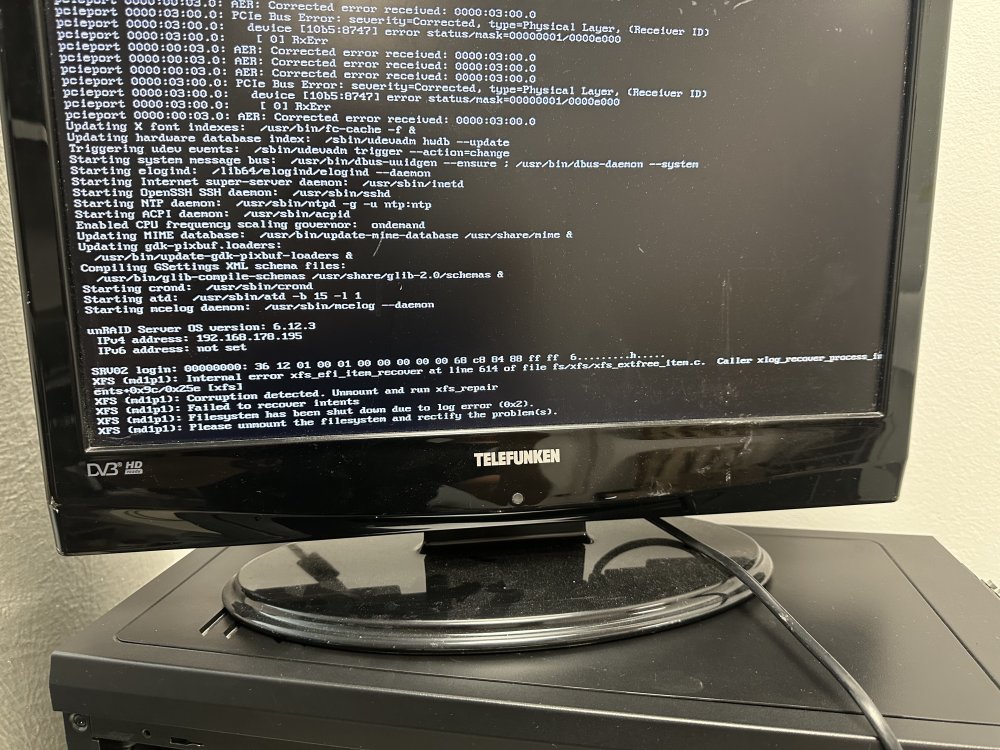
  4. Do you think it’s related to the NVMe drive? I also read here that the issue may be caused by a bad sata cable. Here I post the error of corrupt drive that I see after boot
  5. Hi all, I swapped the case and changed the mainboard. After the first boot I get one of my 2 drives unmountable. I attach here my log. srv02-diagnostics-20230721-1653.zip

Account

Navigation

Search

Search

Configure browser push notifications

Chrome (Android)
  1. Tap the lock icon next to the address bar.
  2. Tap Permissions → Notifications.
  3. Adjust your preference.
Chrome (Desktop)
  1. Click the padlock icon in the address bar.
  2. Select Site settings.
  3. Find Notifications and adjust your preference.