





Rajenator
Members
-
Joined
-
Last visited
-
Thank you so much...that gives me peace of mind to proceed, then.
-
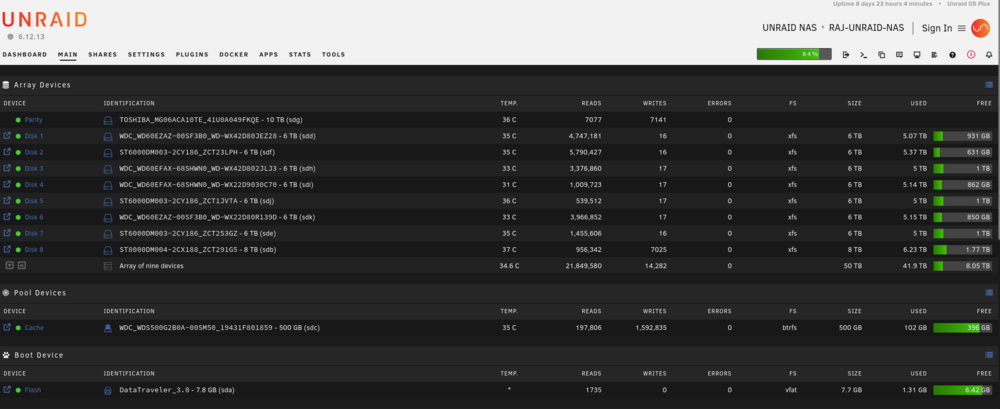
Hello...sorry if this has been covered before, but I could not find any previous postings on this topic when I searched before posting this. My motherboard on my NAS is dying. LAN ports and USB headers and PCIe slots are already dead. My Unraid USB stick and the array are intact (so far). Am I able to move the drives and the Unraid USB to another NAS build with a new motherboard? Would it involve restoring the UNraid USB system files from Flash backup onto a new USB stick because of the change in hardware? Please advise/help, as I am trying to be proactive and salvage my array and setup prior to my NAS mobo dying altogether. Much appreciated, Raj Current System: EVGA X79 Dark motherboard Intel i7-4930X CPU (6 cores/12 threads) 32 GB DDR3-2100 MHz RAM (8 sticks x 4 GB) Corsair AX-1200 PSU.
-
Thanks very much to ALL who responded to my first ever post here. The fix worked fine post-update to 6.7.0, and the array shows as complete. Best Regards, Raj
-
Running UNRAID 6.6.7 on a I7-4930K/EVGA X79 Dark setup...mobo has both chipset and MARVELL SATA controllers. Same issue with the MARVELL controller for me when attempted an upgrade from 6.6.7 to 6.7.0 versions (stable)....array stopped, missing disks, start button greyed-out. Once rolled back from 6.7.0 to 6.6.7 (and rebooted), the array started up, everything was fine, and all plugins and drives were found and were working. Any ideas for if/when this would be addressed in a future release would be greatly appreciated. While this is only my test/Lab server (I am learning UNRAID, VMs, Docker containers, etc.), I am sure that others running systems with MARVELL SATA controllers are managing data that potentially would be a bit more important (i.e. production) than mine. Please and Thank You, Raj

