tsxfire
Members
-
Joined
-
Last visited
-
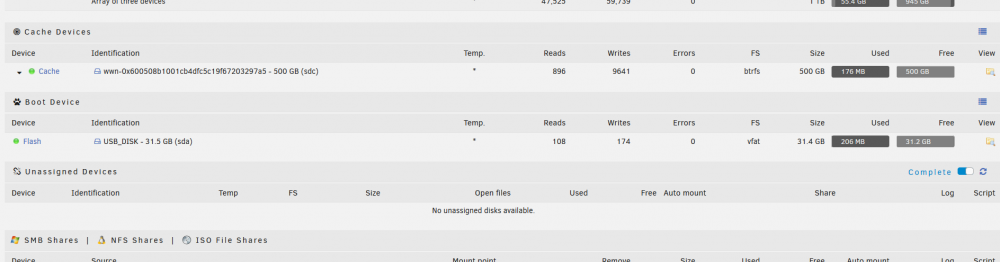
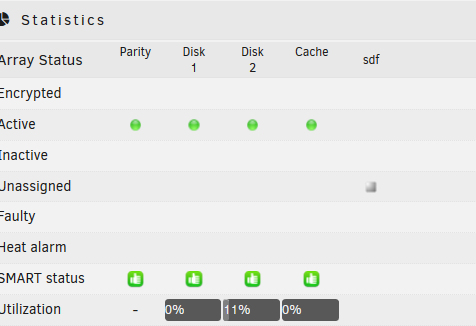
I have a question, I am a new user to the unraid environment and am just trying to get my toes wet and switching from a windows server environment. so my question is that I have a single 4tb drive that has all of my movies and tv shows on it for plex, I do not want to wipe this drive at this time and would prefer a temporary solution to be able to mount it so that I can make the plex docker see the data. I do not have money for another 4tb drive at this time but am planning to get one later this month, I tried to use unassigned drives to be able to move over at least a majority of the movies and tv shows to the drives on the server at this time but it doesn't even show there is a drive to mount. The server does recognize the drives as I do have the option to format it as seen in the following pictures and it can be mounted as a parity drive but I'm trying to find a way to transfer the data at least to the drives I do have in the computer. Advice is appreciated.