





Ryandm
Members
-
Joined
-
Last visited
-
Whatever the above is, it essentially crashed my docker. I attempted to run similarly to the docker hub layout and I see mongodb doesn't start in the logs.. docker run -d \ --restart=unless-stopped \ --name unifi-video \ --cap-add SYS_ADMIN \ --cap-add DAC_READ_SEARCH \ -p 10001:10001 \ -p 1935:1935 \ -p 6666:6666 \ -p 7080:7080 \ -p 7442:7442 \ -p 7443:7443 \ -p 7444:7444 \ -p 7445:7445 \ -p 7446:7446 \ -p 7447:7447 \ -v /sharedfolders/Security/unifi-video/data:/var/lib/unifi-video \ -v /sharedfolders/Security/unifi-video/videos:/var/lib/unifi-video/videos \ -v /sharedfolders/Security/unifi-video/logs:/var/log/unifi-video \ -e TZ=America/Chicago \ -e PUID=99 \ -e PGID=100 \ -e DEBUG=1 \ pducharme/unifi-video-controller logs: https://pastebin.com/aWhf7yKS . and here https://pastebin.com/K5Sy7V0f
-
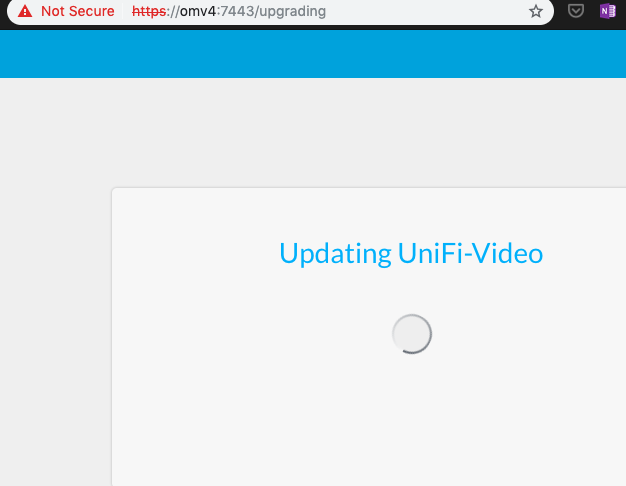
I am very new to dockers. Thanks in advance for pointing me in the correct direction. Below is the configuration I ran, and a screenshot of what I see as I attempt 1st login to Unifi Video. I'm not sure if what I see is correct or not, thus, why I am here. If I'm on the right path, any "next steps" direction would be much appreciated. docker run -d \ --restart=unless-stopped \ --network="host" \ --name unifi-video \ --security-opt apparmor:unconfined \ --cap-add SYS_ADMIN \ --cap-add DAC_READ_SEARCH \ -v /sharedfolders/Security/unifi-video/data:/var/lib/unifi-video \ -v /sharedfolders/Security/unifi-video/videos:/var/lib/unifi-video/videos \ -v /sharedfolders/Security/unifi-video/logs:/var/log/unifi-video \ -e TZ=America/Chicago \ -e PUID=1001 \ -e PGID=100 \ -e DEBUG=1 \ pducharme/unifi-video-controller logs: logs and latest logs: Latest_logs
