mrGb17
Members
-
Joined
-
Last visited
-
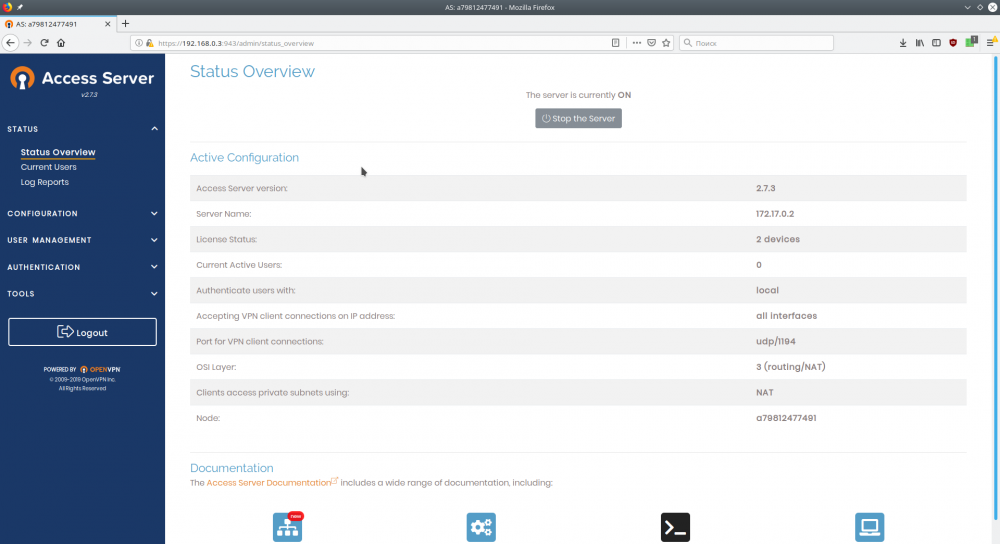
Above scott47 wrote, he managed to log in by changing the address to https://ip:943?Src=connect It helped me too.
-
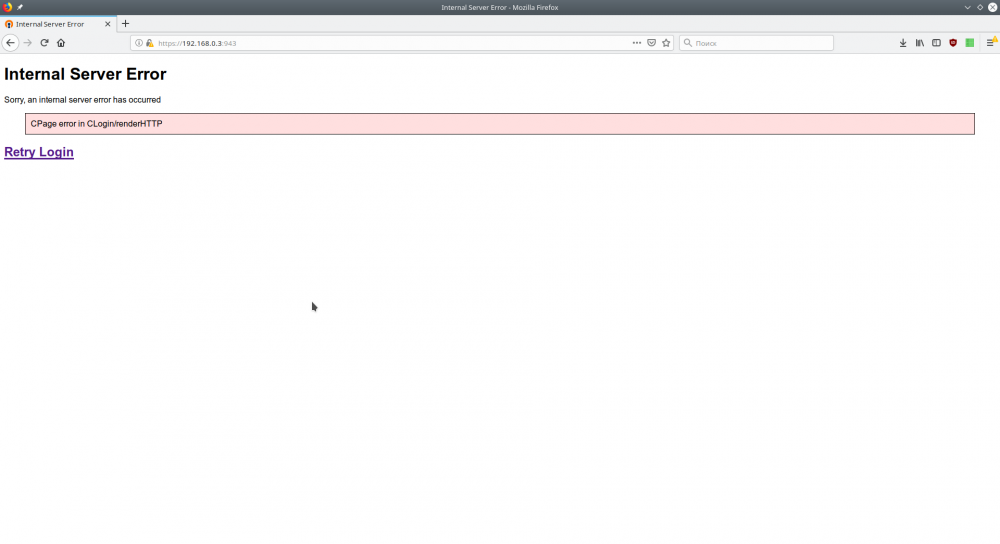
Good afternoon, I launched the container docker run -d --name='openvpn-as' --net='bridge' -e TZ="Australia/Sydney" -e HOST_OS="Unraid" -e 'PGID'='1000' -e 'PUID'='1000' -p '943:943/tcp' -p '9443:9443/tcp' -p '1194:1194/udp' -v '/home/user/openvpn-as':'/config':'rw' --cap-add=NET_ADMIN 'linuxserver/openvpn-as' Everything worked well. But when I try to log in to the user, I get an error Internal Server Error Sorry, an internal server error has occurred CPage error in CLogin/renderHTTP Retry Login There is an error in the logs 019-04-22T18: 52: 03 + 1000 [twisted.python.log # info] "-" - - [22 / Apr / 2019: 08: 52: 02 +0000] "POST / RPC2 HTTP / 1.0" 200 201 "-" "Twisted / XMLRPClib" 2019-04-22T18: 52: 03 + 1000 [twisted.python.log # info] "-" - - [22 / Apr / 2019: 08: 52: 02 +0000] "POST / RPC2 HTTP / 1.0" 200 8597 "-" "Twisted / XMLRPClib" 2019-04-22T18: 52: 03 + 1000 [stdout # info] [WEB] OUT: "2019-04-22T18: 52: 03 + 1000 [stdout # info] CPage exception in CLogin / renderHTTP: 'hostname': connect / clogin: 147, connect / cpage: 84 (exceptions.KeyError) " 2019-04-22T18: 52: 03 + 1000 [stdout # info] [WEB] OUT: '2019-04-22T18: 52: 03 + 1000 [twisted.python.log # info] "192.168.0.14" - - [ 22 / Apr / 2019: 08: 52: 03 +0000] "GET / HTTP / 1.1" 500 798 "-" "Mozilla / 5.0 (X11; Ubuntu; Linux x86_64; rv: 66.0) Gecko / $ 2 Docker works in a virtual machine uname -a Linux debian 4.9.0-8-amd64 #1 SMP Debian 4.9.144-3.1 (2019-02-19) x86_64 GNU/Linux df -h udev 1,5G 0 1,5G 0% /dev tmpfs 302M 4,3M 297M 2% /run /dev/sda1 15G 2,2G 12G 16% / tmpfs 1,5G 0 1,5G 0% /dev/shm tmpfs 5,0M 0 5,0M 0% /run/lock tmpfs 1,5G 0 1,5G 0% /sys/fs/cgroup tmpfs 302M 0 302M 0% /run/user/0 Unfortunately I could not find information on this error.