monkmonk
Members
-
Joined
-
Last visited
Everything posted by monkmonk
-
I have a couple of VM’s that I use for work. Having a place for them at home would be nice.
-
Good point. I have two 8TB drives that I am working on, the others are XFS.
-
It’s time for me to retire the trusty Unraid box I built in 2012. It’s an I5-3570K that has been running almost non stop for the past decade. I run the Arr’s, Plex and couple of other Dockers on it that I use for development. My goal is to get something that’s a little faster unpacking and that won’t struggle to unpack and stream a video to Plex at the same time. I have five data drives, an SSD for cache and a single parity. All told it’s 58TB. On my current build some of the drives are run off of a Marvel SATA adapter. I’m sure that’s a bottleneck. Can someone do a quick sanity check on the following parts and make any suggestions? I will be reusing the case, power supply, cables etc from the old build as they have all been replaced in the last few years. Partpicker link: https://pcpartpicker.com/list/B3YJ4s is open and will take comments. CPU - Intel Core i7-12700K 3.6 GHz 12-Core Processor MB - ASRock Z690 Pro RS ATX LGA1700 Motherboard (has Intel NIC) Memory - Corsair Vengeance LPX 64 GB (2 x 32 GB) DDR4-3200 CL16 Memory Cooler - ID-COOLING IS-50X V2 54.6 CFM CPU Cooler
-
It was constantly showing up to date in the docker window. I switched to Advanced View in the Docker window and did a Force Update and that seemed to do the trick. For some reason I forgot about the force update option. Your reply got me thinking. Thanks again!
-
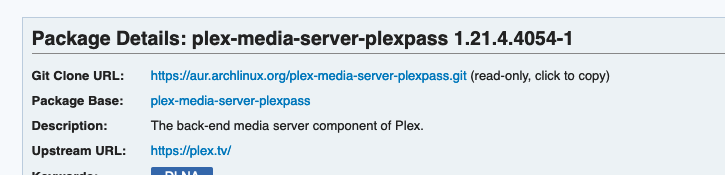
There's a new version on AUR. Any chance of an update?