trb037
Members
-
Joined
-
Last visited
-
@Taddeusz Thanks! My mistake!! Attached is the latest excerpt from the correct log. Thanks again! Thomas
-
Ah - makes sense. Log file attached. Looking at the log it looks like a permissions issue, but I am using version 1.0.0 of Guac and unraid/docker states it is up to date. -Thomas tomcat.log
-
@Taddeusz thanks for the reply. Yes I am using the latest version of the container. Can you tell me how to get the catalina.out file from the container? THanks Thomas
-
trb037 joined the community
-
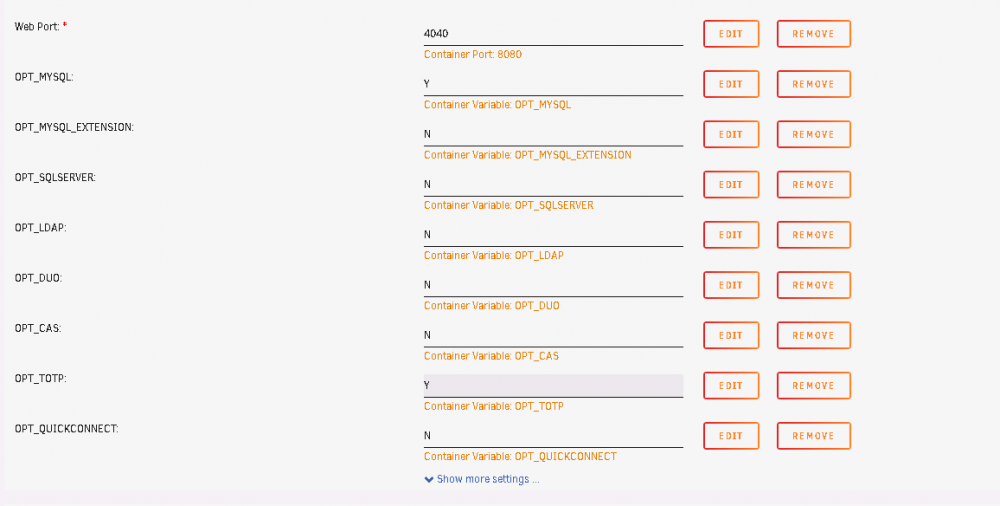
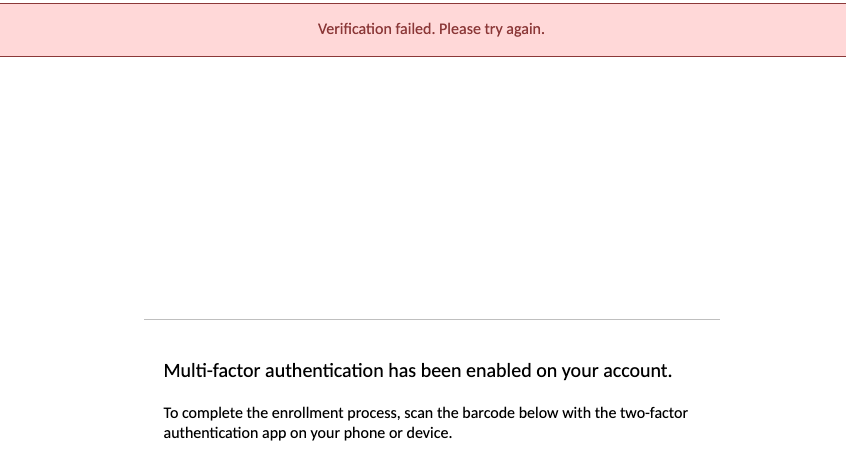
I am having an issue trying to enable TOTP on Guacamole. I set the flag to 'Y', cleared cache, and got to the TOTP enrollment page. When I try enrolling the screen snaps and the error "Verification failed. Please try again." shows at the top of the screen. I have tried resetting the container, trying Google Authenticator and Authy (both on Android FWIW). I looked at the container logs but cannot seem to find anything that indicates a problem. After setting the flag to "Y" in the configuration, do I need to edit guacamole.properties? I cannot seem to figure it out. Thanks in advanced Thomas