





asopala
Members
-
Joined
-
Last visited
Everything posted by asopala
-
By the way, anybody figure out how to make a successful Time Machine dataset in ZFS? I did the usual protocol of making a new dataset in the terminal, and using SpaceInvaderOne's code for smb-extra.config to have time machine on an unassigned device (as linked a while back from @etsjessey, but I can't for the life of me get it to show up as a time machine device on my Mac. Everything else shows up normally, but no dice. Here's the code I got, right after the rootshare configuration. [Alex Time Machine] comment = ea support = Yes path = /mnt/tank/AlexTimeMachine browseable = yes guest ok = no valid users = asopala write list = asopala writeable = yes vfs objects = catia fruit streams_xattr fruit:time machine max size = 1000 G fruit:encoding = native fruit:locking = netatalk fruit:metadata = netatalk fruit:resource = file fruit:time machine = yes fruit:advertise_fullsync = true fruit:model = MacSamba fruit:posix_rename = yes fruit:zero_file_id = yes fruit:veto_appledouble = no fruit:wipe_intentionally_left_blank_rfork = yes fruit:delete_empty_adfiles = yes durable handles = yes kernel oplocks = no kernel share modes = no posix locking = no inherit acls = yes #unassigned_devices_start #Unassigned devices share includes include = /tmp/unassigned.devices/smb-settings.conf #unassigned_devices_end
-
I think that's the way to go. I also didn't realize it's a GUI issue with the smb-extra.conf file being limited to 2kb. That makes everything easier.
-
Would the recycle bin vfs object setting need to be applied to every SMB share in smbextra.config? I'm running into a 2048 character limit and have been dealing with that.
-
Hey all, I'm using the ZFS plugin, and I'm making my SMB shares through Samba Extra Configuration, as recommended. I've noticed though that there's a point where I can't add any more letters for a time machine share I'm trying to set up without removing characters somewhere else, and I'm wondering why that is. Any particular reason it's limited at 2048 characters? How do I get around it?
-
Hey all, Anybody know how to use the Recycle Bin plugin with ZFS? I have the datasets shared via SMB in the smb.extra config, and I was wondering if it is possible to have it work with the ZFS array for the sake of delete protection.
-
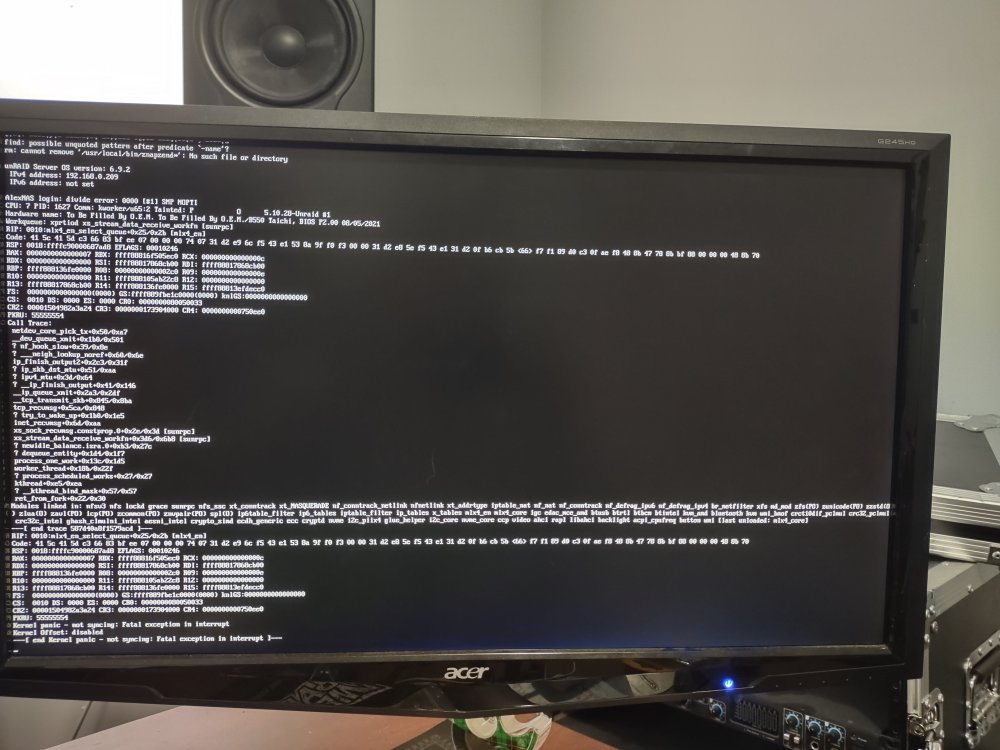
Hey all, Anyone able to help with this issue? I tried wiping the drive and starting from scratch, but I've had the kernel panics happen again. I couldn't get a proper syslog, but I could get this image from my computer:
-
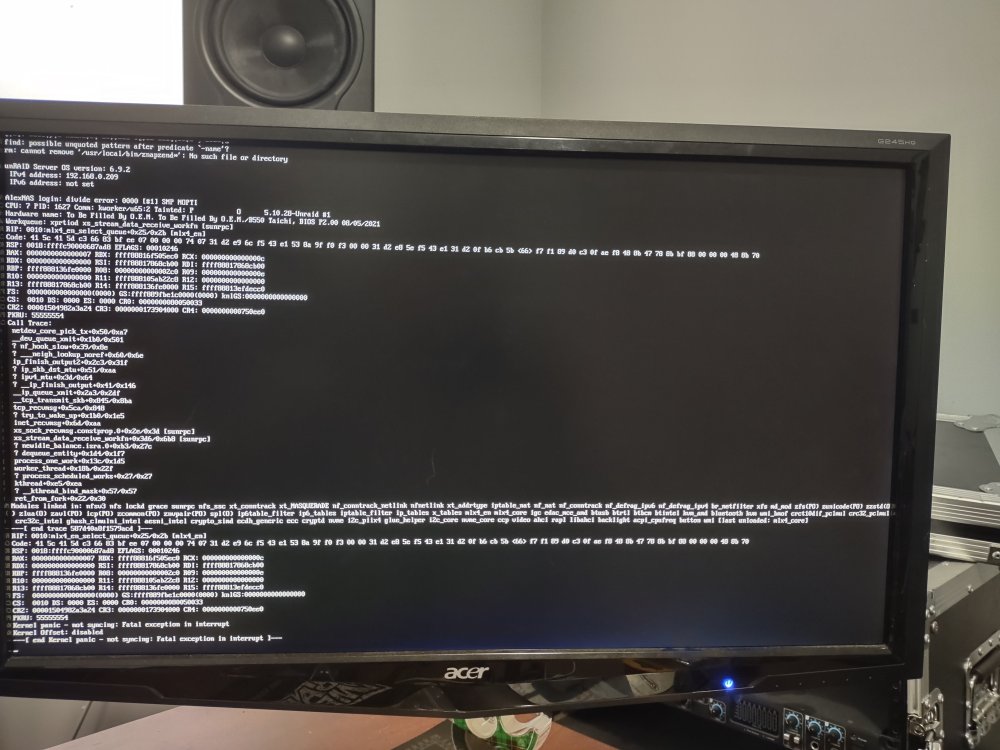
Hey all, I'm getting kernel panics when trying to transfer over large volumes of data via rsync from my backup to my ZFS Unraid server. I'm amazed at the sheer speed of the transfer from spinning rust, but it crashes. IDK what's going on. I have diagnostic information if that helps, or if there's something else you guys need, let me know. Figured cause the issue is with ZFS, this is the place to ask for help. Anybody know what to do? I saw a year and a half back someone had a similar issue. Also had to rebuild everything from scratch before cause of this issue--thank goodness for backups, seriously. I'm on 6.9.2, BTW. Edit: I can't get a good syslog of the issue because it wipes itself when I have to hard reset the server, so I had to take a photo of what my screen is telling me. This was during an rsync of data from the backup server via FTP share to the tank. alexnas-diagnostics-20211031-1717.zip alexnas-syslog-20211031-2118.zip
-
Just to add, I'm on 6.9.2.
-
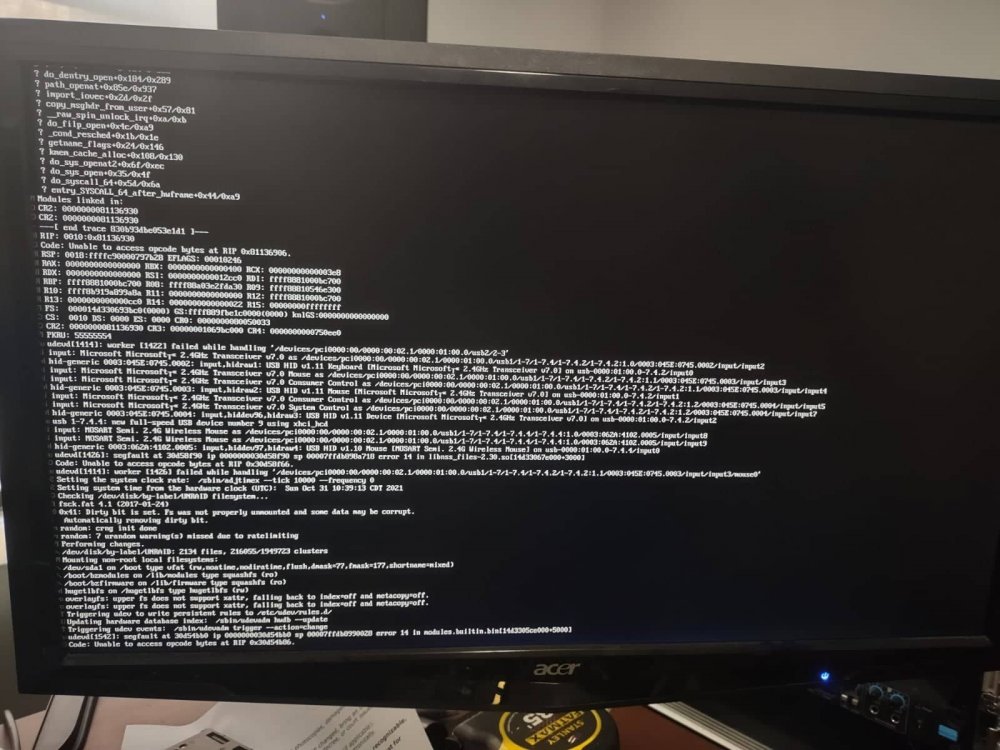
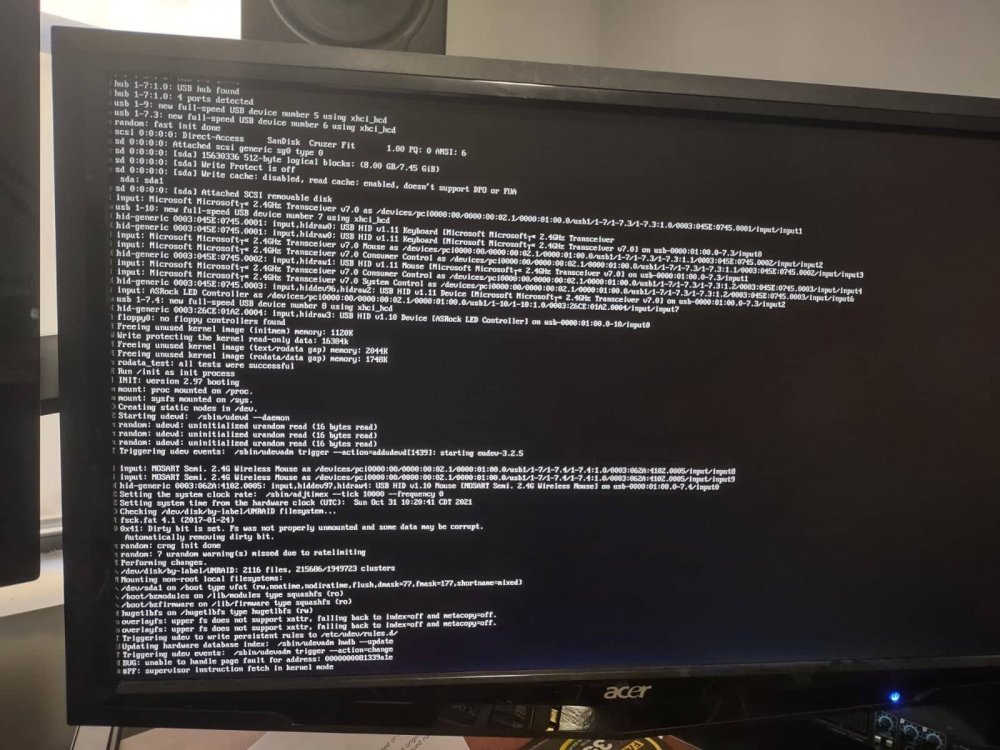
Hey all, I'm having issues with my server. I was trying to sync my data from my backup server to the main one because I changed my setup--changed out the old motherboard and CPU, and went with the ZFS on Unraid plugin--and I've been getting kernel panics for the first time. It happens during rsync, and now happens when I try to boot the server to try to get a diagnostic file. I am now unable to access the server to get a diagnostic file. I have the flash on me, is there a file on there I should attach? Attached is what it's stuck on. All the data is on the backup, so I'm not TOO worried about that, but I'd rather not have to start from scratch unless absolutely necessary either.
-
Hey all, Finally got ZFS started up. I wanted to test the speed, and I'm trying to figure out how to do it. Earlier in the thread there was a thing about fio, but I can't seem to get it working based on the instructions from both Level1Techs and @mytime34. Anybody know what to do?
-
I ask cause currently the plugin works through Unassigned Devices, and if it eventually switches so that the array can be on ZFS, I'm wondering if that would cause an issue there where I'd need to wipe my data.
-
Hey all, need some advice. I'm looking into setting up ZFS on Unraid , but considering it's most likely going to be officially supported on 6.11, I'm not sure if starting it now will be an issue, or if I'd have to wipe all my data to use the official implementation in the future. I have 8TB of data, and that's a lot to move around. Would it be fine to set that up now, or would it be wise to wait for the official Unraid implementation?


