wombat
Members
-
Joined
-
Last visited
-
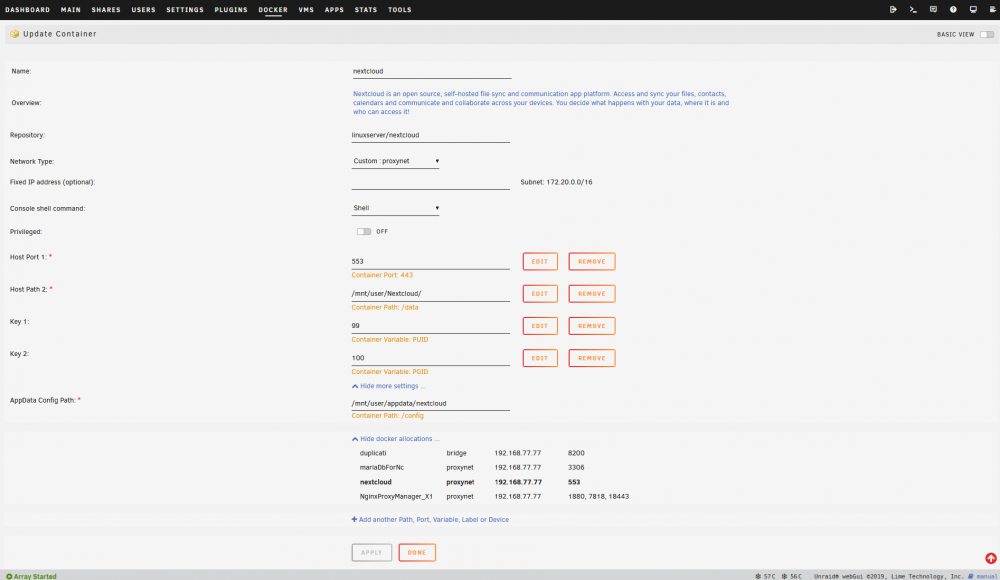
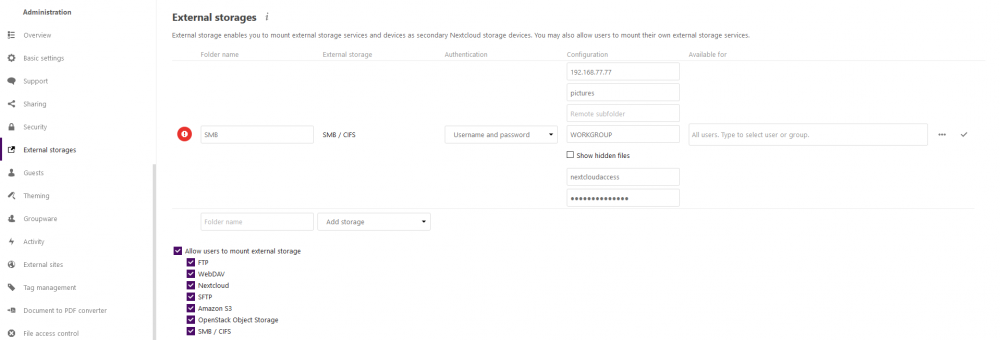
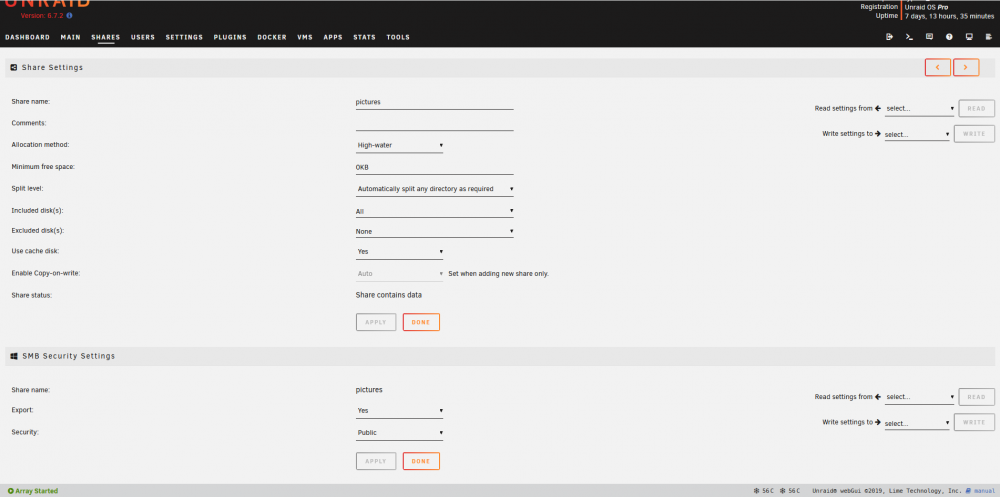
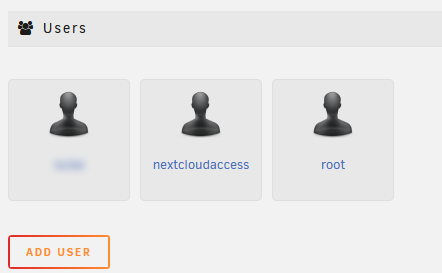
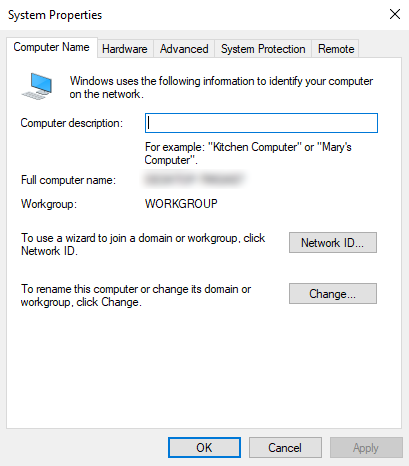
Hi All, it's time for yet another request for help with adding external storage. I saw this topic has come up several times before in this thread and others, but none of the prior solutions worked for me. Thanks in advance for any help you can provide! So, I'm trying to add a share called 'pictures' as an external storage within the Nextcloud container. I checked that the workgroup is indeed WORKGROUP, as that is the same used by my windows PC. I'm able to connect/browse/edit the SMB share from my windows PC without any issue. Also tried it with the 'domain' field in Nextcloud simply being empty. Currently the share is set to public, but I've tried it with Secure/Private as well. I searched around in various Nextcloud/smb log files, but I couldn't find any log that gets generated from actually trying to create the external storage in Nextcloud? Other than the angry red circle. Is there anywhere I can look to see *why* the attempt to create the external storage failed? I should add that I'm aware that you can mount the share within the Nextcloud container and add it as a Local external storage instead, but that's my last resort. I'd much prefer to get it working as an SMB external storage. I appreciate any help anyone might be able to give!