





kerpster
Members
-
Joined
-
Last visited
Everything posted by kerpster
-
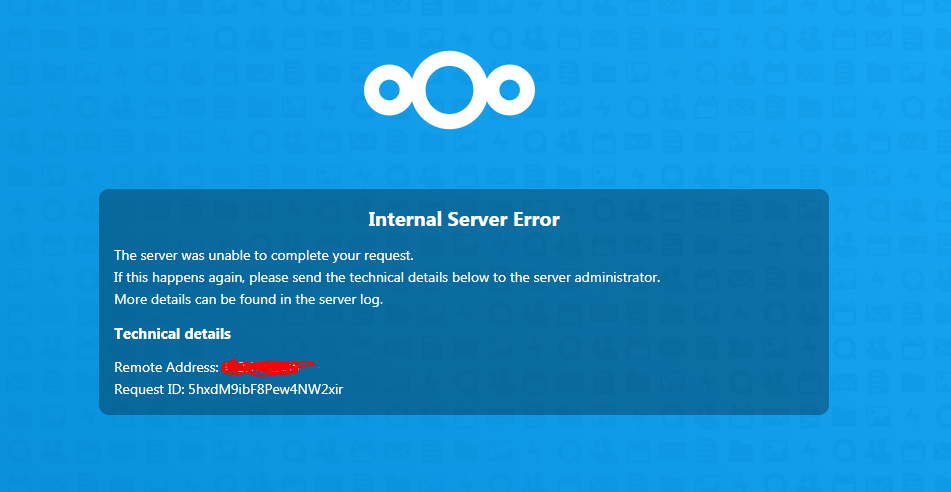
It seems that this is becoming more and more of an issue. Any chance anyone has figure out how to fix this? i get it while trying to access settings-system...
-
i also noticed that group folders was removed from the system.... any chance that is coming back. it made things really nice for my family to share only what needed to be shared to different people
-
Finally after weeks of working to get my system back up and running i got it updated ish... i am still having an issue accessing the settings-system section. i cant tell what version i am on, nor can i update the system if there is an update to be done. i know i am a noob so any help will need to be explained in detail. thanks.
-
it says 16.0.0.9 i have no idea if thats the right version or not. sorry if these are stupid questions... how to i see what version is currently installed if i cant access the setting menu?
-
Wow this was actually a big help. turns out that it was disabled but now i have another issue... App "Nextcloud settings" cannot be installed because it is not compatible with this version of the server. So i will give a little background: i accidentally updated nextcloud via the docker tab in unraid. after i made this mistake i was unable to access it altogether. i used the backup/restore plugin and have arrived here. i ran the 'occ app:list' and noticed that setting is indeed disabled (which it wasnt before i updated). now i am unable to update because i cant access the settings menu. Any more help would be much appreciated. Thanks everyone.
-
i think we got stuck between 2 holidays and no one is on. give it a little bit and someone should get back to us. this is a super busy time for people.
-
Good Morning and Merry Christmas to all that celebrate... i finally got my web interface back up and working but when i go to settings i get the following error: Access forbidden App is not enabled By any chance does anyone know how to correct this issue so i can get Nextcloud Updated?
-
so i have nextcloud installed and since i forced update am no longer able to access my files. i now realize that i never installed mariadb or anything to play with nextcloud, just this docker. i am very much a newb and would appreciate any help that could get me back to where i SHOULD be. if i uninstall nextcloud and start from scratch will i lose everything that i currently have in my folders? i have some 15 users with thousands of pics and files in my folders and would hate to lose everything on the account. please let me know what i should do. Thanks.
-
What is the reason for mariadb and some of the other things that you guys are installing? I installed nextcloud and that's it.
-
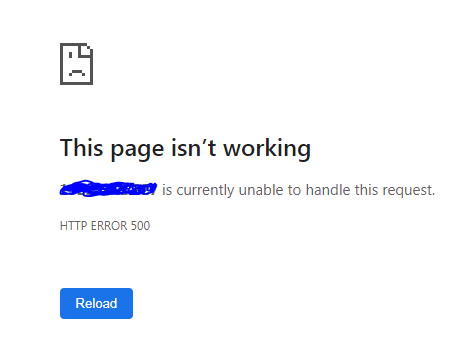
i have a huge issue... i went ahead and updated to the latest version of nextcloud and now i cant access my web application at all. i just keep getting the following error: Any idea how to fix this? i dont think i will ever update this application again... but i need access to my files and this is driving me crazy. PLEASE HELP! FIXED IT: Had to run this in the nextcloud terminal : sudo -u user php /config/www/nextcloud/occ upgrade after i had to go and re-add a bunch of "apps" in nextcloud and update them... once done everything was back to normal on the latest version.
-
I have run into the issue where its saying that the user has reached it limit for upload... How is this possible if i have it set to unlimited? I have tried look online and really havent found anything. Any help would be great, Thanks. Update on situation: I went ahead and created a few "Group Folders" instead of sharing a group folder on my account. Hopefully getting rid of all the shares on my account will allow for more space to be used and the newly created Group Folder to take the upload without issues.

