Jagaroth
Members
-
Joined
-
Last visited
Everything posted by Jagaroth
-
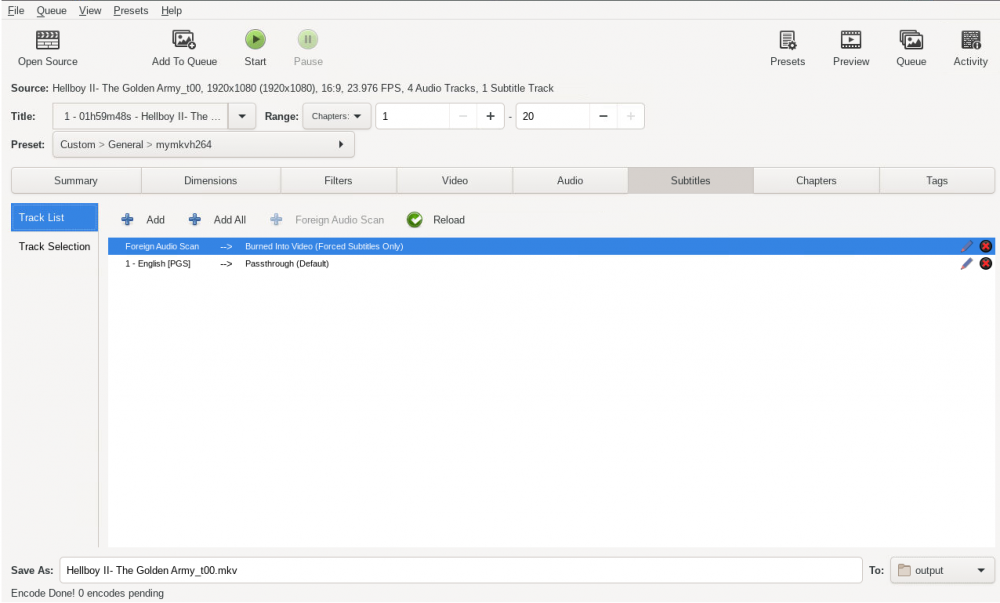
Thanks. To clarify, when using the GUI to initiate a transcode I can and have unchecked that box to remove the default tag. When I do this the file works properly and no subtitles display by default in playback. However, I am setting this up to be automated through watch folders and the preset I have created does not maintain that subtitle status. Anytime I load the preset it checks the default box back on. I don't see any way of getting that to be maintained when HandBrake starts a new transcode.
-
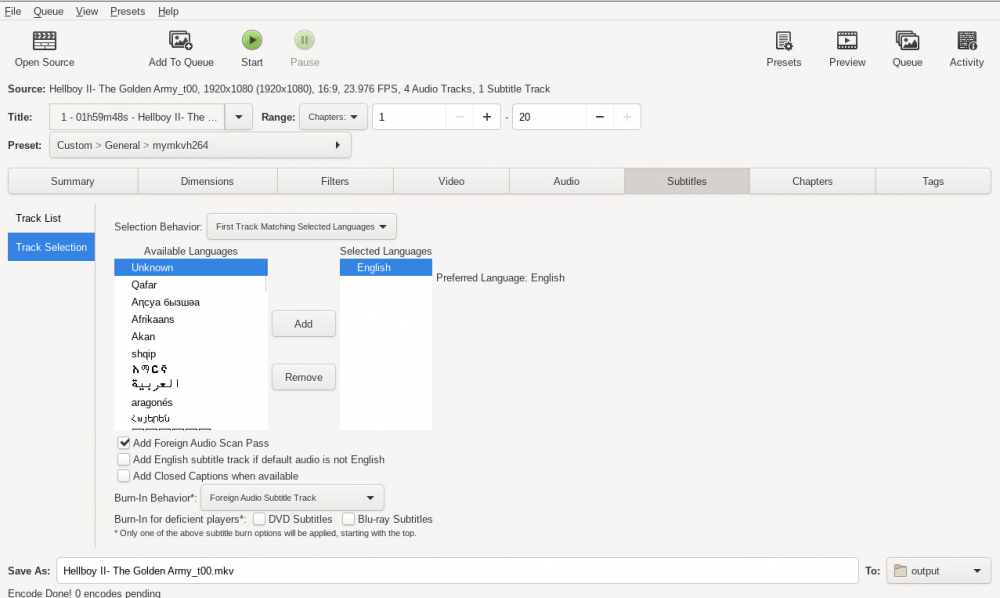
So I saw this question posted a few months back but it didn't seem to go anywhere regarding subtitles. I have HandBrake set to transcode to an .mkv container with H.264 encoding. I am burning foreign audio subtitles and grabbing the first English subs found. HandBrake is defaulting those subtitles on and I don't see any way to disable that. I would prefer to have the subs included but left off until I enable in Plex/VLC. Any ideas?