





astarock
Members
-
Joined
-
Last visited
Everything posted by astarock
-
HURRAY! It works. Sir, you are my hero, you make my day! I still don't understand why it didn't work with the binhex- plexpass edition?
-
I suppose LSIO Plex is the linuxserver one?
-
Ok I will give a try! Thank you for your great support by the way!
-
Ok, I deleted the Plex Docker as well as the image, added the Plex Docker template again but still no web gui!
-
Ok I just need to wait for it to download.
-
should I use the default plex template or the binhex-plexpass witch I currently use?
-
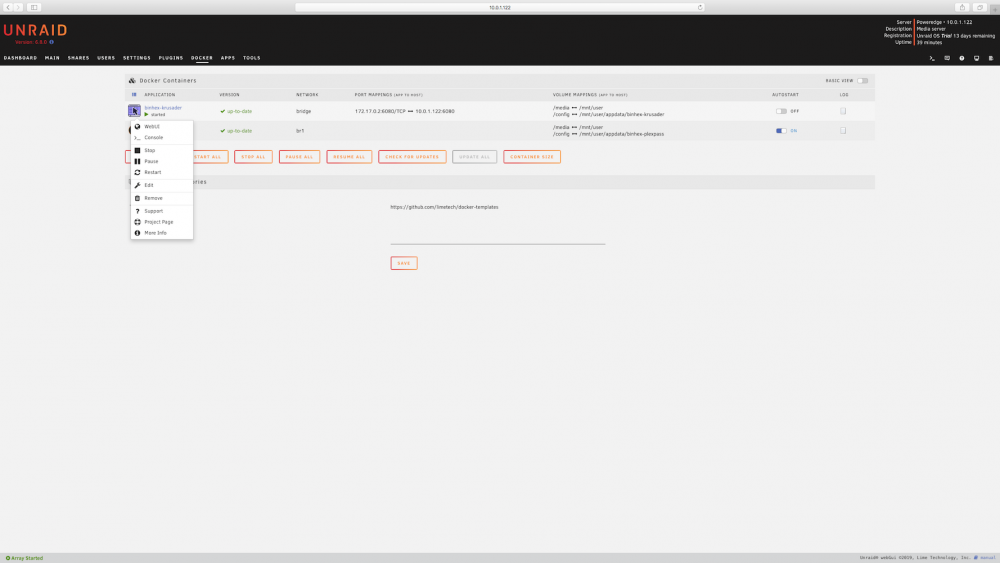
Restart it but without luck. I took a picture of the web gui showing for my Krusader docker. The Plex docker behave the same way when I was running it from the default "Host" port!
-
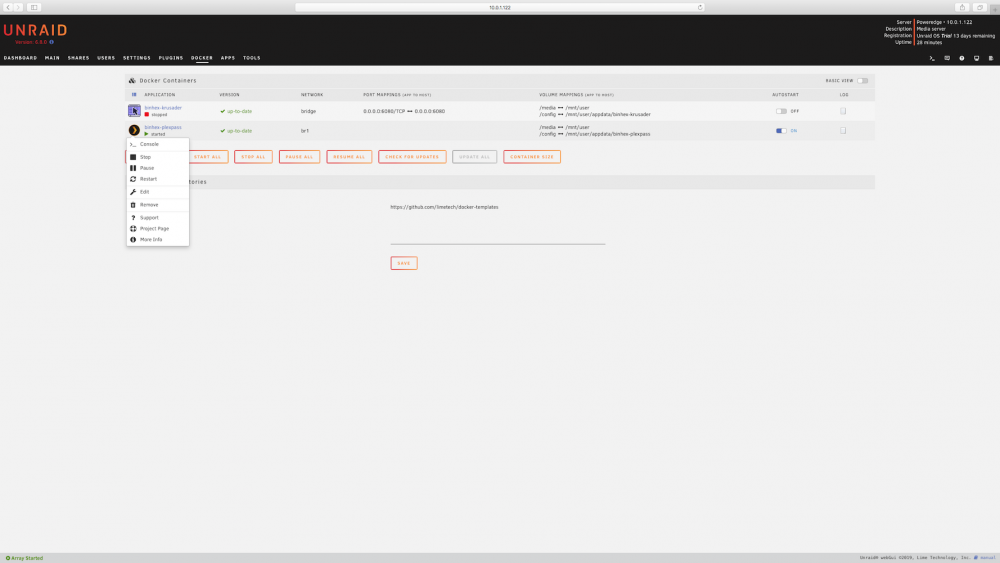
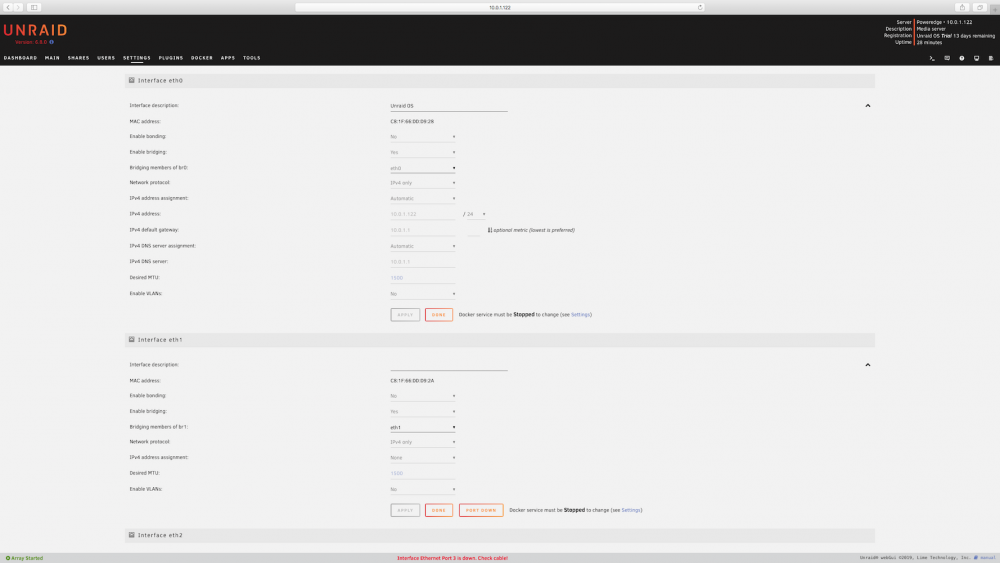
I took both screenshots fo plex gui not showing up as well as global network settings!
-
Docker global settings.
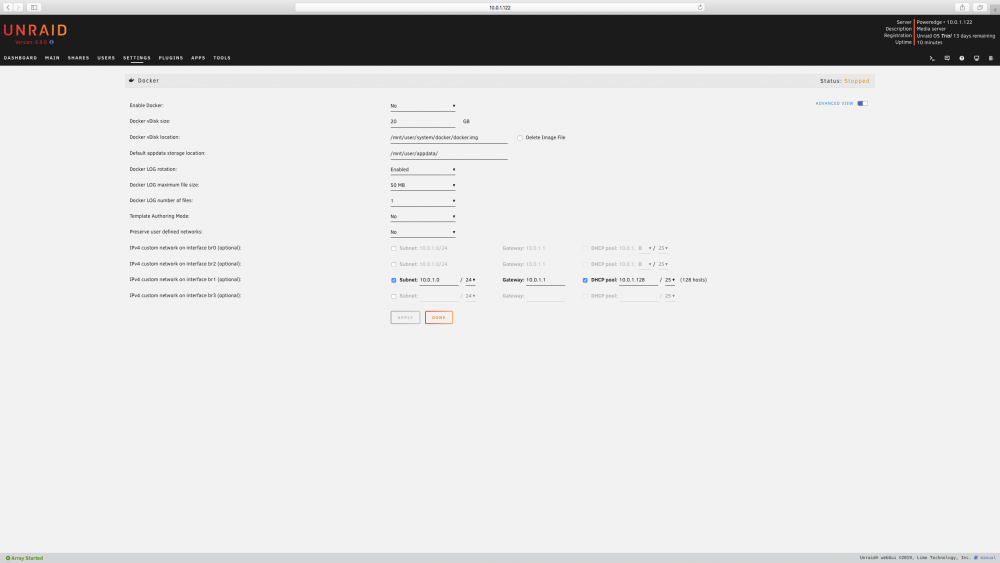 Here you go sir! Thank You!
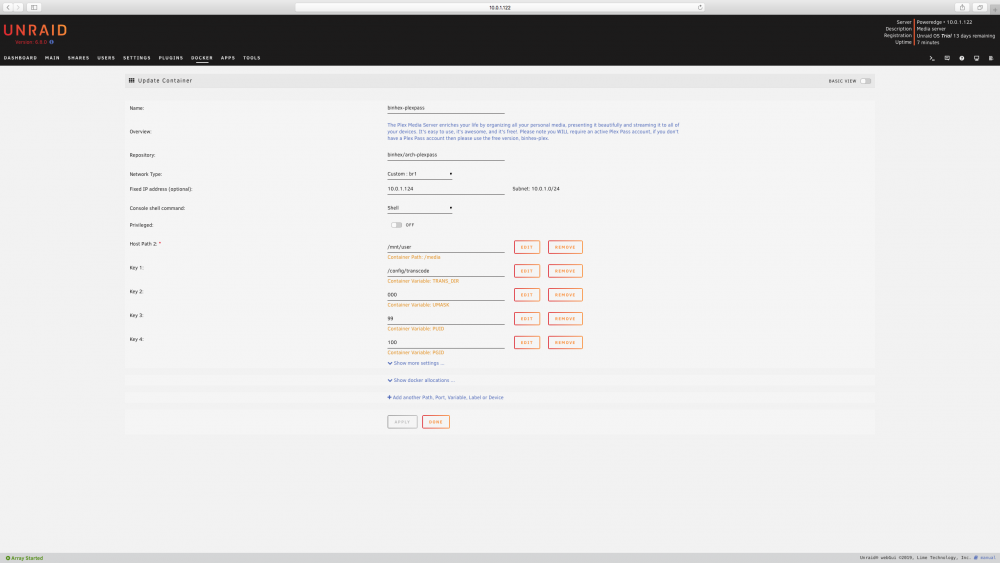 Hi binienl. I did exactly as you described and saved. Plex docker is starting but when click ont the Plex icon to pop up the web gui below console, there is no web gui to select?Hi people, I'm new to this forum as well as Unraid. Still on the trial period but been playing whit it for 16 days by now. I'm planing to run the thing as as NAS, Plex media server, and some virtual machines. I'm used to Vmware ESXI but I'm at loss here. See, the Unraid is running barebone on a Dell Poweredge R720, with have a onboard 4 port ethernet card and I wish to use it as; -eth0 = Access Unraid Os as well as file transfer. -eth1 = Plex Docker. -eth2 = No use for it right now. Surely a Windows virtual machine in a not so distant future. -eth3 = No use for it right now. I want to put the attention to Plex on port eth1. eth0 = Have is own Mac address, own IP address 10.0.1.122 /24, with gateway 10.X.X.X. eth1 = Have is own Mac address, own IP address 10.0.1.124 /24, with gateway 10.X.X.X.(same gateway at eth0). After reading for countless hours, trying bridging eth1, vlan eth1, playing with docker custom network still no uses, I'm still not able to make plex work without selecting "Host" in plex network type. Surely I'm doing something wrong and quite frankly, I am no master in networking. I was able to create vlans on my apple xserve ESXI machine by trying hard but this time I'm completely at a loss. There is the option of running 2 ports in link aggregation but for personal reasons, I prefer using isolated ports. So I really need some help here please. This is the last step I need to master before buying the complete Unraid licence. Thanks!


