mlapaglia
Members
-
Joined
-
Last visited
-
Oof, that css needs some work 😂
-
try v2.5.0-alpha3 and see if that works better.
-
Adding additional providers is documented here if you want to contribute! https://borgitory.com/en/latest/cloud-providers.html
-
If you look at the response of the http call in dev tools it usually has more information in there.
-
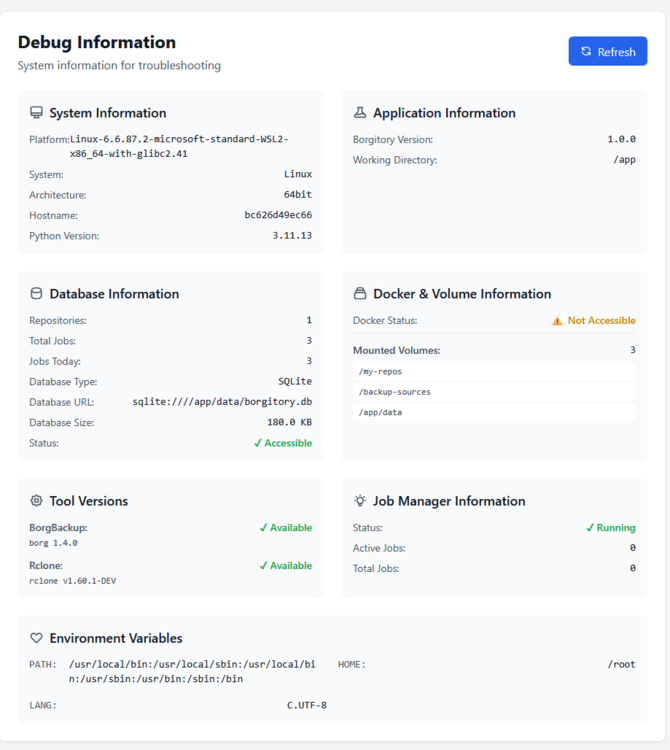
Go to the debug screen and see if the app sees those mounted volumes.
-
2.3.0 is out with support for pre/post hooks so you can run custom commands before and after a backup
-
I see the issue. this is from before i had a db migration process created. i'll create a patch version shortly. EDIT: v2.2.0 should fix your issue. i am also adding integration tests to keep this from happening again ❤️
-
Can you try moving your db file and then restart the app so it will make a new DB and see if you still have the issue?
-
sorry 2.0 was just released and the template broke. i have updated it. in the mean time change your data directory to mount to /app/data instead of /app/app/data and it should start working again. You should be able to mount the repository to the container and import the repository into the app.
-
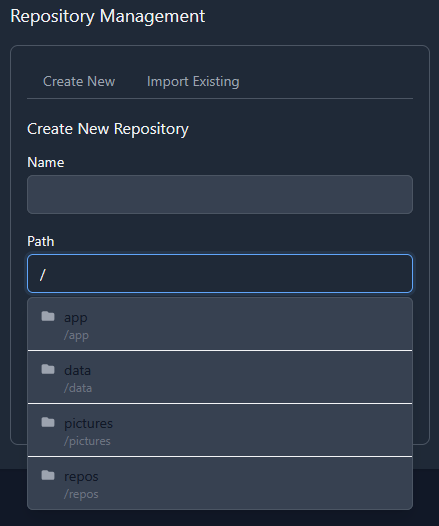
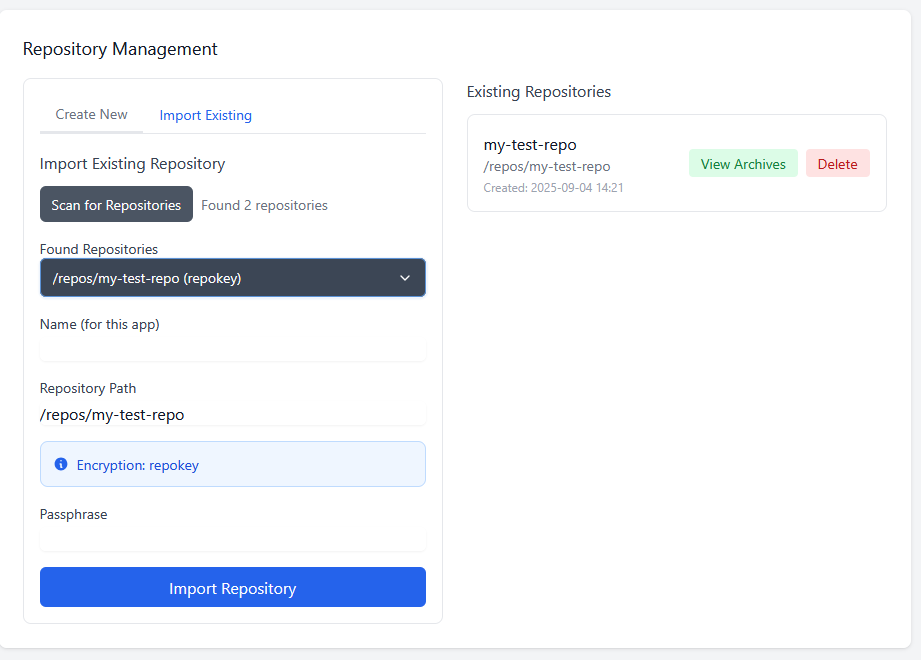
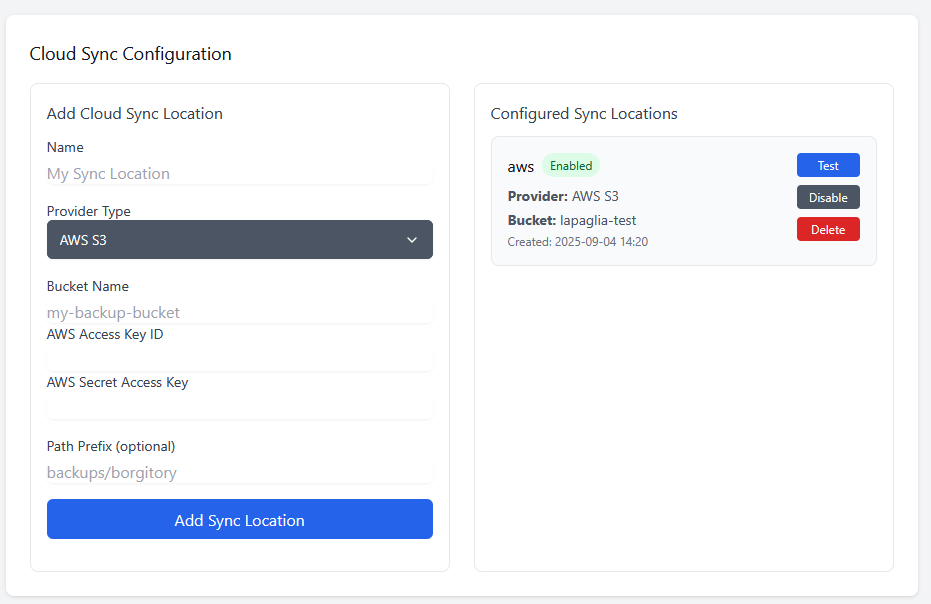
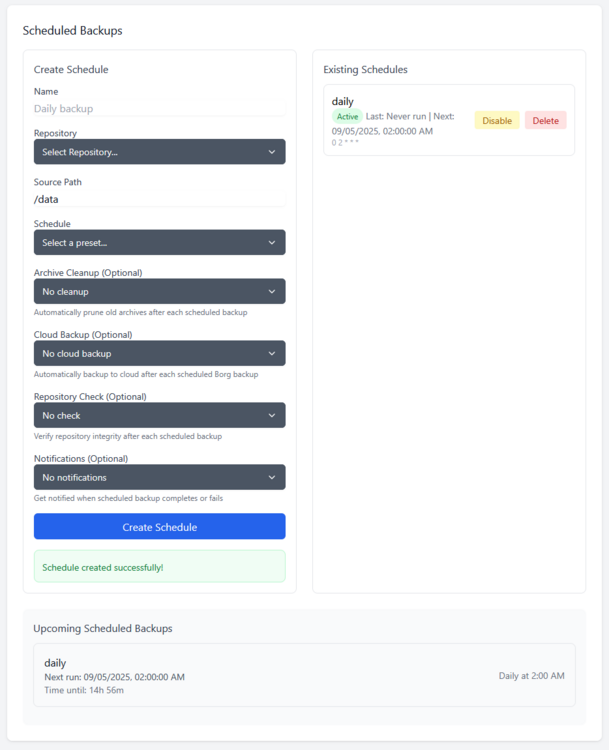
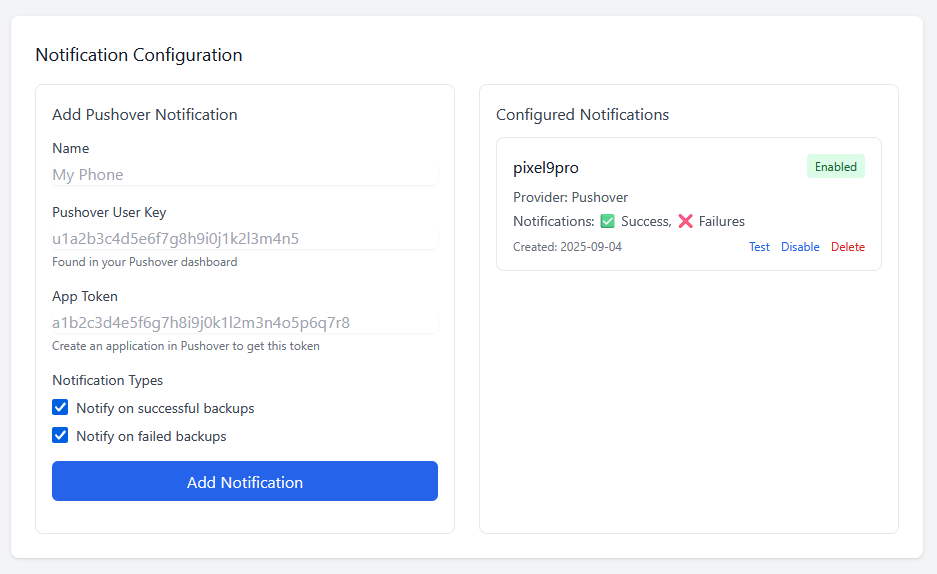
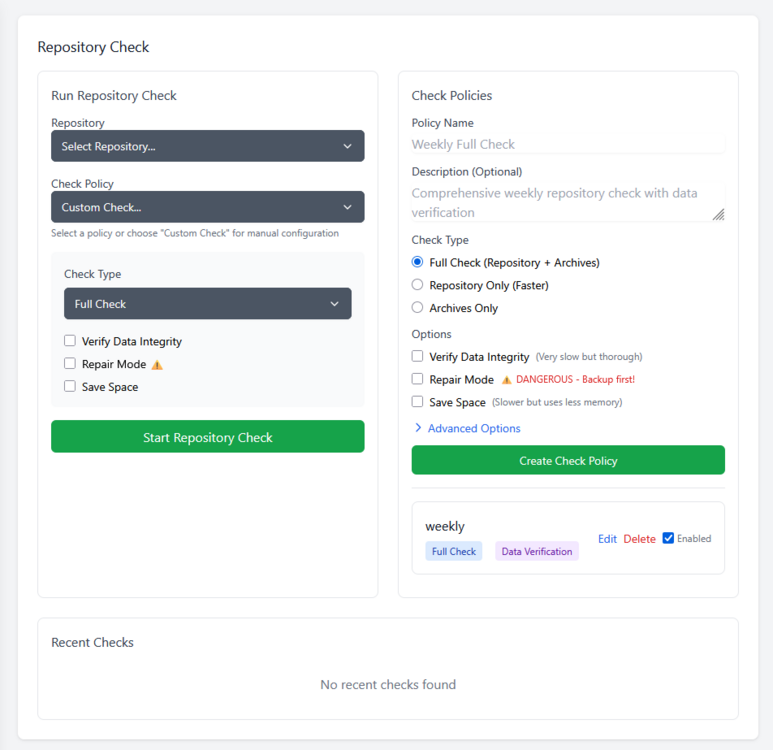
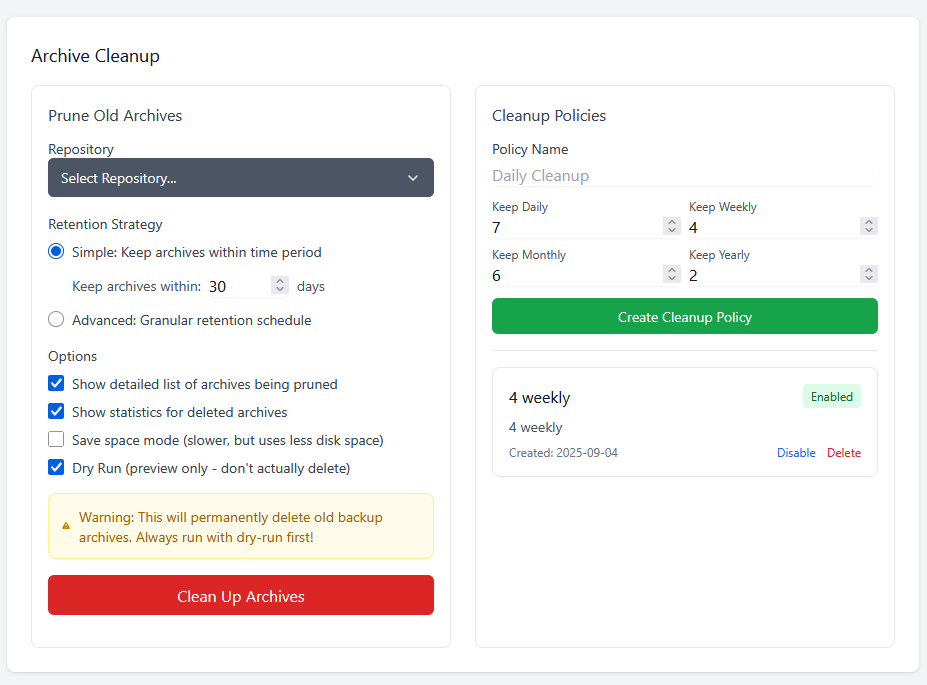
Setting up Borgitory is extremely simple. Mapping volumes to the repository paths and the data is all that is needed, the rest of the configuration is done through the UI. You can mount as many volumes as needed to point at data and repositories in case they are not all in the same space. As best practice make sure to mount the volumes pointing to the source files as read only. Inside the app the mounted volumes for both repository path and source files are visible as autocomplete options. After the initial repository setup (either importing an exsting repository or making a new one) is all configured through the UI, no need to mess with configuration files or scripts



-
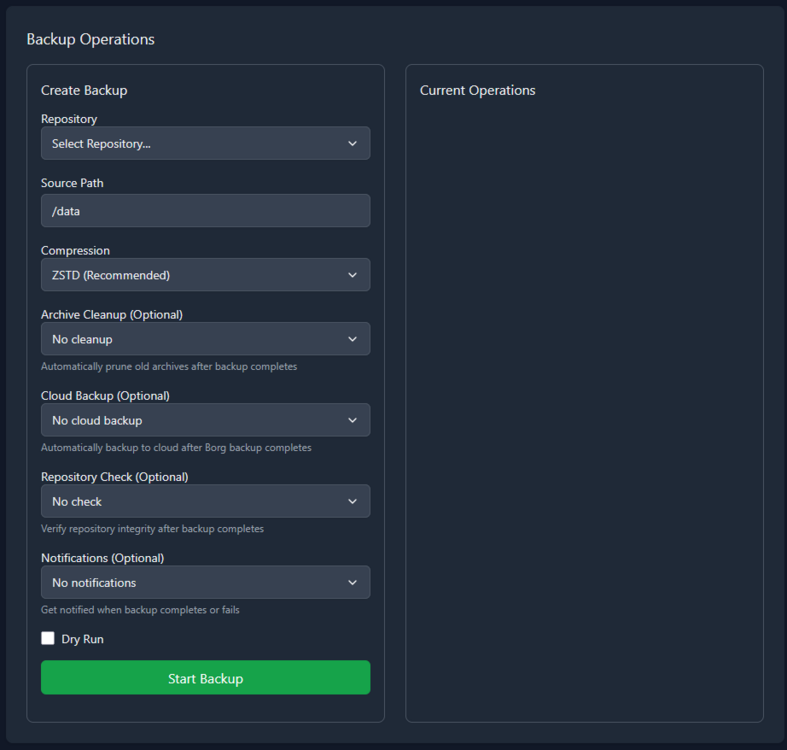
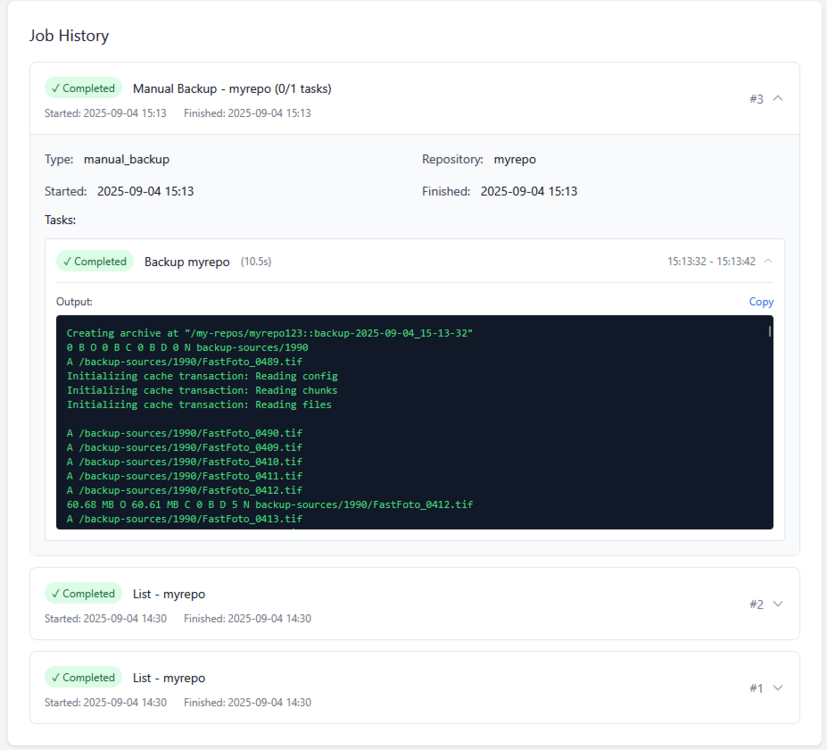
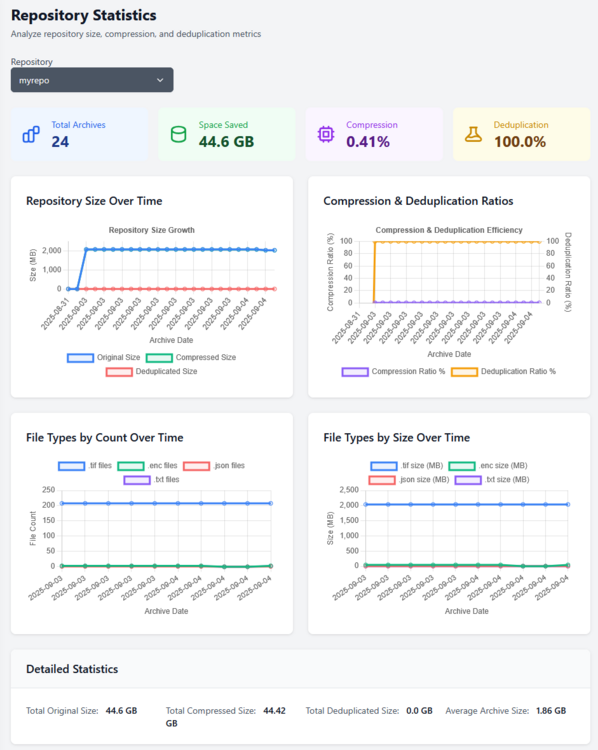
Borgitory is a comprehensive web-based management interface for BorgBackup repositories with real-time monitoring, automated scheduling, and cloud synchronization capabilities. It's a docker container here. It's currently in Beta so don't use it with production backups yet. GitHubGitHub - mlapaglia/Borgitory: Web UI for managing BorgBac...Web UI for managing BorgBackup repositories with scheduling, monitoring, and cloud sync - mlapaglia/Borgitory I am working on making it a community app.

-
could rdfind be added? it supports finding duplicate files and replacing them with links. https://github.com/pauldreik/rdfind
-
watch facebook marketplace/craigslist/nextdoor, you can usually find an IT office trying to offload old equipment. i've found 50 port poe gigabit cisco switches. server racks with wheels and closing doors for $100. i once went to an IT office that was moving to a new location and scored a brand new 3000va ups with the optional network card for $150 because i was picking up a server rack and asked if he was selling anything else. if you are buying a UPS used, make sure you check the expiration date of the batteries. if they are old keep the replacement price in mind.
-
My rosewill 4u server is now full of hard drives and the no name 120mm fans i am using aren't able to move air through the front of the case over them. are there any recommendations for fans with a lot of air flow and static pressure that can work? noise isn't too much of a concern, but i'd prefer pwm fans that can be powered by the motherboard.
-
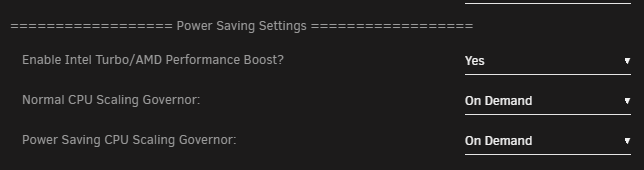
Got a new heatsink for my server, installed and realized it wasnt mounted correctly and was throttling. After reinstalling heatsink I monitored CPU MHz using `watch grep \"cpu MHz\" /proc/cpuinfo` and saw my 3900x was only boosting to 4GHz under load! I went to "Tips and Tweaks" and changed `Normal CPU Scaling Governor` from `Power Saver` to `On Demand` and the CPU started boosting to 4.5GHz single core and 4.1GHz all core. I don't remember ever setting or changing this value, not sure if it is default.