Laydin
Members
-
Joined
-
Last visited
-
Thank You!! I set up the docker as a separate thing versus in the plex docker, it is now working!
-
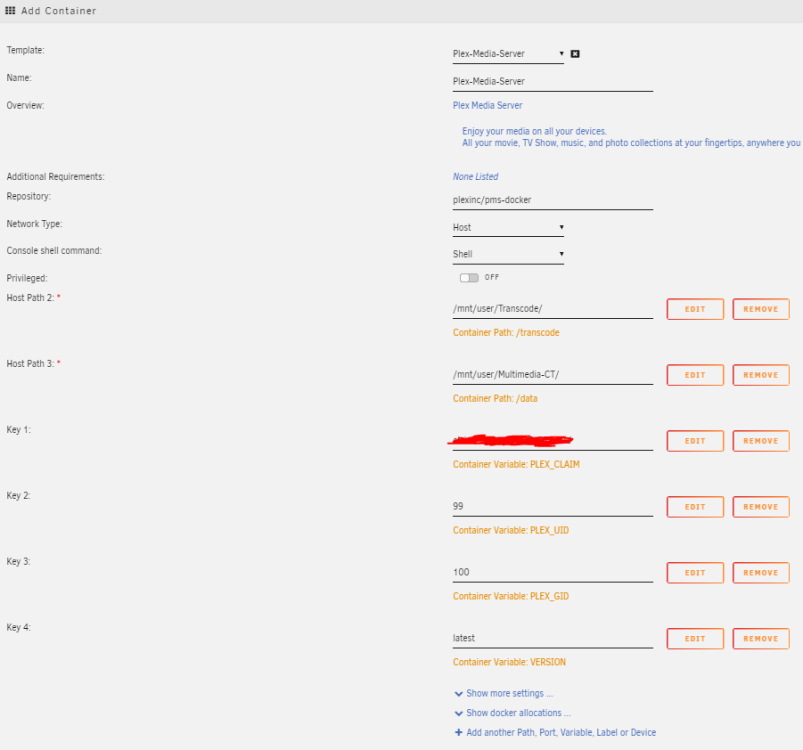
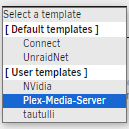
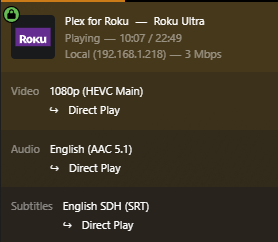
I created a Nvidia docker using the plex template as a base for my template choices: and i did add the 2 variables to the Nvidia template: I have nothing in my transcoder log, nor could i get it to show up on my plex transcoder settings. I also checked in the plex dashboard. I'm not sure what i'm missing to get it to work:

-
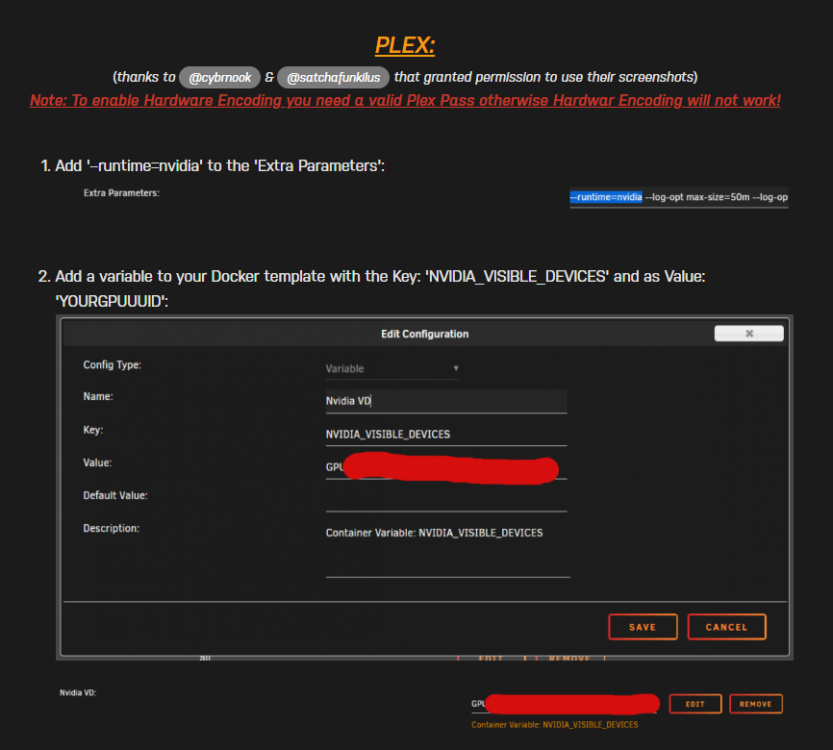
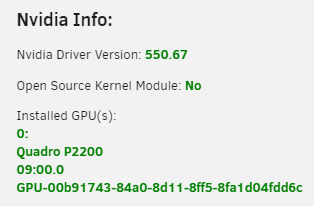
Hello All, i'm a little bit of an Unraid newbie and i'm trying to unlock the Nvidia transcoding, however i'm not sure how to get to the container screen that is in the instructions here: I'm not sure if i'm missing something or i need to add a container, which i'm not sure how to do. Or maybe my card is incompatible? Any advice is greatly appreciated. Thanks.