qy2009
Members
-
Joined
-
Last visited
Everything posted by qy2009
-
I had the same issue. fresh install. 419 error when trying to make any changes.
-
thanks so much @ich777 ! what about my first machine? any hints from the diagnostics? it has i5 6360U.
-
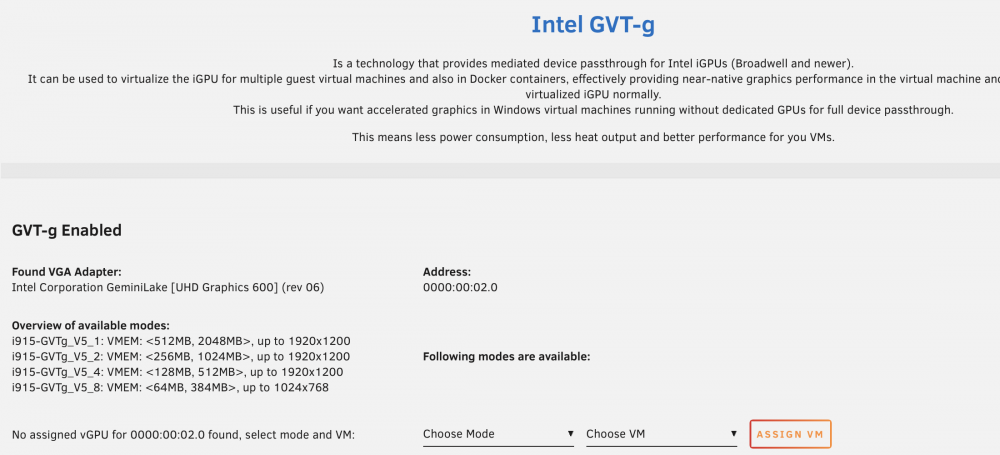
It is Gemini Lake, J4125. The second machine on Unraid without modes available.
-
Here it is. I have a few NIC cards, just in case there are some confusions tower-diagnostics-20210531-1255.zip
-
It seems no issues with the XML. after I clicked update from XML view. nothing happened. I tried removing it and reassign it. but still no go. Is there way I can find out exactly what went wrong? I tried with another machine on Unraid. same 6.9.2. but on the plugin page, it cannot find any mode? Maybe doesn't support intel 600?
-
I didn't change the XML file...yes, the machine type is Q35.... I followed exactly from the first page instructions
-
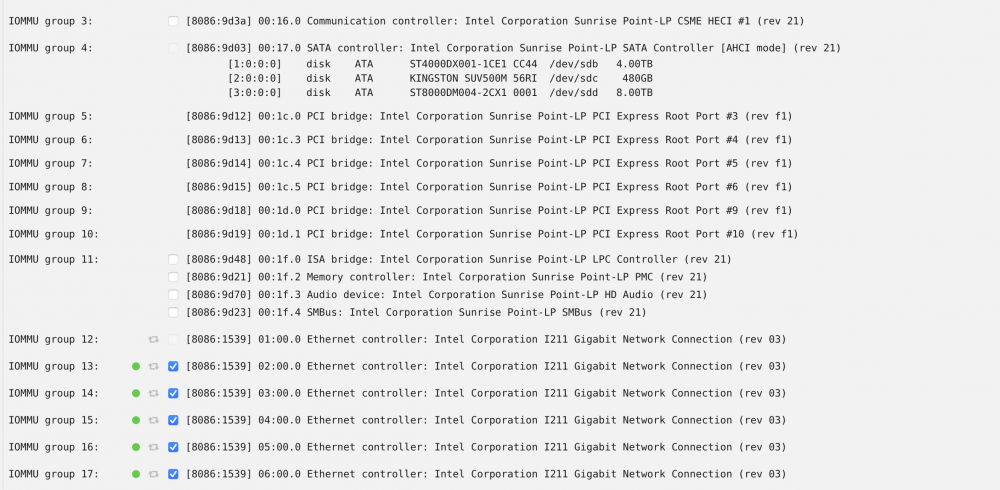
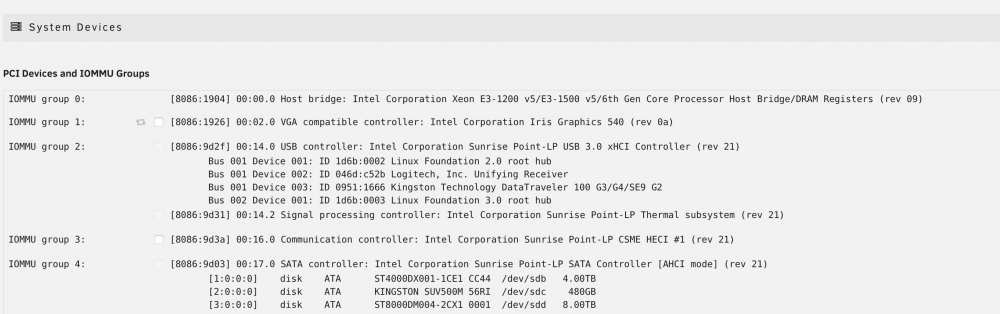
That is my NIC card. I have 6 in total. I have also checked the go file, nothing there. But I did install these plugins together: GPU Statistics + Intel GPU TOP + Intel GVT-g. Sorry I didn't know I cannot add that many I have removed 3 of them, and only added 1 for my win10. However, still the same result. All the VMs were powered off when I made the changes inside GVT-g settings. and when I tried to make the change inside VM settings, the VM itself was powered off as well. I was just thinking it could be good for the Plex for my "NAS" thanks!


-
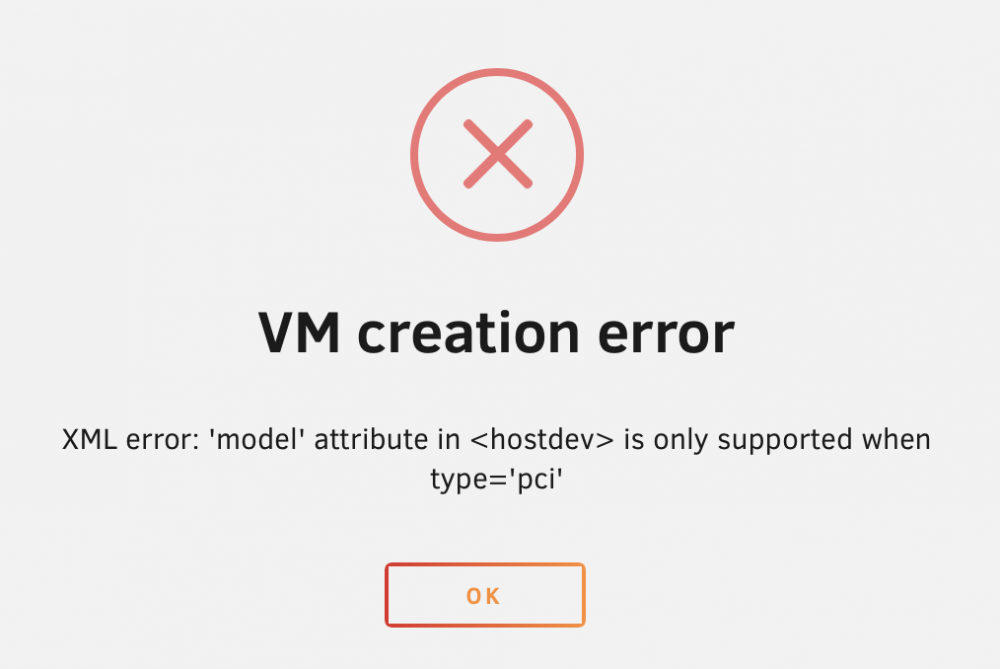
@ich777I followed the steps, however, when I tried to add the graphic card in my VMs, they all said " VM creation error XML error: 'model' attribute in <hostdev> is only supported when type='pci'" . Not sure why this happened? Attached is the diagnostics. thanks tower-diagnostics-20210520-1754.zip