bullitt787
Members
-
Joined
-
Last visited
-
Oh, how I wish I had read this before I tried unassigning the data disk after the copy was complete but before the rebuild. I can confirm that what JorgeB said above is correct.
-
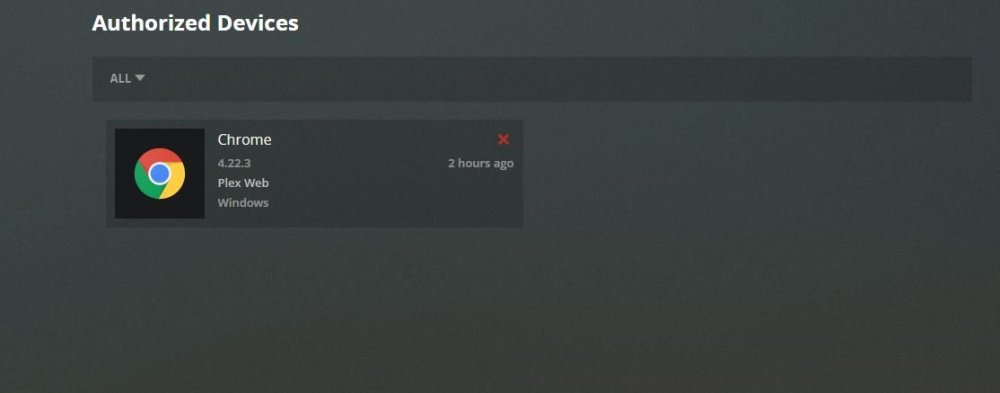
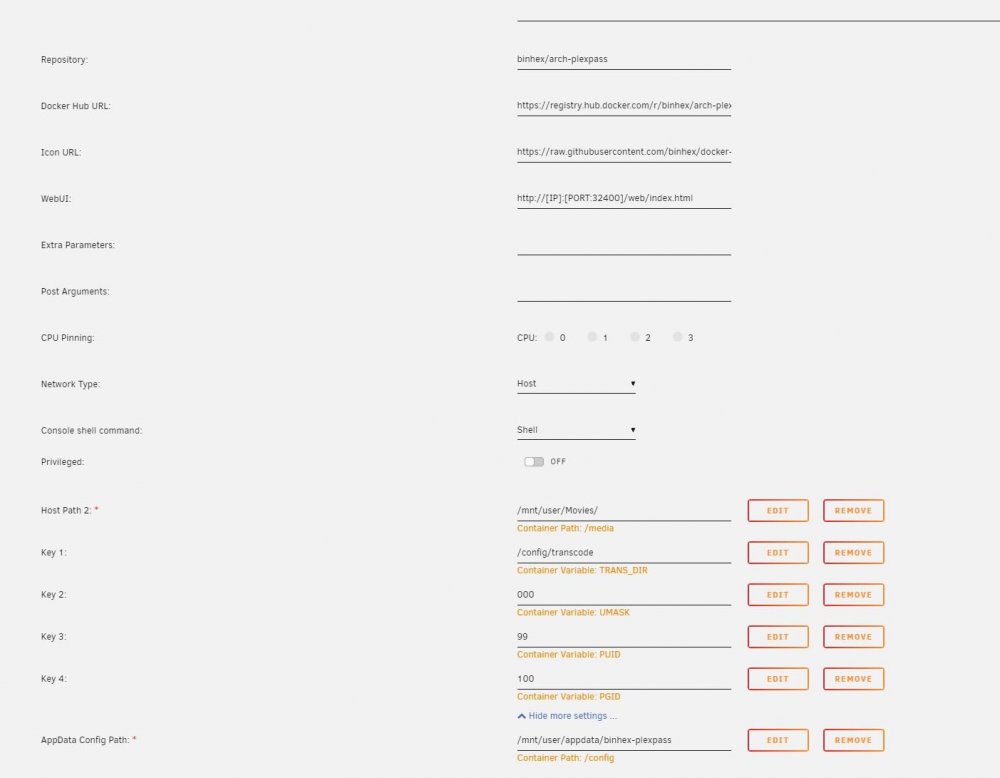
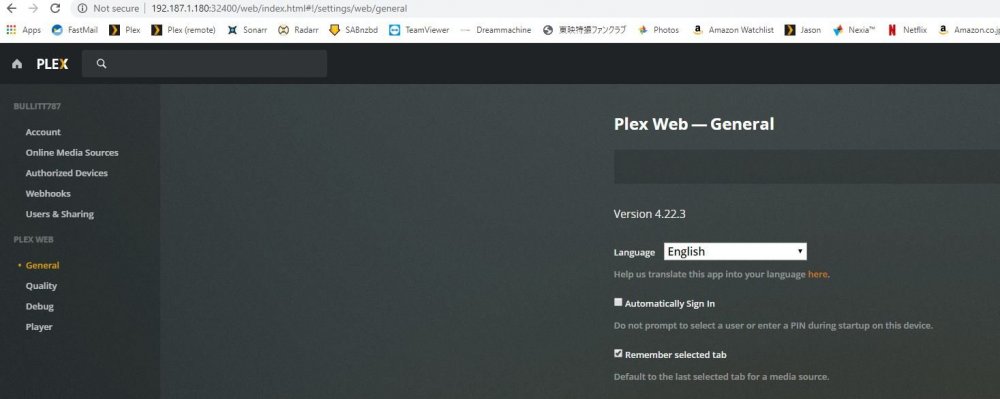
I’m new to UnRAID having having just set up a new server running 6.8.3 with the latest version of binhex plex pass. I was able to install the docker, get it started and access the Plex GUI via the docker tab, but have never been able to access the server running on UnRAID. In the beginning of this oddessy, I was able to see the unraid server in the list of authorized devices, but there are now no servers listed as authorized devices. I’ve tried everything I know (which is not that much admittedly) and still no luck. No matter what I try I can’t seem to connect to the new server (have no problem accessing the GUI, but all the “Server” related options are missing. Here is an abbreviated list of what I have tried: -I have reinstalled the Plex docker on the unraid server multiple times, and tried several different versions. -Logged out of the Plex.tv web interface and the GUI that points to [IP of the server]:32400, then tried reinstalling. I also cleared the cash on my web browser and tried from another machine's browser. -I tried setting up a burner plex account and another fresh install of the docker in case there was still some link to my old server. I have attached screenshots of the relevant bit of info (at least what I think it relevant). Any ideas would be most welcome.