freezingkiwis
Members
-
Joined
-
Last visited
-
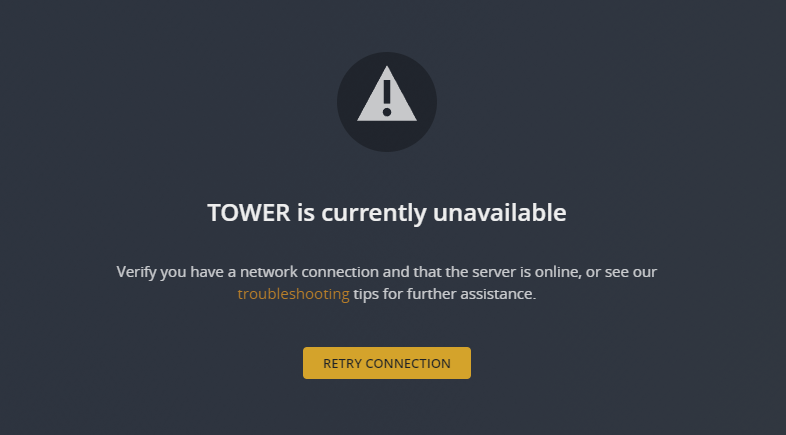
So, plex-linuxserver running in Docker on Unraid. Plex found at: http://192.168.178.25:32400/web/index.html <- I can connect to this and browse it, and successfully setup my Plex server and established 3 libraries last night: Today, I'm receiving this error that TOWER is currently unavailable: This was available 12 hours ago when I set things up. I'm 100% sure that the TOWER server is available, but why is plex-linuxserver responding like this? These are my settings in the Docker container, and I feel like I'm missing something but have no idea what it should be: I've had this working successfully in the past for many many years, but recently swapped out some hard drives. One of my drives is 100% full and I'm currently in the process of moving the files to another drive, could this be causing this???