





Schicksal
Members
-
Joined
-
Last visited
Everything posted by Schicksal
-
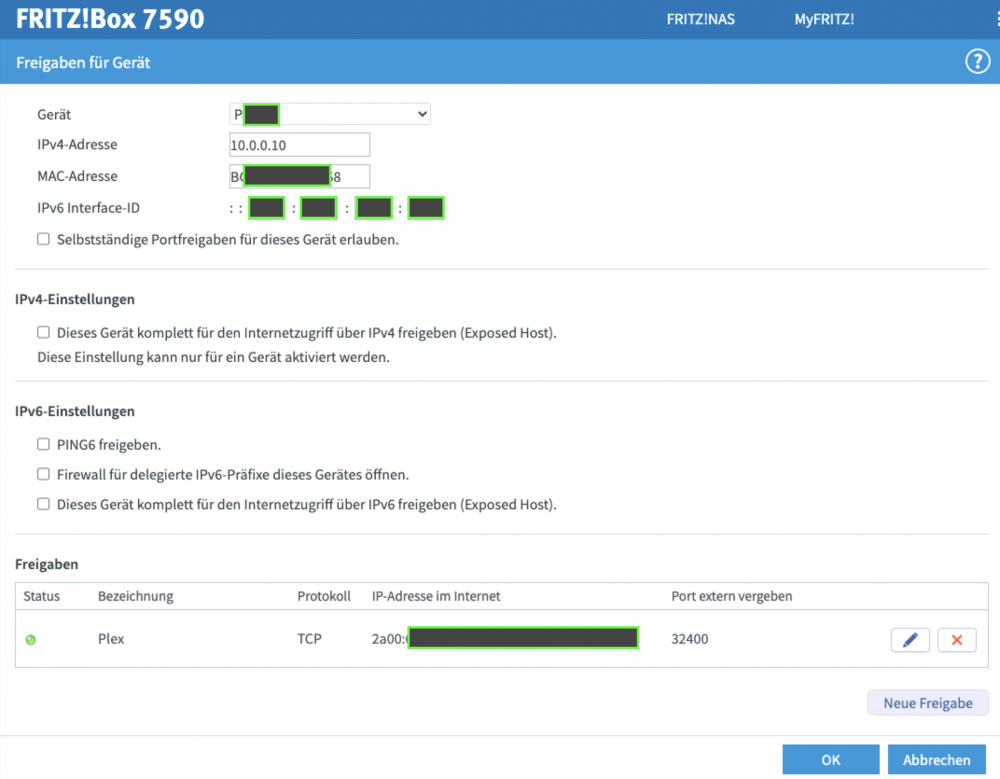
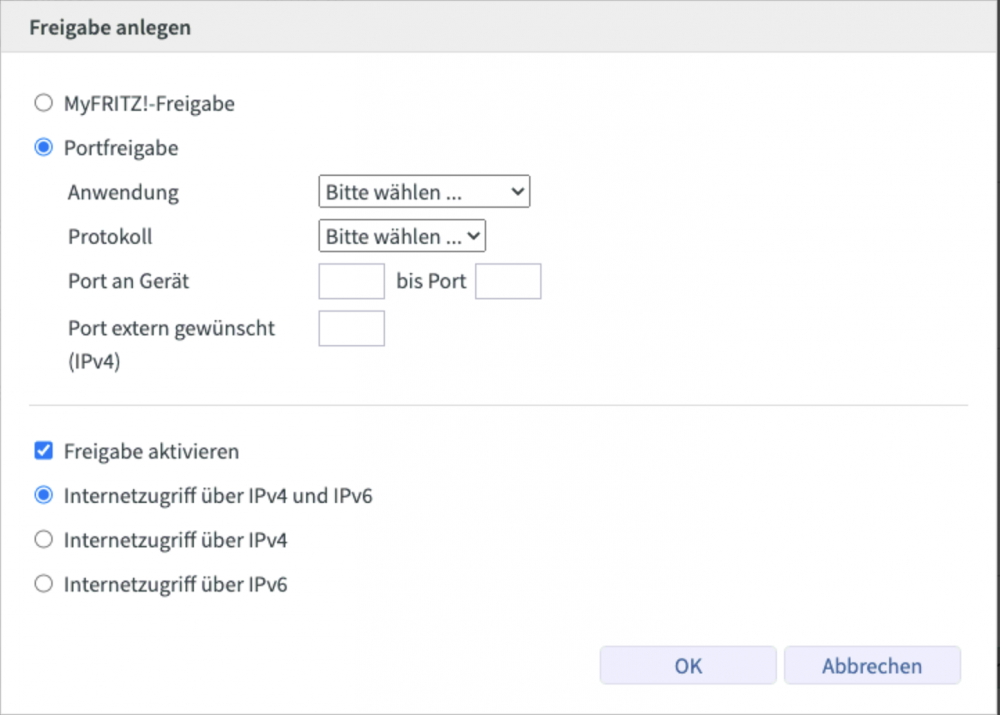
This is the current status: My router has a global IPv6 1. picture My Tower "P...." has a global IPv6 2. picture And I'm using the global IPv6 of the Tower to connect to Port 32400 for Plex. Do I unsterstand it correctly? - I disable the docker ability for IPv6 - the Plex container get a fixed IPv4 (custom...blah for example 10.0.0.11) - I put a portforwarding on 10.0.0.11 for port 32400 - I connect from external to the IPv6 of my router with port 32400? or I put the Plex container to bridge(?) or host(?) and I configure a portforwarding to 10.0.0.10 (IPv4 of my tower)? PS: sorry, i don't know how to put the pictures on the right place.

-
In my opinion it is not possible to route an external IPv6 call on Port 32400 for example to an internal IPv4 Port 32400. Am I wrong?
-
Sorry but does it mean docker doesn’t need IPv6 support and I could mapp a port from unraid itself (which have a global IPv6) to the Plex dock to get external access? That would make things easier. I need IPv6 because I only have global IPv6, no IPv4.
-
Hi, sorry for all those strange questions. I had a problem to get IPv6 to a docker container (Plex for external use). Now after many trial an error it's done! But now every container uses ipv6. One special container shouldn't get one. SABnzbd+vpn. I think it is obvious why this container shouldn't get a global IPv6. Perhaps it is possible to block by using custom and not host or bridge? If i put in only a IPv4 it get a IPv6 automatically. Is there a command for blocking it? Put in a IPv4, and then a command or something like that?
-
Thanks for the answer. not what i want to hear but i have the answer. 😔
-
still no IPv6 support in this docker? I have no IPv4.
-
Thank you for your help. I will test it after work. You will read me again [emoji4] ------edit------ where do i have to run this command? unraid console or in the plex docker console? the plex docker console doesn't know this command. in unraid console it shows me 4 Network IDs. doesn't matter if the plex docker is running or not. ------edit2----- if i'm using this command in the unraid terminal on the network id which is named as "host" the result of it is: ahhhhhhhh
-
hmmm, "LinkLocalIPv6Address": "", "LinkLocalIPv6PrefixLen": 0, "SecondaryIPv6Addresses": null, "GlobalIPv6Address": "", "GlobalIPv6PrefixLen": 0, "IPv6Gateway": "", "IPv6Gateway": "", "GlobalIPv6Address": "", "GlobalIPv6PrefixLen": 0, how to activate IPv6 for my this plex container? i thought with network "host" it has the same like the main unraid system.
-
Hello, I’m new to unraid and I try to solve my problems by reading all this stuff. I have one problem: How can I find out which IPv6 my Plex Container is using? Network is set to „host“. In Plex settings the use of IPv6 is checked. Is there a way to show the IPs in the console of the docker? Is the docker using IPv6 generally (main unraid is configured and has a IPv6, Plex Settings IPv6 is checked) Thank you for your help. I‘m still learning. Regards


