




.jpg.285b45c5fa07201d57e91821766fa08b.jpg)
BeefIsForDinner
Members
-
Joined
-
Last visited
-
So I let it run for maybe five days in safe mode and did not have a single crash. I ended up swapping RAM and it's been rock solid since.
-
Hello all, Been dealing with an issue with my media server crashing sporadically. I'm on 7b2 but the issue is more recent, within the last couple weeks, I've experienced the server just flat out crashing. I can still ping it, but no web gui/ssh/etc. I've tried swapping RAM, switching the USB to a different port, I've tried running it without any VMs/Containers running, modified script settings to prevent overloading the system, and maybe some other stuff I'm not thinking of. I have attached the logs and have the syslog writing to USB so hopefully it's more verbose? I tried my hand at reviewing the logs but to my untrained eye, nothing really stood out. (I know it's littered with UPS alerts, for whatever reason my UPS always loses connection and then immediately regains it) Any help would be highly appreciated. Wife is tired of Plex being down 😂 hyperion-diagnostics-20241001-1232.zip
-
Same thing for me.
-
BeefIsForDinner changed their profile photo
-
Good deal, appreciate the insight!
-
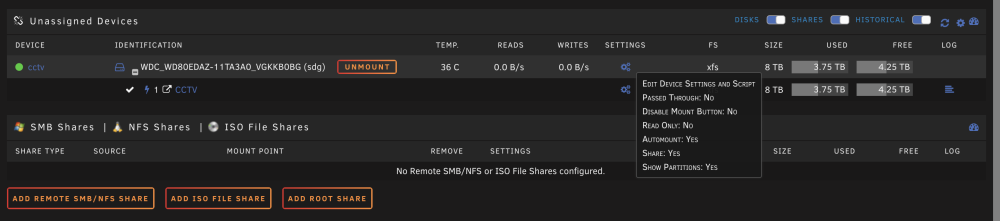
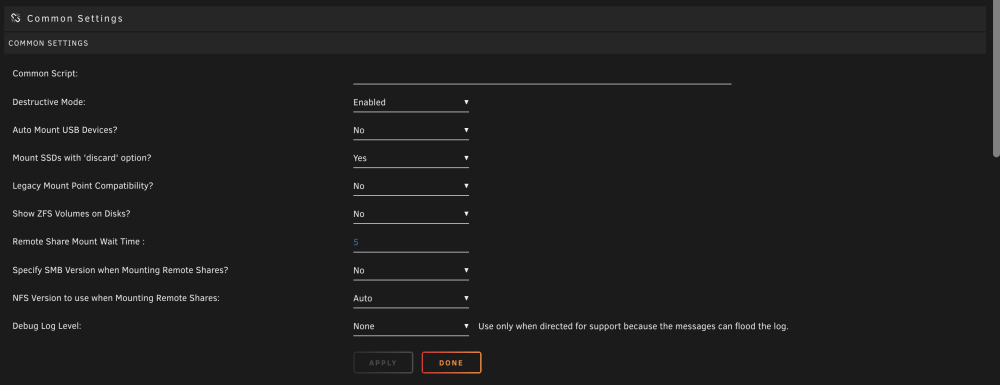
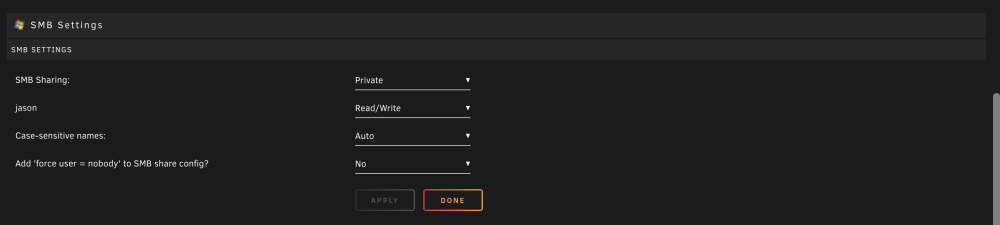
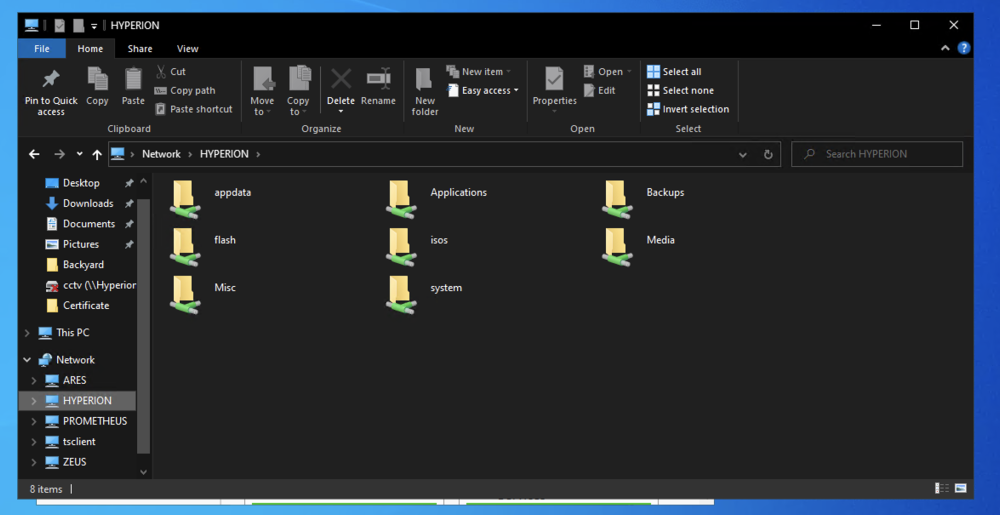
Evening. Ever since the ~16th, I haven't been able to mount my SMB shares on my Windows machines. I have sharing enabled and smb security configured, but I'm not getting anywhere. I tried on two separate unRAID servers and I couldn't access a share from either one. Config and logs attached. hyperion-diagnostics-20230823-2253.zip
.thumb.jpg.5d683bdf5425ee110b26c0e377ec5f44.jpg)



