






ZKWolf
Members
-
Joined
-
Last visited
Everything posted by ZKWolf
-
So best next step is to make a flash backup and get a new USB? This would be the third USB in 3 years XD
-
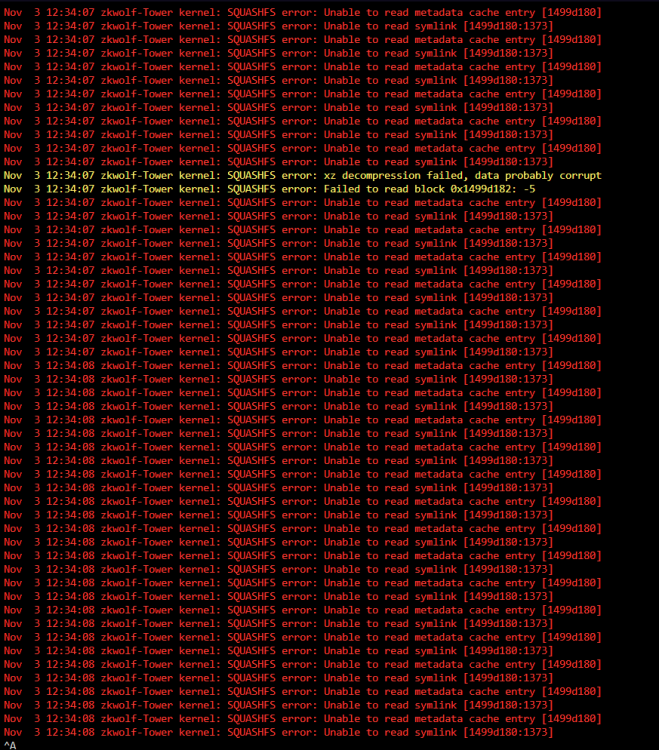
Hello! Yesterday i got a Message from my Monitoring Service that one of my VMs is offline. After checking the WebUI i noticed the CPU being pinned at 100% and some dockers and VMs being stopped. I then checked the LOG and created a Debug Log. LOG: (See Screenshot) I then stopped all the VMs and Docker Containers but the CPU was still at 100% (Using TOP i found out docker was using 100% with 0 containers running) After that i restarted my Server and the OS did not boot anymore. I tried Memtest, SafeMode, Gui, SafeGui,... every time it hanged at "bzroot OK". I then downloaded a Flash backup and put that on the USB and booted with no problems. I did notice while everything was starting (Dockers, VMs) a random "Execution error" Popup came up but i don't know from where that came... Is there anything i can do so this doesn't happen again? Or is there a bigger issue in my system maybe? The only time i remember my Unraid being at 100% was when i updated my Ubuntu VM (with 2 out of 8 cores). Everytime i then opened Firefox in that VM all cores went to 100% on the host. But that got fixed after some updates. KR ZKWolf zkwolf-tower-diagnostics-20231103-2034.zip
-
Same here. I noticed it always happens when it updates itself. Already made a comment a little bit above with error log.
-
Hi i have a issue with the Unraid-Cloudflared-Tunnel. Every time it updates itself it Stops itself after the update. (This has happened 2 or 3 times now) The last Log output: 2023-05-24T07:57:00Z INF cloudflared has been updated version=2023.5.1 2023-05-24T07:57:00Z INF Restarting service managed by SysV... 2023-05-24T07:57:00Z INF PID of the new process is 36 2023-05-24T07:57:00Z ERR Initiating shutdown error="cloudflared has been updated to version 2023.5.1" 2023-05-24T07:57:00Z ERR icmp router terminated error="context canceled" 2023-05-24T07:57:00Z INF Unregistered tunnel connection connIndex=1 event=0 ip=198.41.192.57 2023-05-24T07:57:00Z INF Unregistered tunnel connection connIndex=2 event=0 ip=198.41.200.63 2023-05-24T07:57:00Z INF Metrics server stopped 2023-05-24T07:57:00Z INF Unregistered tunnel connection connIndex=3 event=0 ip=198.41.192.27 2023-05-24T07:57:00Z INF Unregistered tunnel connection connIndex=0 event=0 ip=198.41.200.233 2023-05-24T07:57:00Z ERR Failed to serve quic connection error="context canceled" connIndex=3 event=0 ip=198.41.192.27 2023-05-24T07:57:00Z ERR Failed to serve quic connection error="context canceled" connIndex=1 event=0 ip=198.41.192.57 2023-05-24T07:57:00Z ERR Failed to serve quic connection error="context canceled" connIndex=2 event=0 ip=198.41.200.63 2023-05-24T07:57:00Z ERR Failed to serve quic connection error="context canceled" connIndex=0 event=0 ip=198.41.200.233 2023-05-24T07:57:00Z INF Tunnel server stopped cloudflared has been updated to version 2023.5.1 2023-05-24T07:57:00Z INF Starting tunnel tunnelID=0bdc1732-c6c9-4ddb-8866-b973f9f21a3d 2023-05-24T07:57:00Z INF Version 2023.5.1 2023-05-24T07:57:00Z INF GOOS: linux, GOVersion: go1.19.6, GoArch: amd64 2023-05-24T07:57:00Z INF Settings: map[token:*****] 2023-05-24T07:57:00Z INF Autoupdate frequency is set autoupdateFreq=86400000 2023-05-24T07:57:00Z INF Generated Connector ID: 88b10042-1e8c-471e-b3df-aa4d60f1a93c ** Press ANY KEY to close this window ** KR ZKWolf
-
Hello @ljm42 It works now! It Redirects me to https://192-168-1-101.HASH.myunraid.net/login Thanks again for your help!
-
I hope I did this right and sent you a DM. This doesn't have any urgency and I will try my best to not restart my Server in the meantime. Thanks for your help!
-
root@ZKWolf-Tower:~# /etc/rc.d/rc.nginx reload Checking configuration for correct syntax and then trying to open files referenced in configuration... nginx: [emerg] cannot load certificate "/etc/ssl/certs/unraid_bundle.pem": PEM_read_bio_X509() failed (SSL: error:0908F066:PEM routines:get_header_and_data:bad end line) nginx: configuration file /etc/nginx/nginx.conf test failed Invalid configuration, Nginx not reloaded root@ZKWolf-Tower:~# And http://IP/ does not redirect. Everything is still accessible via that address. I tried https://HASH.unraid.net:9443/ again but still nothing on there. If I need to I can Upgrade to 6.10.1 because as you said its released.
-
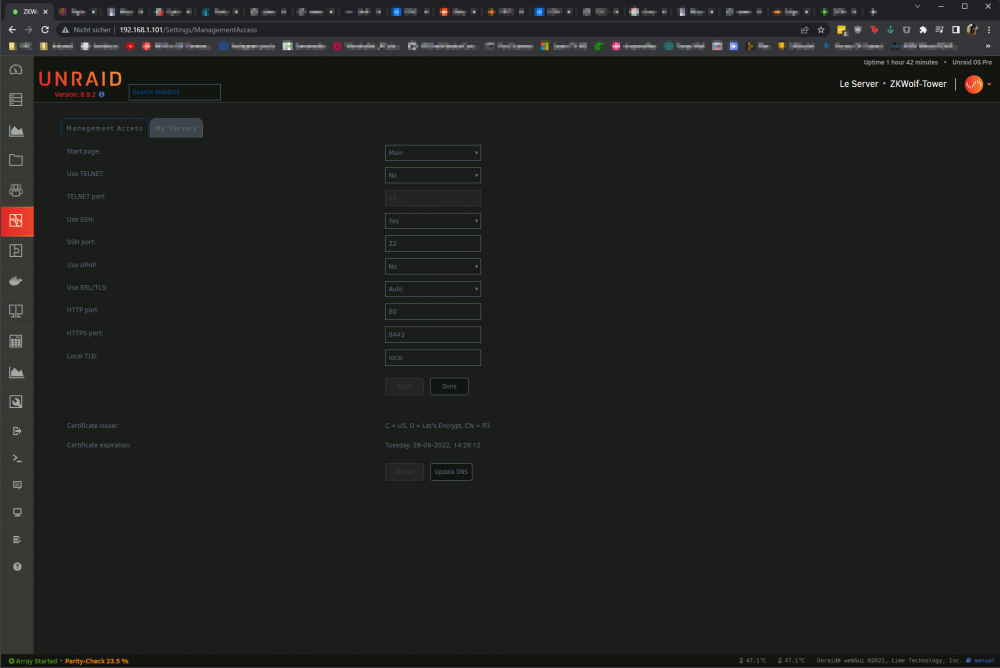
I might be blind... But I don't see my hash here? Anyway this is the Screenshot:
-
Pinging HashHashHash.unraid.net [192.168.1.101] with 32 bytes of data: Reply from 192.168.1.101: bytes=32 time<1ms TTL=64 Reply from 192.168.1.101: bytes=32 time<1ms TTL=64 Reply from 192.168.1.101: bytes=32 time<1ms TTL=64 Reply from 192.168.1.101: bytes=32 time<1ms TTL=64 Ping statistics for 192.168.1.101: Packets: Sent = 4, Received = 4, Lost = 0 (0% loss), Approximate round trip times in milli-seconds: Minimum = 0ms, Maximum = 0ms, Average = 0ms C:\WINDOWS\system32> I get a response from the Server. I also tried a different Browser but same as in Chrome ^^
-
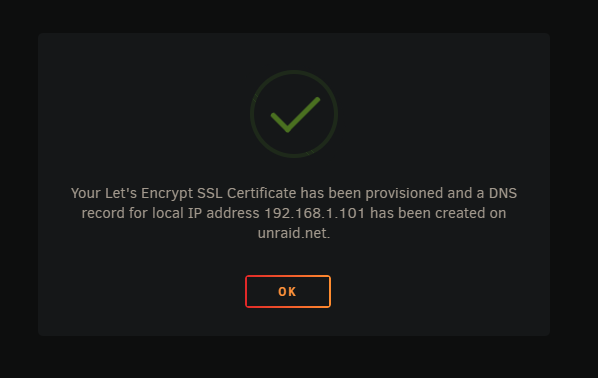
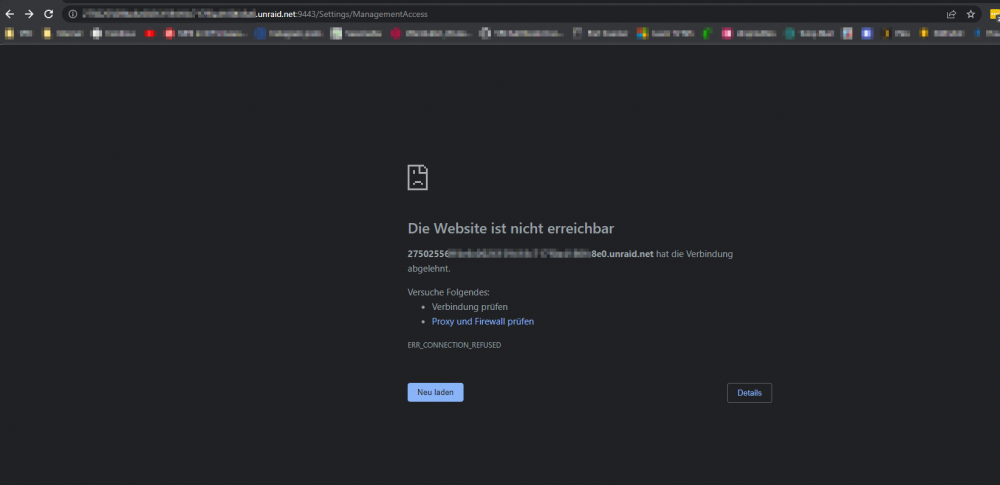
I did and it redirected me to https://hash.unraid.net:9443/ But no access. 9443 is Forwarded on my router and UDM to my unraid client. Edit: I can still access http://192.168.1.101/login
-
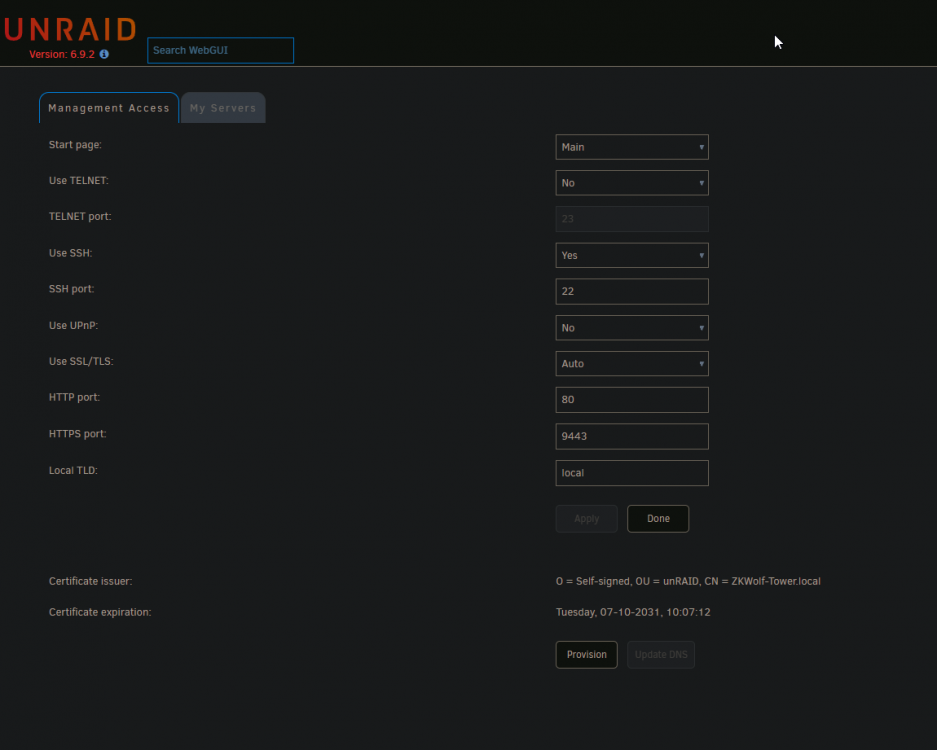
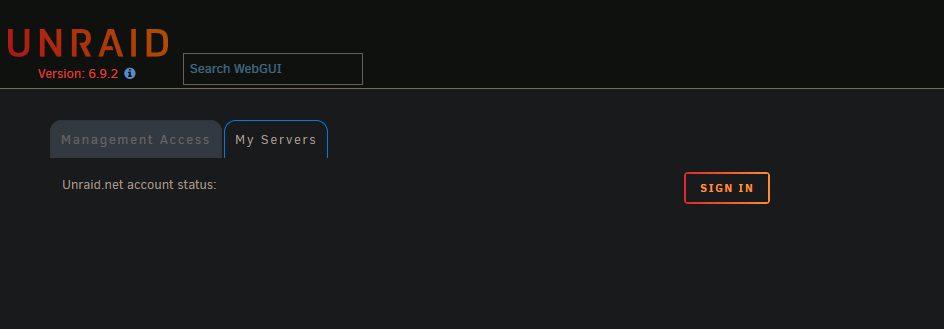
I'm sorry for jumping ahead. 😅 I don't want to update to a Beta OS because I really don't want to kill my Server and remake all my dockers... So im setting my goal to MyServer. http://zkwolf-tower.local/ is still up and I can do everything. What do I need to do? My current config: Just a thing I want to say is that when I paste a Screenshot from my ClipBoard to a Reply it Uploads it twice. Don't know if its a me problem. 😅
-
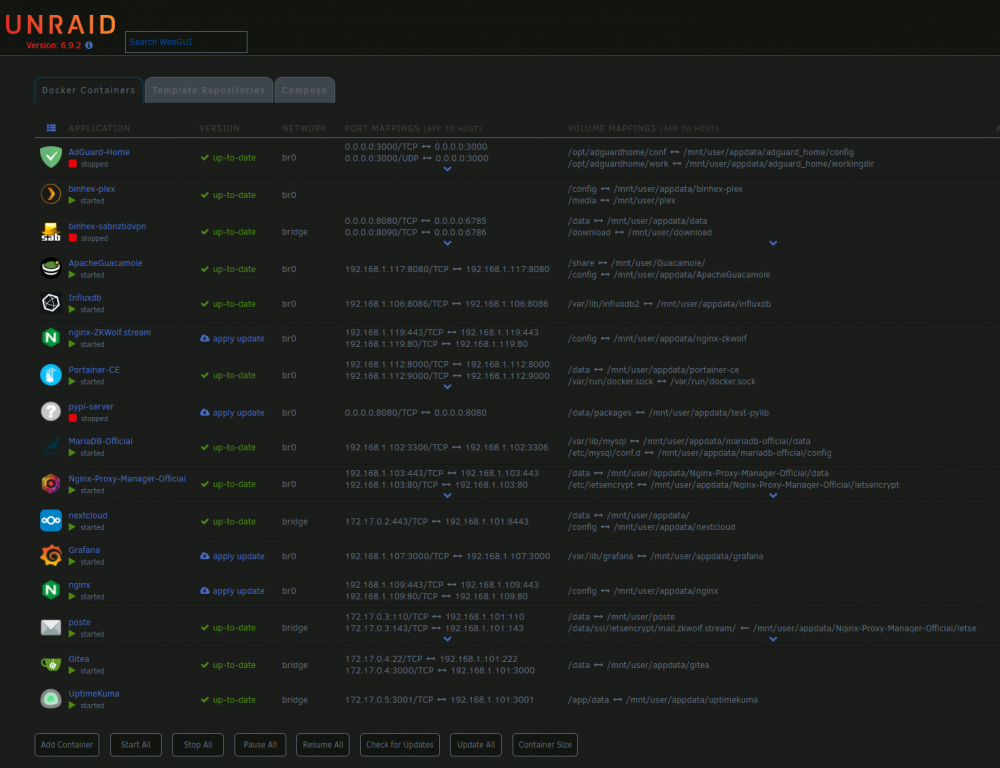
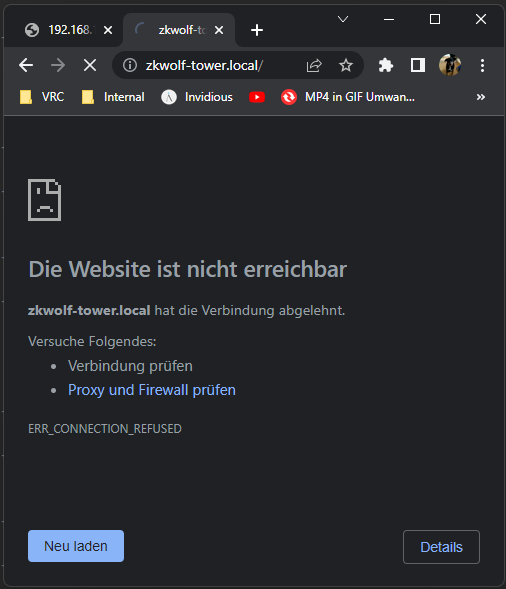
Result: C:\WINDOWS\system32>ping -c 1 -w 1 rebindtest.unraid.net Pinging rebindtest.unraid.net [192.168.42.42] with 32 bytes of data: Request timed out. Request timed out. Request timed out. Request timed out. Ping statistics for 192.168.42.42: Packets: Sent = 4, Received = 0, Lost = 4 (100% loss), C:\WINDOWS\system32> I don't know why it shows 192.168.42.42. My IP ranges are 192.168.1.X and 192.168.178.X My DNS Servers are 1.1.1.1 and 8.8.8.8 No I have all of my dockers on other IPs except a few that use different Ports. I just set SSL/TLS to Auto and I get the ERR_CONNECTION_REFUSED again on https://zkwolf-tower.local and https://192.168.1.101/. I also changed to Port to 9443 and still Connection refused. I made a new Diagnostics and I don't know if I should restart because a Parity-Check is in progress at the moment. zkwolf-tower-diagnostics-20220522-0124.zip
-
The Boot folder is back after another restart. It would be nice to have MyServer but i am running all of this behind a Unifi DreamMachine PRO and from what i read its pretty hard/impossible to set up RebindDNS on it. I did enter everything on my router and on the UDM-Probut i am still getting 100% packet lost to "ping -c 1 -w 1 rebindtest.unraid.net" on it so i think ill let it be unless anyone knows a way to set it up behind a UDM-Pro. One thing i did notice is that Port 443/https is not usable. I have noticed this in the past and only used http/Port 80 but if i reenable SSL will the error occurre again? Should i test it?
-
root@ZKWolf-Tower:~# rm /boot/config/ssl/certs/certificate_bundle.pem root@ZKWolf-Tower:~# reboot Broadcast message from root@ZKWolf-Tower (pts/0) (Sat May 21 15:23:26 2022): The system is going down for reboot NOW! root@ZKWolf-Tower:~# Still get ERR_CONNECTION_REFUSED And I don't know how this just happened but /boot is now empty????? C:\Users\jerem>ssh [email protected] Password: Last failed login: Sat May 21 15:27:49 PDT 2022 from 192.168.1.234 on ssh:notty There were 7 failed login attempts since the last successful login. Linux 5.10.28-Unraid. root@ZKWolf-Tower:~# diagnostics Starting diagnostics collection... mkdir: cannot create directory ‘/boot/logs’: Input/output error done. ZIP file '/boot/logs/zkwolf-tower-diagnostics-20220521-1529.zip' created. root@ZKWolf-Tower:~# ls /boot/ root@ZKWolf-Tower:~# ls /boot/ root@ZKWolf-Tower:~# sudo ls /boot/ root@ZKWolf-Tower:~# diagnostics Starting diagnostics collection... mkdir: cannot create directory ‘/boot/logs’: Input/output error done. ZIP file '/boot/logs/zkwolf-tower-diagnostics-20220521-1531.zip' created. root@ZKWolf-Tower:~# reboot Yes I know I had CapsLock enabled that's why 7 failed logins... Another reboot and my /boot folder is back again. New diagnostics attached. But the Web-UI is back again! So solved? Should I send anything else or change something so this doesn't happen again? zkwolf-tower-diagnostics-20220521-1537.zip
-
SSH Output: root@ZKWolf-Tower:~# /etc/rc.d/rc.nginx reload Nginx is not running After that I deleted the Certs and ran it again: root@ZKWolf-Tower:~# rm /etc/ssl/certs/* root@ZKWolf-Tower:~# ls /etc/ssl/certs/ root@ZKWolf-Tower:~# /etc/rc.d/rc.nginx reload Nginx is not running root@ZKWolf-Tower:~# /etc/rc.d/rc.nginx start Starting Nginx server daemon... nginx: [emerg] cannot load certificate key "/etc/ssl/certs/unraid_bundle.pem": PEM_read_bio_PrivateKey() failed (SSL: error:0909006C:PEM routines:get_name:no start line:Expecting: ANY PRIVATE KEY) root@ZKWolf-Tower:~# I restarted the server and created a new Diagnostic.zip Reload still says Nginx not running. Edit: My goals are having access to the Web-UI again. zkwolf-tower-diagnostics-20220521-1510.zip
-
I read online that you can reboot the WebUI with "nginx -s reload". If i do that i get this message: nginx: [emerg] cannot load certificate "/etc/ssl/certs/unraid_bundle.pem": PEM_read_bio_X509() failed (SSL: error:0908F066:PEM routines:get_header_and_data:bad end line) Does this help? I tried deleting the content of /etc/ssl/cert/ and rebooted but i get the same error. Source:
-
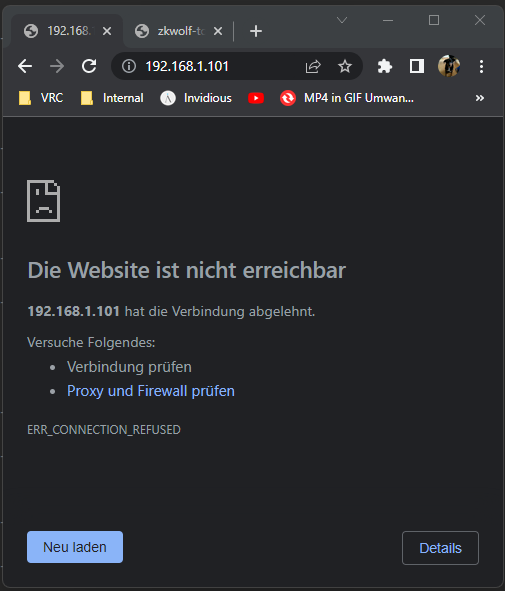
Hello! First of this isn't the first time this happened... Every time I enable the SSL Feature of myServer it just bricks the WebUI. It sends me to https://IP/ and that is for some reason unavailable. When I go to http://IP/ it brings me back to http. When i got to http://tower.local it brings me to https://tower.local/. My first thought was going to /boot/config/ident.cfg and setting USE_SSL from auto to no but nothing changed. After that I booted Unraid to GUI SAFE MODE but that says "Unable to connect" with http and https. Last time I fixed it was by remaking my howl server but I don't wanna do that again... Another thing is on the start screen where I select the Boot option of Unraid my curses goes zuuuuuummmmmm with ever click. What I mean is if I click down once it moves the cursor completely down. Same with up. My "solution" was spamming up and down till it lands on GUI SAFE MODE. Anything would help... Output of curl: C:\Users\jerem>curl -l http://192.168.1.101/ curl: (7) Failed to connect to 192.168.1.101 port 80 after 2044 ms: Connection refused C:\Users\jerem>curl -l https://192.168.1.101/ curl: (7) Failed to connect to 192.168.1.101 port 443 after 2062 ms: Connection refused zkwolf-tower-diagnostics-20220521-1201.zip


