






Kn1nJa
Members
-
Joined
-
Last visited
Everything posted by Kn1nJa
-
Yes the window can be resized, but the font size and scaling remains the same. Yes you can zoom to 200% and then maximize the window, but it also applies to the main GUI as well as the web terminal. Hopefully I explained well enough. Using an SSH client works fine, but there are times when it is much more convenient to use the web terminal. It used to work fine in the previous version, but since the major update to 6.9 the web terminal hasn't displayed well in certain situations such as mine.
-
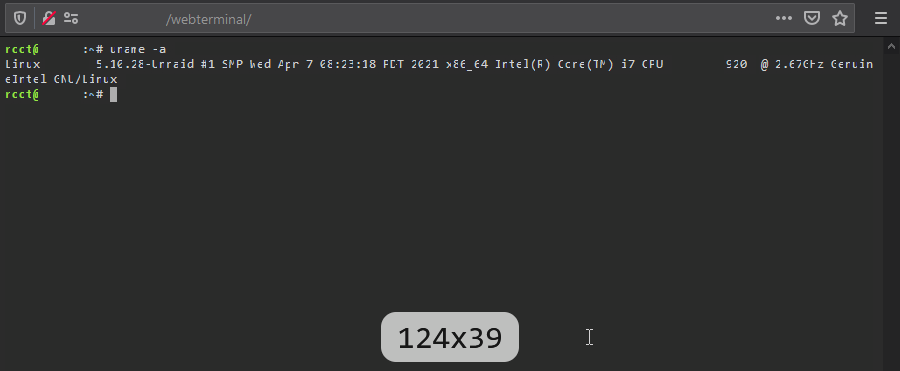
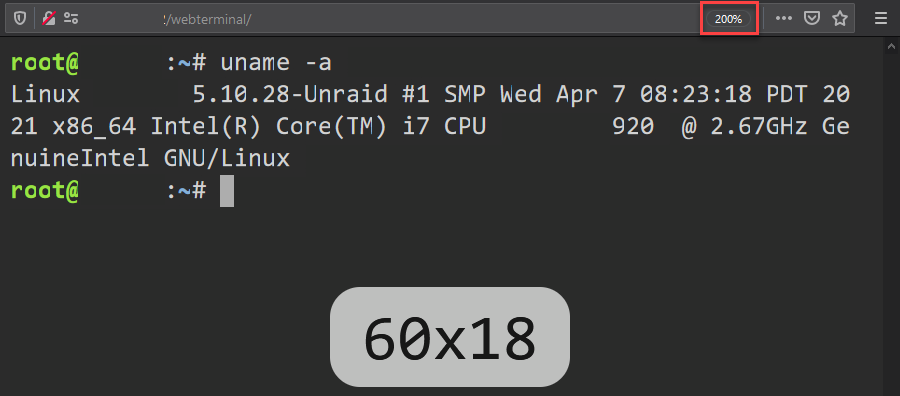
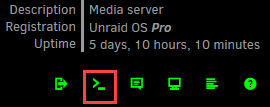
This is the webterminal in the GUI. The text in the webterminal is difficult to read at default zoom. (my monitor resolution is 1920x1200) Increasing zoom to 200% makes it more readable, at the expense of less displayable text.
-
I believe it would be very helpful if this was a native user configurable option, especially for users that might not be comfortable trying to figure out how to implement xterm-webfont themselves.

