AliBoba
Members
-
Joined
-
Last visited
-
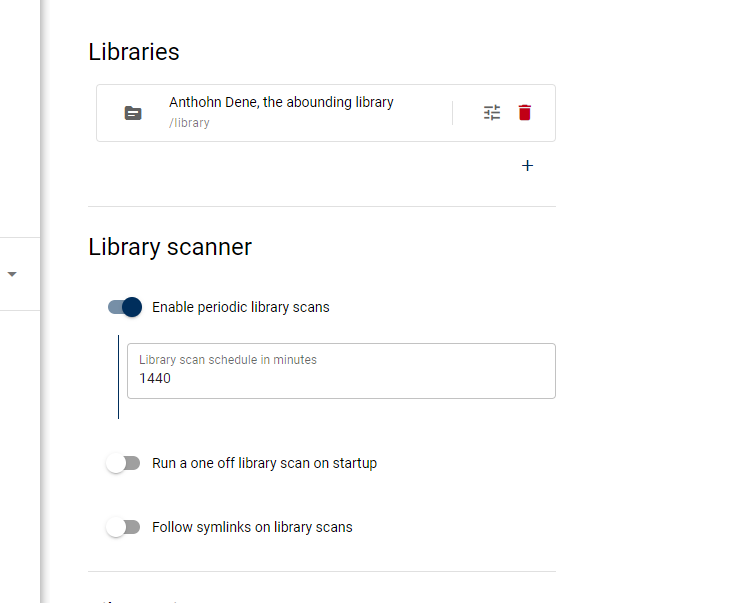
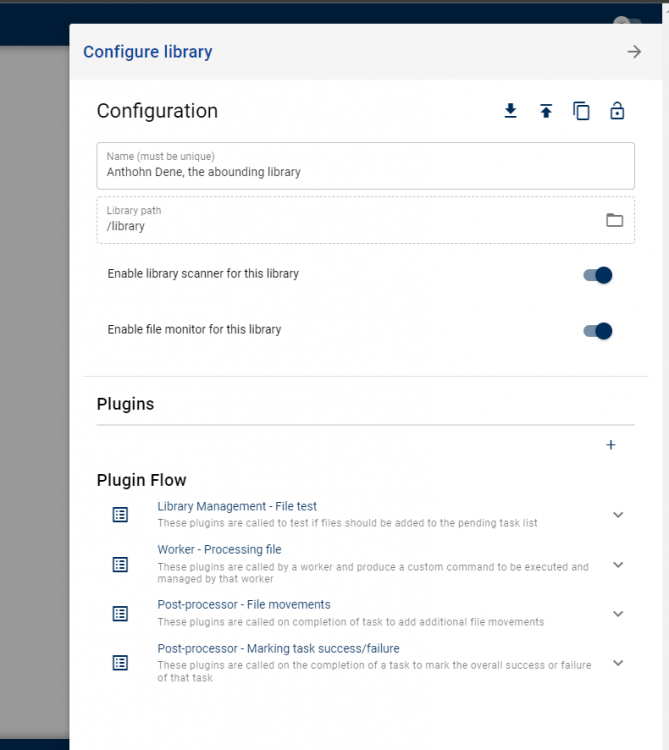
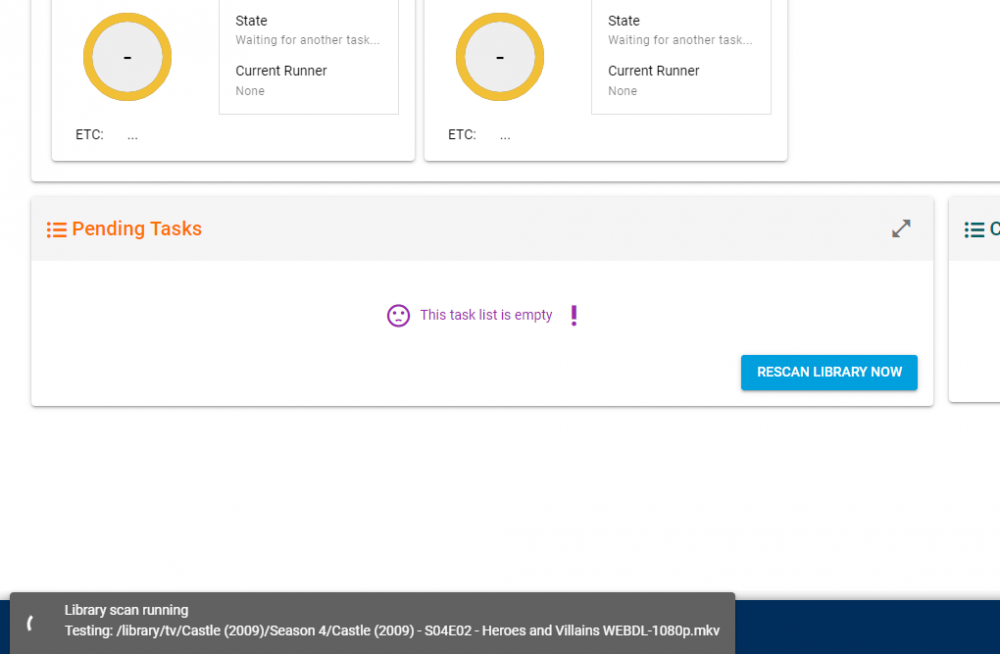
It seems that the library scanner is no longer picking up files for me. I **recently set up Unmanic and it's initially library scan added pretty much everything to the pending task list and after a couple of months (lol) we got through. Unmanic has been idle for some time now, but I noticed that the last task was completed over two weeks ago, when I have added H.264 content in the last few days. Even manual library scans are not picking up these files. I have tried: swapping libraries in docker settings adding library separately in Unmanic itself re-installing Unmanic the problem persists. Hitting the "library scan" button, I can see that it has access to the disk by seeing it go through my directories in the bottom left, but nothing ever gets added to pending tasks. I tried looking online but I couldn't seem to find someone else who is having the same issue. plz help.