





Waves00
Members
-
Joined
-
Last visited
-
I'm getting the same error and keep having crashes as described in this thread.
-
Would it be ok to delete the system folder from disk1? I have set the system folder to have the cache ssd as the primary storage. I disabled docker and vm manager then invoked mover. The system folder moved the cache. However I still see a system folder on disk 1 with a docker folder and image in it. The modified times are the same on both folders. Disk1 is the disk that the diagnostics log reports never spins down because it's busy all the time. I'm wondering if this duplicated system folder is related to that issue. Should I delete it off disk1 even though the date modified is the same as the cache drive system folder?





-
New problem: I tried to turn on unraid for the 1st time today and it repeatedly goes to the bios screen. Never actually boots the usb drive despite me clicking it in bios and setting it as the 1st boot item. This is a brand new samsung 256gb flash drive (I know it's excessively large but it was the only brand new usb stick I had). I flash this usb stick yesterday using a backup of the original usb stick. Fixed the boot problem: The EFI folder renamed itself "EFI-" for some reason. I deleted the dash and it started again. So back to the original problem of not being able to shutdown cleanly.
-
I'm pretty sure I have this same issue on 6.12.4. I do not have any ssh sessions open when it happens. Disabling docker in settings reliably fixes the issue. Is there some kind of fix for 6.12.4 other than having to manually unmount docker.img? Having to manually unmount docker is inconvenient. Disk1 always refuses to unmount. tower-diagnostics-20230930-1519.zip
-
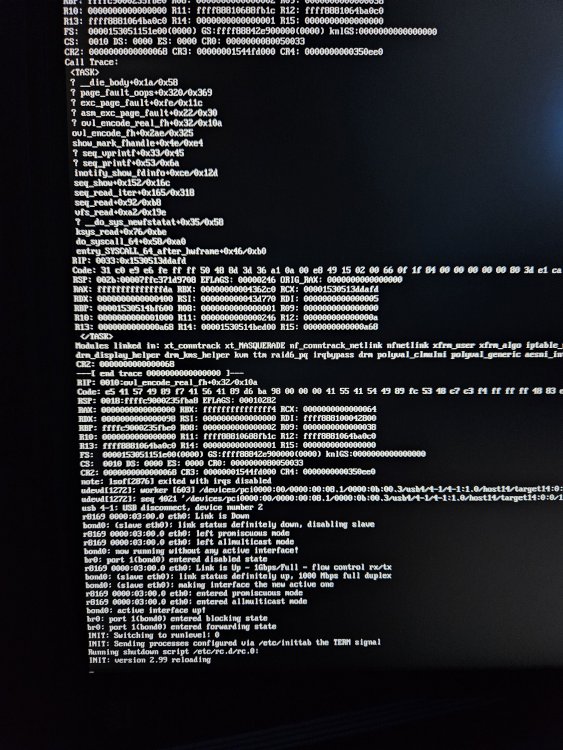
Update: I tapped the power button and those picture above show it started running the shutdown script however it's been 15 minutes now and nothing has happened. The shutdown delay is 7 minutes (420 seconds as mention in the OP). It should have shutdown by now. I had to power it off by holding the power button because 25 minutes after tapping it, nothing was happening. Prior to that I tried plugging a keyboard. The screen updated to show it recognized a keyboard was plugged in but I wasn't able to type anything. Pressing keys didn't result in any letters appearing on the screen.
-
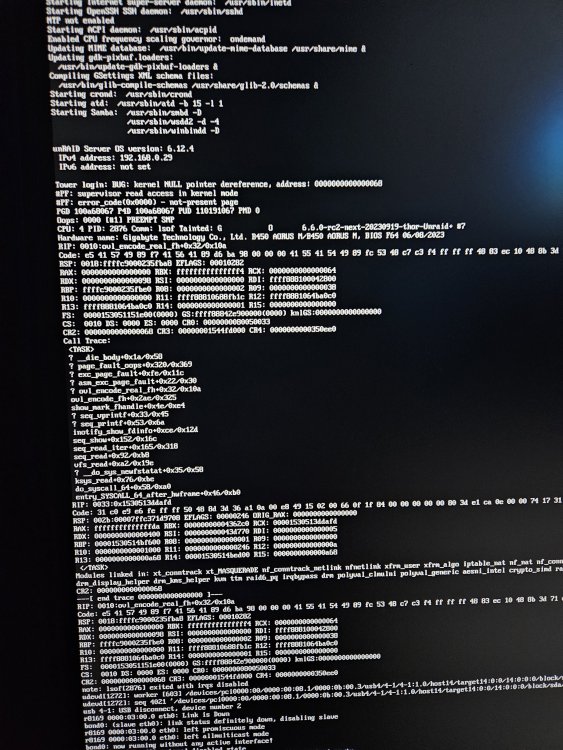
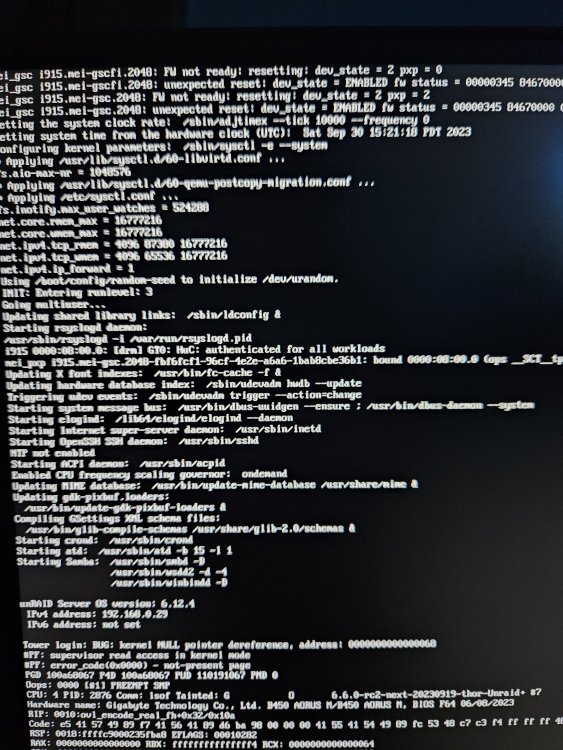
I left it running overnight and now it's not accessible at all. I tried ssh and the gui also doesn't work. The browser says it can't find the ip address or hostname depending on which I try. So I'm going to have to unclean shut it down using the power button. I don't have any backups running. The only thing running is that jellyfin docker container. I plugged a monitor in and tapped the power button. This is what appeared. It was initially a black screen until I touched the power button. The ip address has changed compared to what it was yesterday. It still doesn't respond to the hostname and that is shown as unreachable in a browser. Using the new ip from the pictures 192.168.0.29 gets a time out error.
-
I recently installed docker so I could run Jellyfin. I also added an intel arc gpu for transcoding and an ssd for cache. It's been running fine and the GPU works. However I quickly found that if I press shutdown or reboot in the gui while the docker is running I get an unclean shutdown. After reading the unclean shutdown pinned post: I increased the docker time out to 90 seconds and the unraid shutdown delay to 420 seconds but I'm still getting unclean shutdowns. It's getting annoying because as expected it keeps running parity checks after every unclean shutdown. I replaced the usb drive trying to see if that would help but the issue persists. I've also tried manually stopping the docker jellyfin container using the stop button in the gui on the docker container page. I press stop there, wait until the container says it is stopped then I go press the server reboot or shutdown buttons. I still get an unclean shutdown. Unclean shutdowns used to never occur. Up until now, I've never used docker either. I have attached my diagnostics zip. Is there anything that indicates what could be refusing to stop in the allotted 420 sec shutdown delay period? tower-diagnostics-20230930-1519.zip


