





Roketta
Members
-
Joined
-
Last visited
Everything posted by Roketta
-
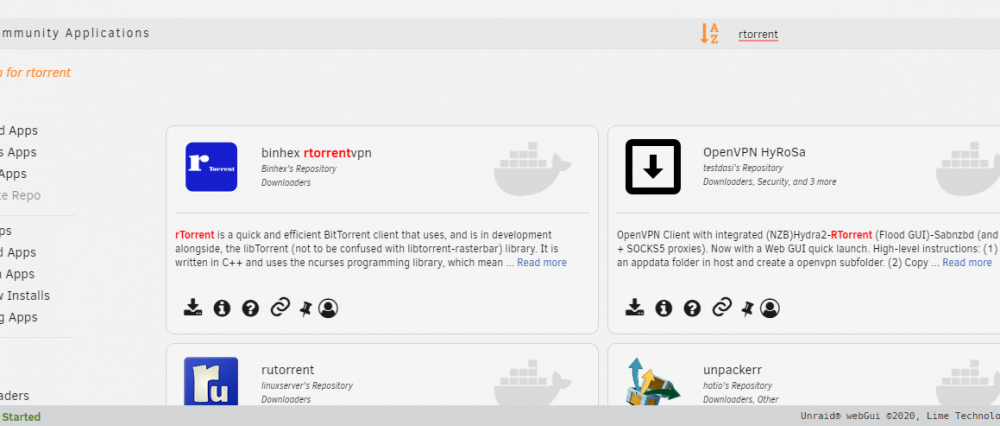
Well i downloaded from here, it says Community Applications: I go to Docker tab on my unraid screen, I click on blue picture next to name: binhex-rtorrentvpn and then click WebUI. It opens new tab saying http://192.168.1.99:9080/. Saying it cant load webpage ERR_CONNECTION_REFUSED Network: Bridge Port Mappings: 172.17.0.2:5000/TCP <-> 192.168.1.99:5000 172.17.0.2:8118/TCP <-> 192.168.1.99:8118 172.17.0.2:9080/TCP <-> 192.168.1.99:9080 172.17.0.2:9443/TCP <-> 192.168.1.99:9443 Volume mappings: /data <-> /mnt/user/appdata/data /config <-> /mnt/user/appdata/binhex-rtorrentvpn I checked links in first post, it redirect me to some websites with files. I dont know what to do there.... Am i sopouse to copy something from there?
-
Hello, it seems this docker is not working anymore. I installed it from Plugins menu. It wont connect to WebUI. I didnt change any settings. Is this stil active docker or we need to install something else?
