ButchR
Members
-
Joined
-
Last visited
Everything posted by ButchR
-
Once again thanks for the help and explaining the interworking's of Unraid. The process is so fascinating.
-
Wow. Thank you. I will read this more in depth to plan a strategy for my issue with plex-inc docker app.
-
I just rebooted the server and it comes up with a started array..
-
I am wondering if a power outage could alter the Drive.cfg information or corrupted it. I had a power outage (while ago, not on UPS for a few days) that corrupted my Plex database. Maybe not, just was wondering if like that could have happen.
-
That is very odd. I donot recall changing the disk.cfg . I wondering how that happen. I remember a few years ago setting up Unraid preference. All my restart's usually automatically would start the array. Every now and then I would have to change the sata cables and restart again to have the array start. After one time the server would start the drives automatically. This would happen occasionally, but many times after the server would be okay. I was thinking my 850 watts power supply just had issue with the amount of drives I had. Then a few weeks ago (maybe around 1/15) nothing would help start the array. Now today i went in and changed the setting after you mention it to me. Maybe that is the reason for the disk.cfg post dated today's date.
-
Okay. I am discovering and learning a few new things (easter eggs) about Unraid. I was thinking I have in the past rebooted my server many times, it seems like the array would automatically start until my recent issue. Maybe it is different shutting down vs. reboot on the Unraid server array starting automatically. I do not often reboot, I shutdown and then , power on server.
-
Oh okay. Thanks. I will change that. I do not recall setting that to no. Then again, I am trying to correct some of my earlier Unraid missed items and not just unsure decisions. Fan seems to be fine not. Maybe there was a period of heavy processing on the server.
-
I had to manually start the array. Now array looks normal , but the fan are quiet for a little time then louder. I have not observe this before. thecave-diagnostics-20260125-1540.zip
-
Just wondering why fans are loud and array did not start after reboot?
-
Just observed my fans running fast and loud. Checked temperature and drives, all seem okay. Rebooted server and now the array did not start. thecave-diagnostics-20260125-1527.zip
-
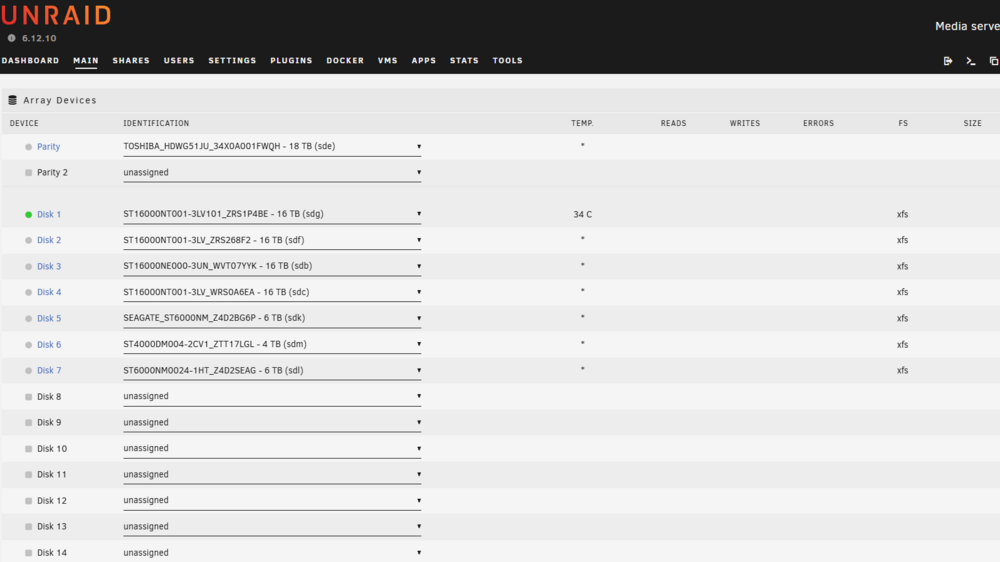
Do you think an i9 9900k can handle the current version?
-
Thinking about upgrading Unraid 6.12.10 ( I9 9900k system without upgrading hardware) and want to encounter the least amount of issues. Any suggestions?
-
Just have so much information, but just need some step by step assistance on navigating with unraid's terminal and the right commands related to Plexinc and version 6.12.10 . I have started the basics steps but not getting anywhere. Using PlexDB Repair utility but different command needed for plexinc docker in Unraid. Anyone encounter this dilemma?
-
I exited out and went back in. Looks like the process stop.
-
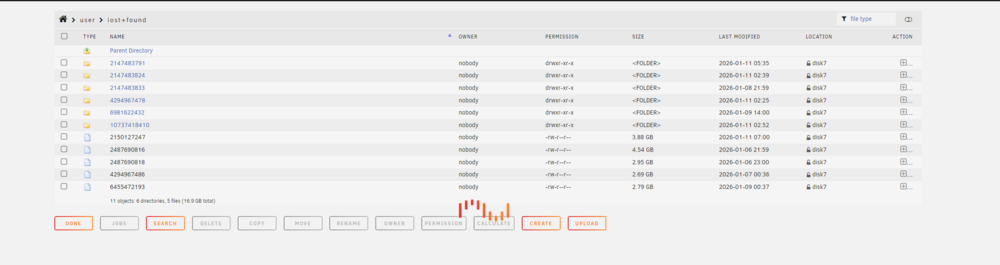
I click on some of the folders I see some TV programs I recorded in Plex. I by mistake click on one of the flies and now it is processing something. I have to figure how to stop the process.
-
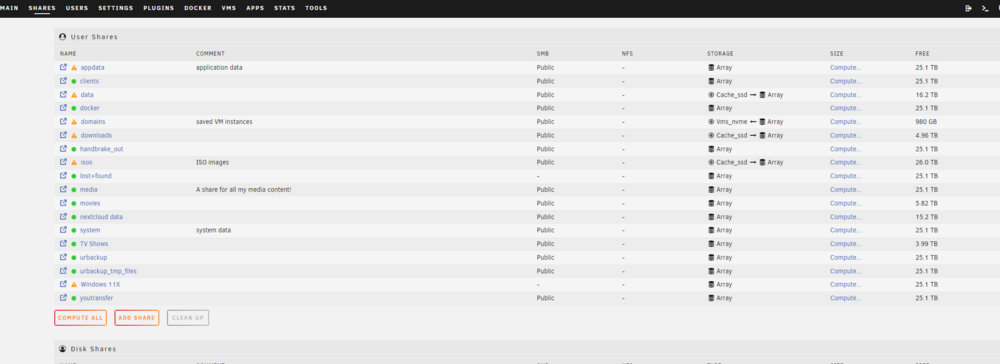
Looking for the compute only option...Compute All, right?
 Okay. thecave-diagnostics-20260121-1509.zipOkay. thecave-diagnostics-20260121-1459.zipI removed the -n and click on check. I seem to flash and then added the -n back...Oh wow. Thank you.Output file. outputWell, the process whet real fast and no visible feedback. follow the guide. Hope I did not leave out a step. thecave-diagnostics-20260121-1120.zip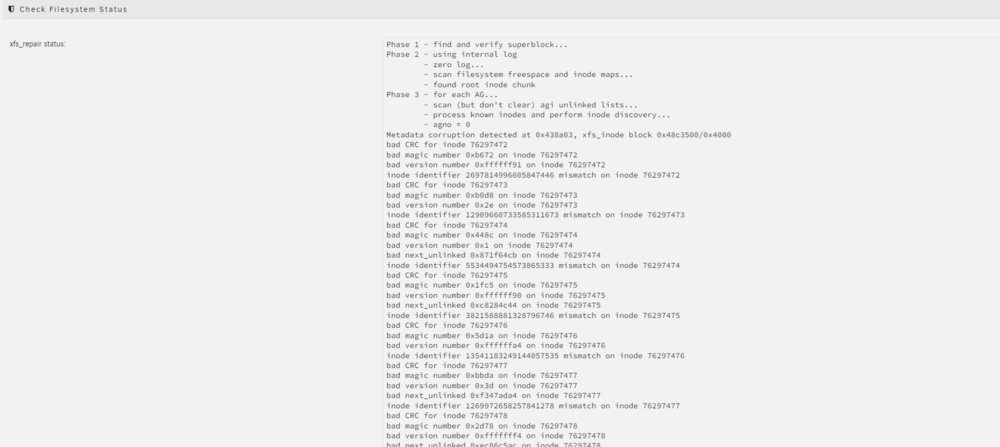
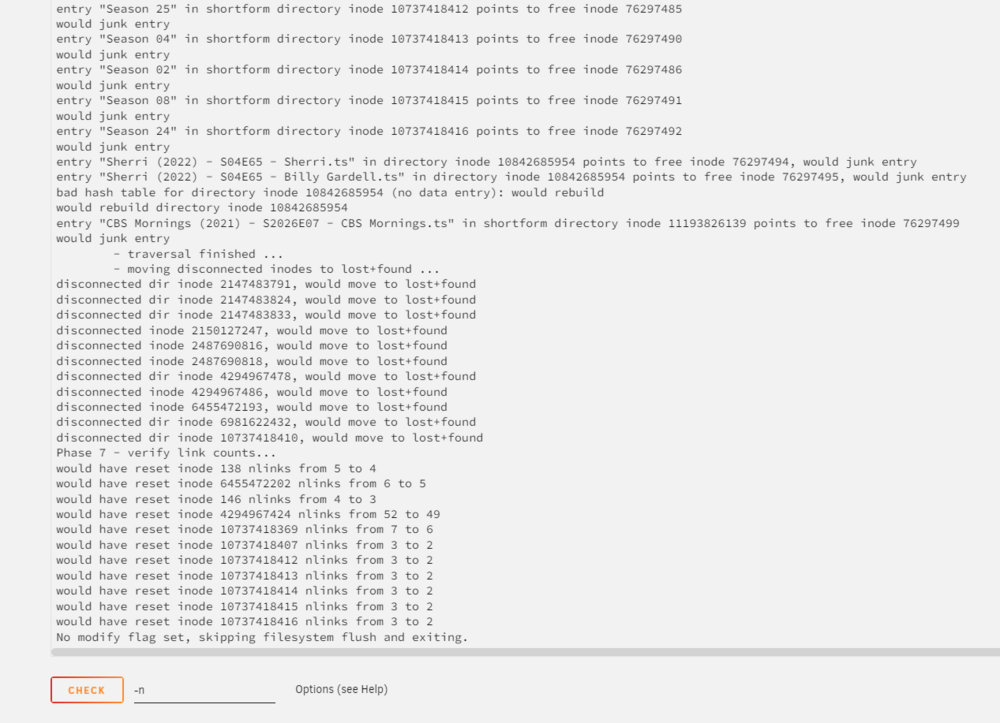
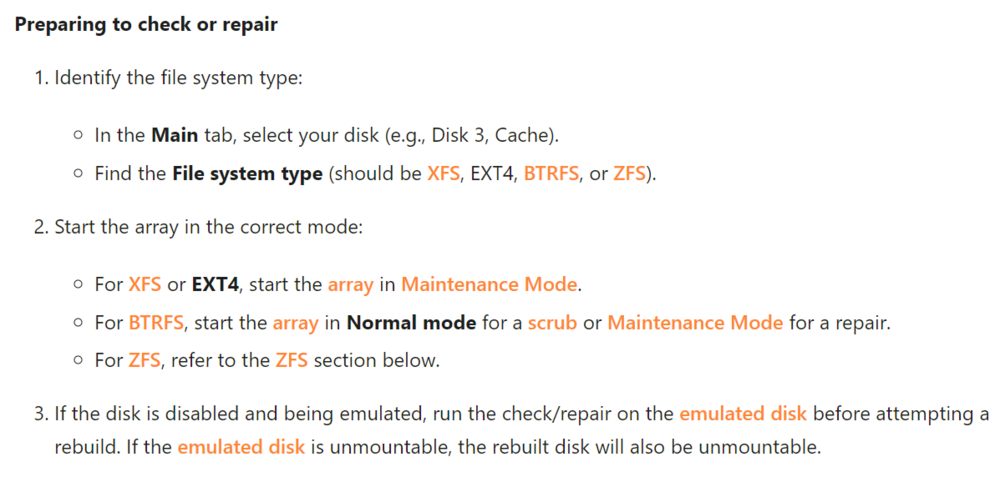
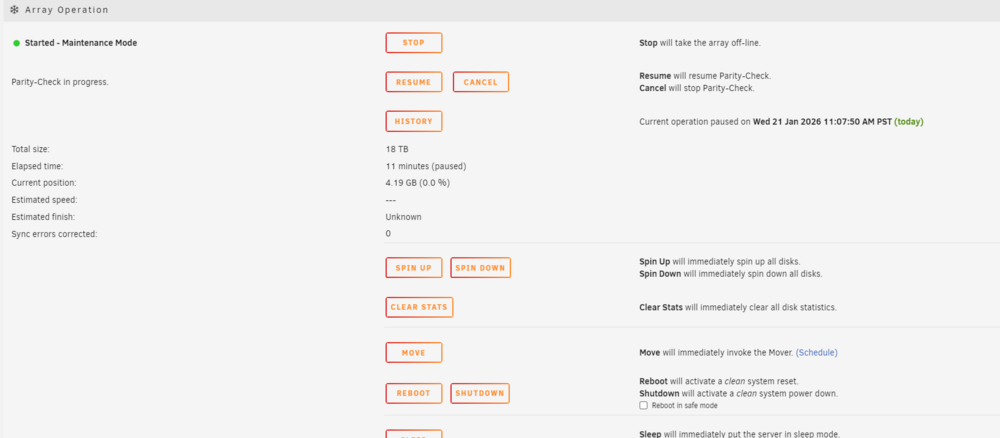 Oh I will follow these steps to check the xfs file system type. Thanks