






Savinon
Members
-
Joined
-
Last visited
Everything posted by Savinon
-
@ich777 Okay so i figured out the issue so plex was working the whole time its only the some of my stuff was being transcoded and some was not depending on codec.
-
Okay so jellyfin works but cant figure out plex. Ill try binhex.
-
cool ill give that a try
-
I'll try more containers
-
I tried that as well and also and also I read that the all variable is no longer needed for this docker container.
-
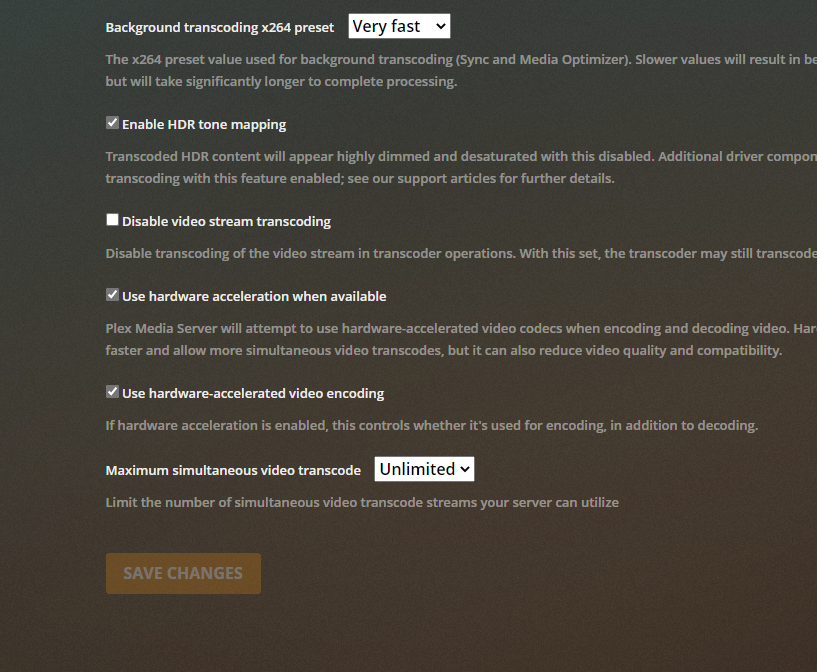
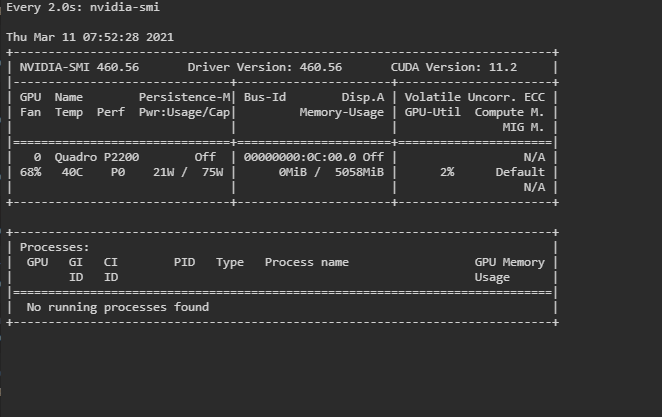
I purchased one before I decided to go through with this and I generated one every time installed the plex docker. Is it possible the driver isn't talking to the docker?I installed it from the linuxserver repo and I also tried the official one also.Cant seem to figure what is wrong because driver seems to work but my plex does not transcode at all. I followed all the required steps, I also uninstalled and reinstalled it several times driver and plex.
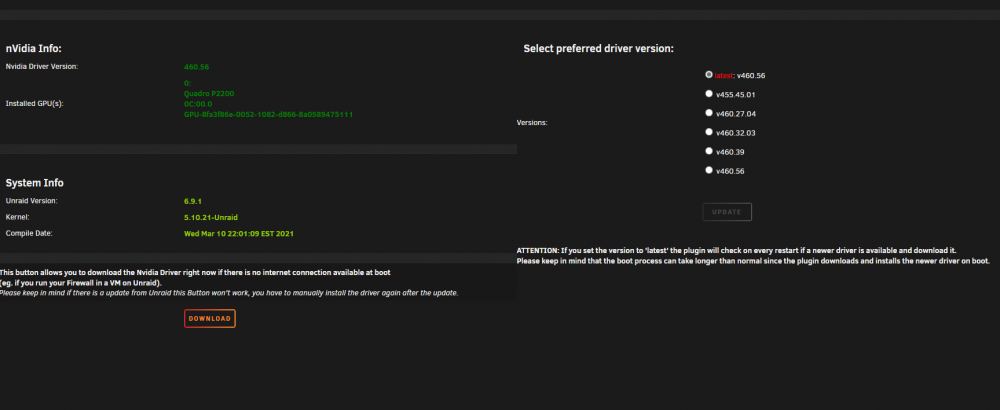 I tried and still no success, I cant figure out what I am doing wrong.I cannot get my nvidia card to hw transcode I followed all steps and get it to transcode. please help!!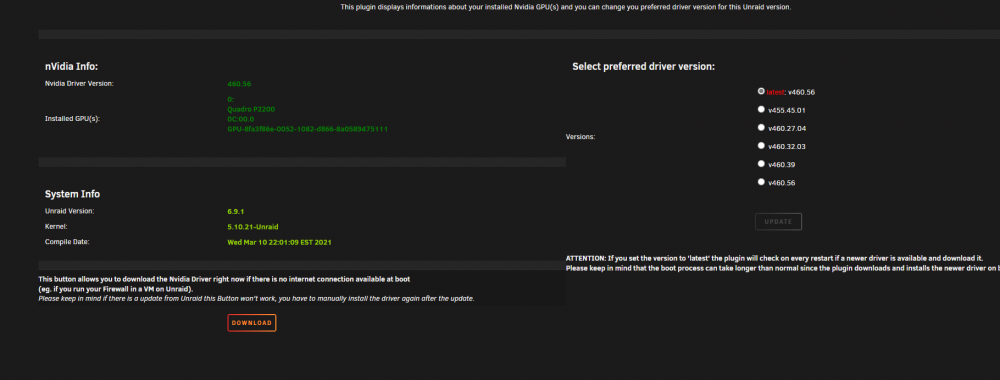
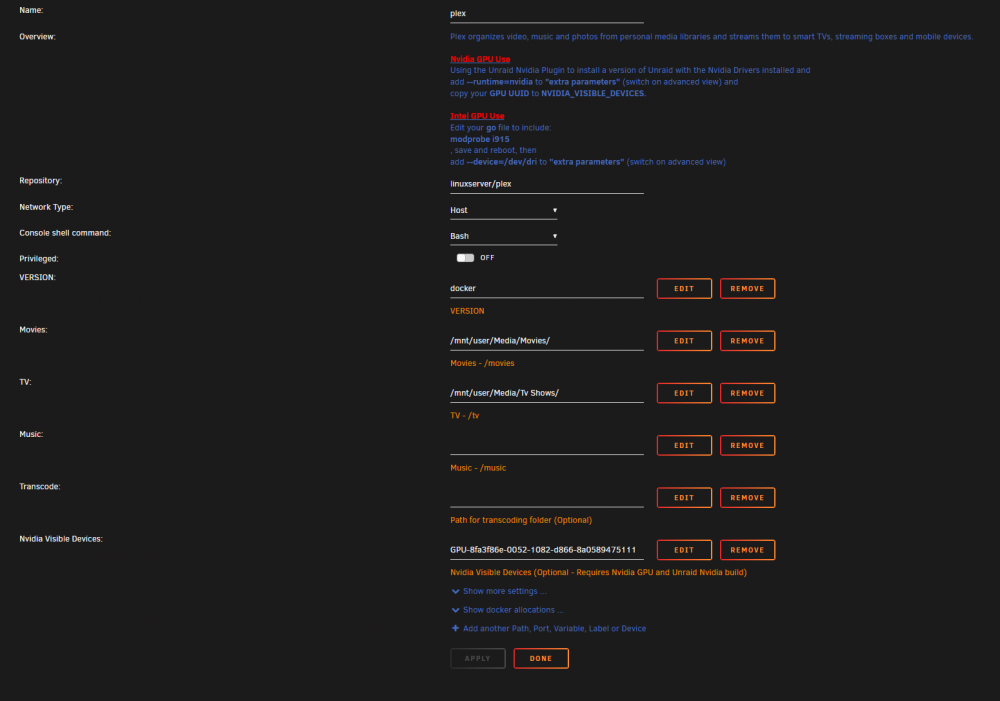
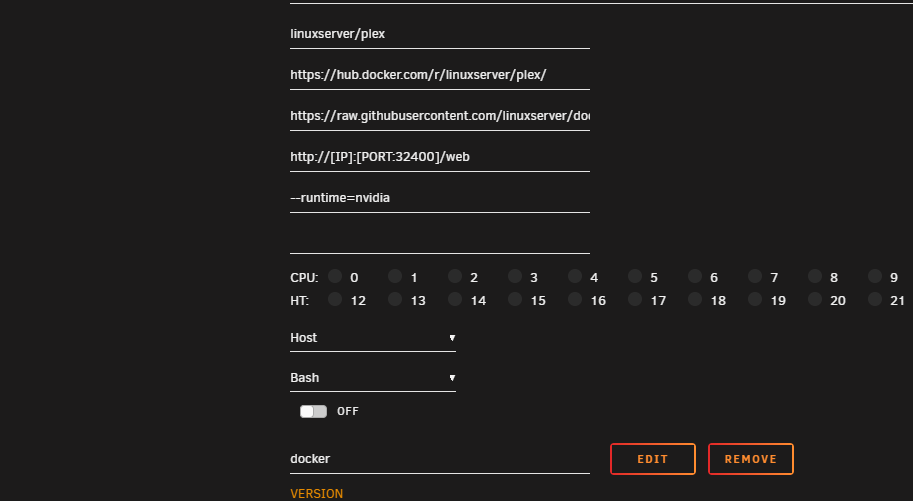
 Hi I have an RX 580 thats work fine with windows and Mac OSX but all my linux vms trigger the reset bug is there any solution??after the update to openvpn as i lost connectivity and cant see the webui.



