fejich
Members
-
Joined
-
Last visited
-
Sorry I haven't browsed the forum for a while. I have updated the fclones plugin to the latest version v0.35.0. Thank you for your feedback.
-
I apologize for my oversight; I had a habit of typing the full "scriptName.sh" in the URL by default during testing, and I didn't notice this issue until now. Thank you for the feedback. I will correct this error right away.
-
You need to use the /etc/rc.d/rc.webhookd script to manage the service. # Start the webhookd service /etc/rc.d/rc.webhookd start # Stop the webhookd service /etc/rc.d/rc.webhookd stop # Restart the webhookd service /etc/rc.d/rc.webhookd restart
-
<enter> - open container menu │ │ │ │ [a] - toggle display of all containers │ │ [f] - filter displayed containers │ │ [h] - open this help dialog │ │ [H] - toggle ctop header │ │ [s] - select container sort field │ │ [r] - reverse container sort order │ │ [o] - open single view │ │ [l] - view container logs ([t] to toggle timestamp when open) │ │ [e] - exec shell │ │ [w] - open browser (first port is http) │ │ [c] - configure columns │ │ [S] - save current configuration to file │ │ [q] - exit ctop You can press 's' to select the sorting method.
-
你试试安装这个插件:Dynamix Stop Shell 看看会不会有所改善

-
unRAID 的 mover 应该是用 rsync 来操作文件的 硬链接按理说能正常识别,不会重复占用空间的呢 不过没用过 缓存盘 ,具体就没测试过这类情况了
-
Based on my tests, I couldn't reproduce the issue.
-
应该是的,这部分功能在 unRAID 上不正常
-
Please accept my apologies for the late reply. Due to the prolonged Chinese New Year break, I inadvertently missed your forum post. The problem you mentioned has now been fixed in version 2025.02.04. 🙂
-
试试安装下面的插件,看看有没有改善 Dynamix Stop Shell

-
输入 ctop 即可,打开后 按 h 是显示帮助 s 是选择排序方式 unRAID 的终端显示不出条状图,都是按文字显示
-
Thank you for your feedback.🤝 Your modified script has been integrated into the 2025.01.17 version The script works very well. # /etc/rc.d/rc.webhookdd start Starting webhookd ... Creating config directory at /mnt/user/appdata/webhookd Creating webhookd environment file at /mnt/user/appdata/webhookd/webhookd.env Creating hook scripts directory at /mnt/user/appdata/webhookd/scripts Loaded environment variables from /mnt/user/appdata/webhookd/webhookd.env: time=2025-01-17T16:12:31.219+08:00 level=INFO msg="server started" addr=:8080 Started!
-
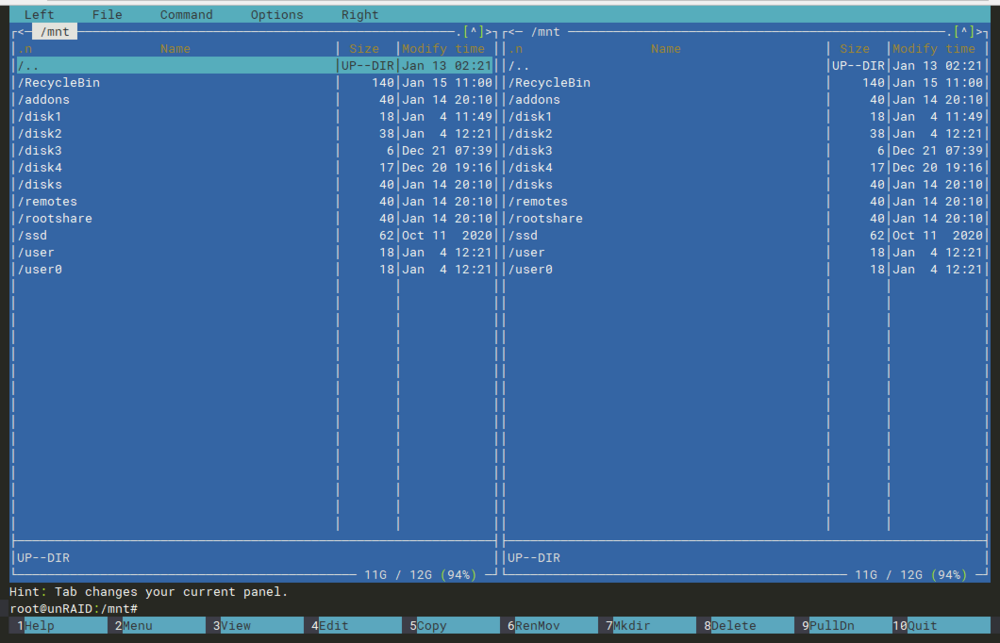
可以通过终端,运行 mc 命令 操作比网页端直观 GNU Midnight Commander (mc) 是一个强大的基于文本的 Unix 文件管理器。
-
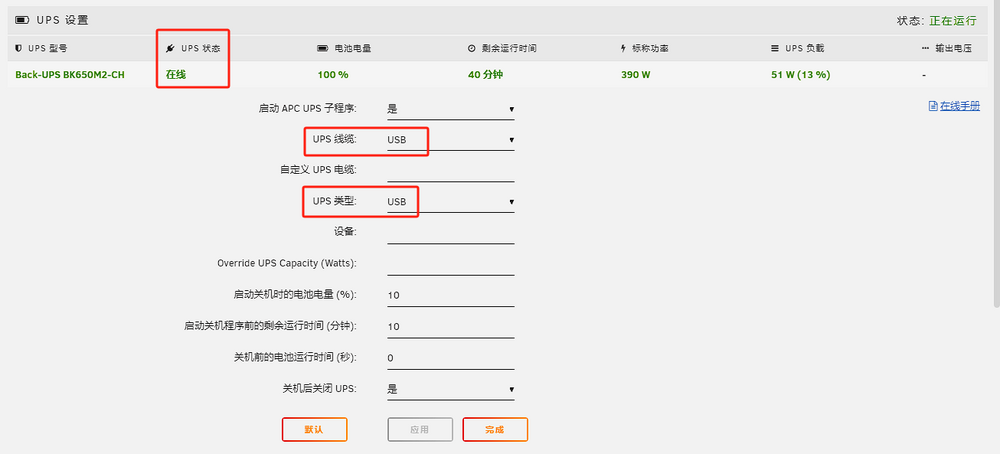
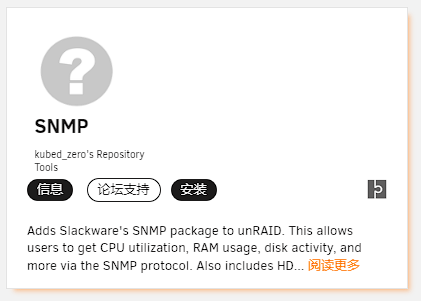
0)💡工作原理 unRAID 内建有 apcupsd 创建 sh脚本 收集USP电源状态的信息。 然后通过 snmpd 扩展给其他设备或软件使用 1)🔦连接并配置好 UPS 2)🗃️下载 UPS电源状态 监控脚本 终端内输入命令 cd /mnt/user/appdata && \ wget https://raw.githubusercontent.com/0awe/rpi-snmp-ups-synology-nas/master/apcupsd.sh && \ chmod +x apcupsd.sh 脚本 Github 仓库: 3)🏵️安装并配置 SNMP 插件 插件设置添加一行,保存 pass .1.3.6.1.4.1.318.1.1.1 /bin/sh /mnt/user/appdata/apcupsd.sh 4)🪄测试是否工作 终端内输入命令,注意按实际情况替换为 unRAID 的内网ip snmpwalk -v 2c -c public 192.168.168.4 .1.3.6.1.4.1.318.1.1.1 正常的话,会输出类似内容 5)🔗群晖 DSM系统 设置

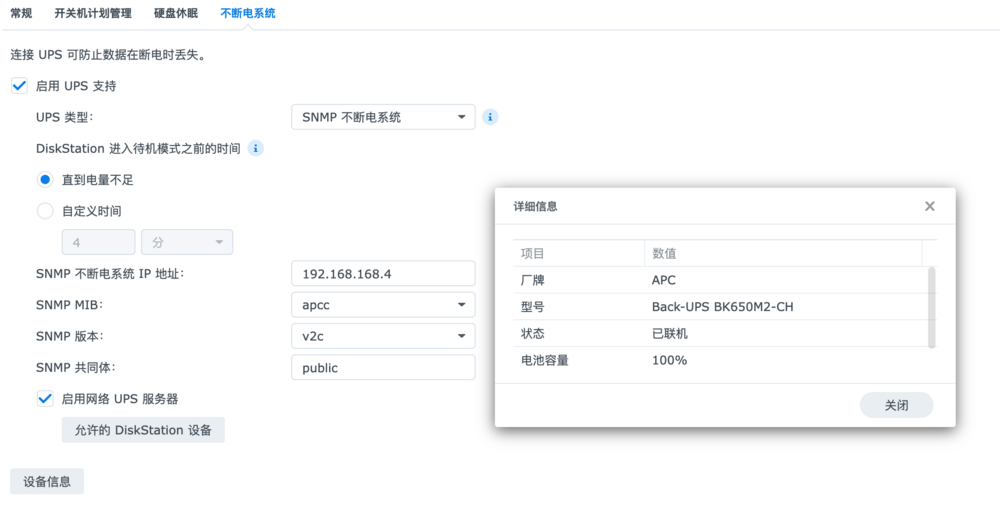
-
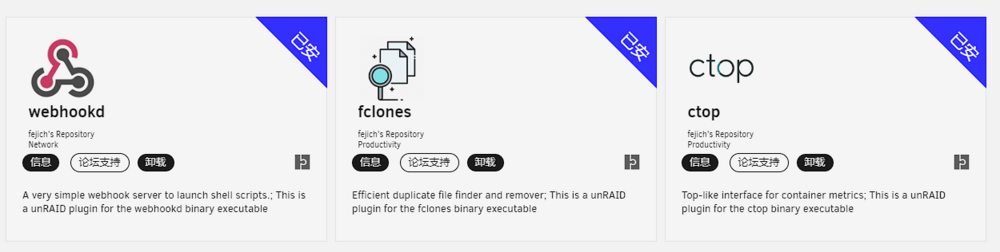
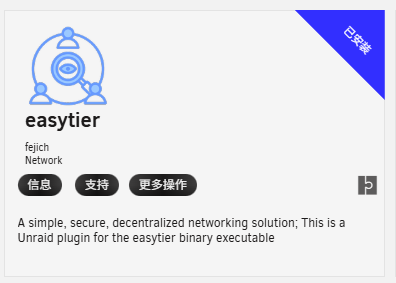
这是我第一次为 unRAID 打包插件。 我在自己和朋友的机器上测试了几天,目前一切正常。 如今正申请将其添加到 CA市场 中。 This is my first time packaging a plugin for unRAID. I've been testing it for a few days on my own and my friends' machines, and it's working fine so far. I'm now applying to get it added to CA / Appstore. 插件使用上有任何问题,可以于此贴讨论。 If you have any questions about the use of the plugin, you can discuss it in this post. --- github repo:ctop Plugin github repo:fclones Plugin github repo:webhookd Plugin github repo:easytier Plugin --- 2026.05.09 新增 easytier 插件 2025.01.15 已经正式上架CA商店